 Vanoor
Complete guide
Running with an Apple Watch: the complete guide
On this page
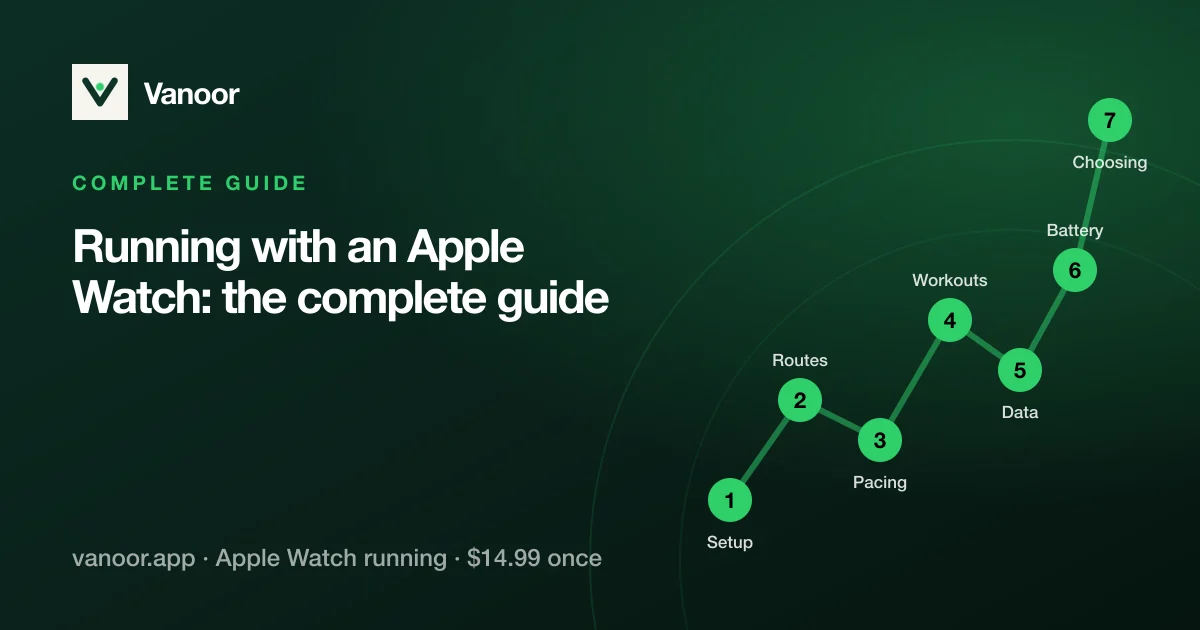
An Apple Watch is a very good running watch that ships with a very basic running app. This page is the map of everything we have written about closing that gap: what to set up before your first run, how to follow routes without a phone, how to pace a race, how to run structured workouts, what the numbers mean, how to keep the battery alive, and what to do when something misbehaves. Each section is a short summary with the full guide linked; read it top to bottom once, then come back to the part you need.
1. Set the Watch up for running
Three things are worth doing before the first run: decide what each data screen shows, set your heart-rate zones from your age or a real max, and, if you train by heart rate, decide whether the wrist sensor is enough or you want a strap. Apple's defaults are fine for a jog and wrong for a tempo session.
- Configure your running screens: which metrics belong on which page, and why five numbers beat nine.
- Heart-rate zones calculator: zones from age (Tanaka), from a measured max, or from heart-rate reserve, with the research behind each.
- Apple Watch with a chest strap: pairing, when the wrist sensor lags, and when a strap is worth it.
2. Routes and navigation
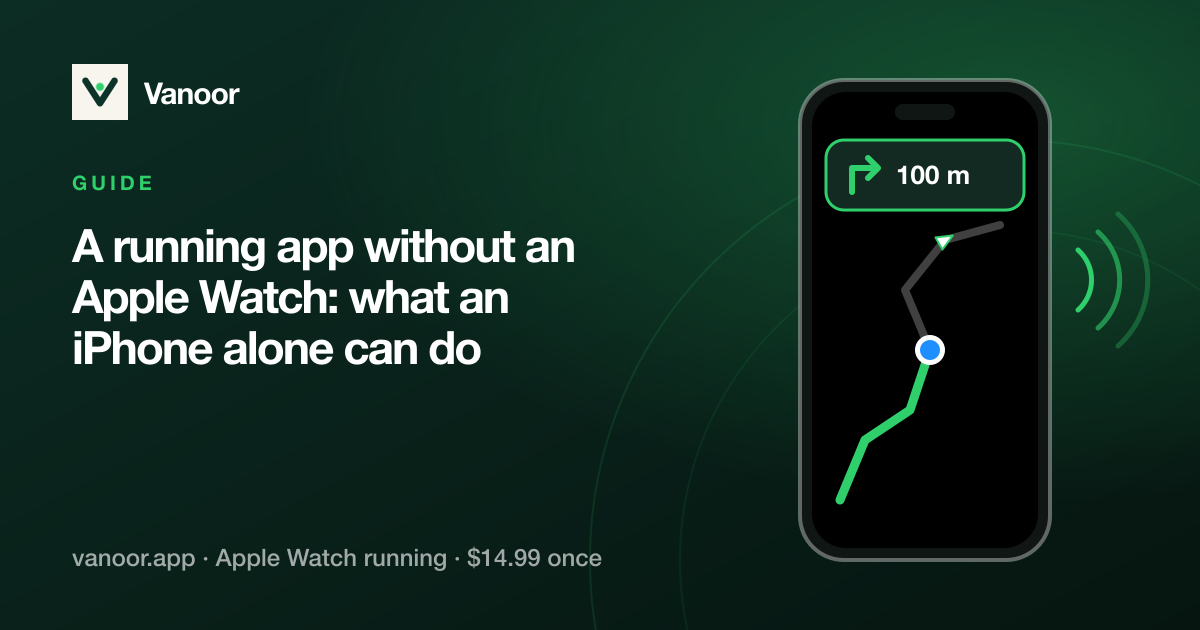
Apple's Workout app records where you went and never shows where to go. Following a route on the Watch (a race course, a trail, an unfamiliar city) needs a GPX file, an app that draws it on the wrist, and a map that works with no signal. Once that is in place the phone can stay at home.
- Import a GPX route to your Apple Watch: start here, with where GPX files come from and how they get to the wrist.
- Navigation without your phone: what works offline, what needs cellular, and what never needs either.
- Offline maps for running: how a strip of map travels with the route, once you switch the map to Offline, so the forest is not a black screen.
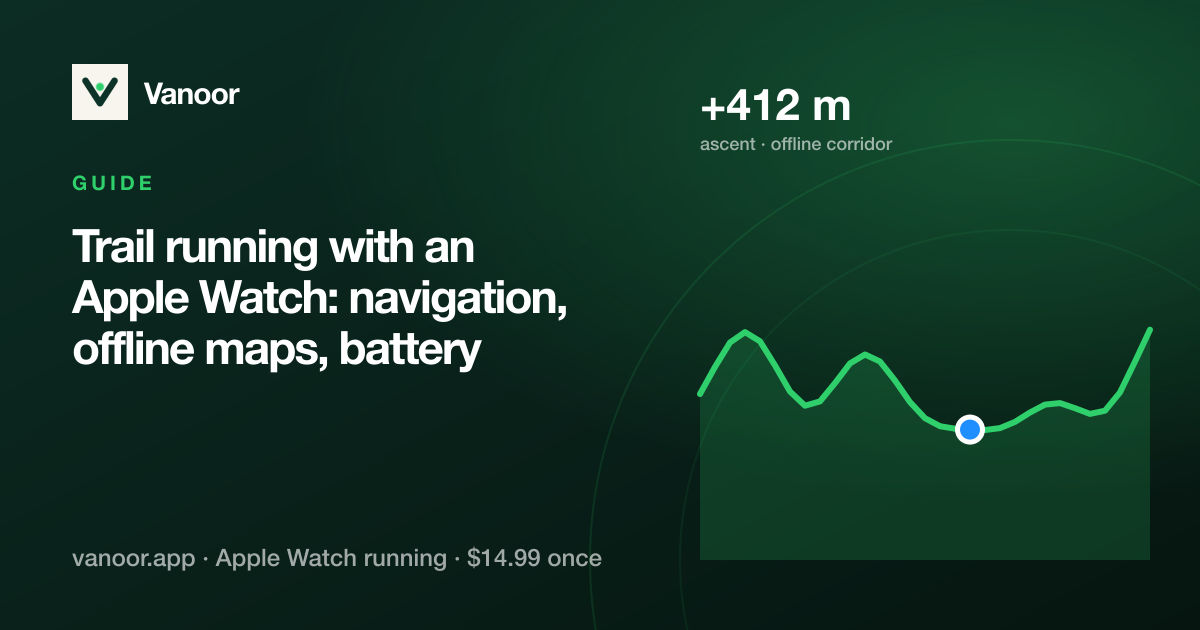
- Trail running with an Apple Watch: GPS under trees, pacing by effort, battery for long days, and what the Ultra actually adds.
- Footpath vs WorkOutDoors vs WristTopo vs Vanoor: the navigation apps side by side.
3. Pacing a race
Pacing is arithmetic under fatigue, which is why it goes wrong at 35 km. Do the arithmetic at the kitchen table: pick a goal from a recent race, choose even or slightly negative splits, and put the plan on the wrist so the Watch tells you whether you are inside the band instead of you computing it.
- Marathon and half marathon pacing on Apple Watch: the plan, the wall, fuelling, and what to do when the plan slips.
- Negative split calculator: kilometre-by-kilometre targets for any goal time.
- Half marathon pace chart and marathon pace chart: per-km and per-mile pace with the split clocks for every goal.
- Current pace and pace alerts: why the number jumps, how it is smoothed, and alerts that help instead of nagging.
4. Structured workouts
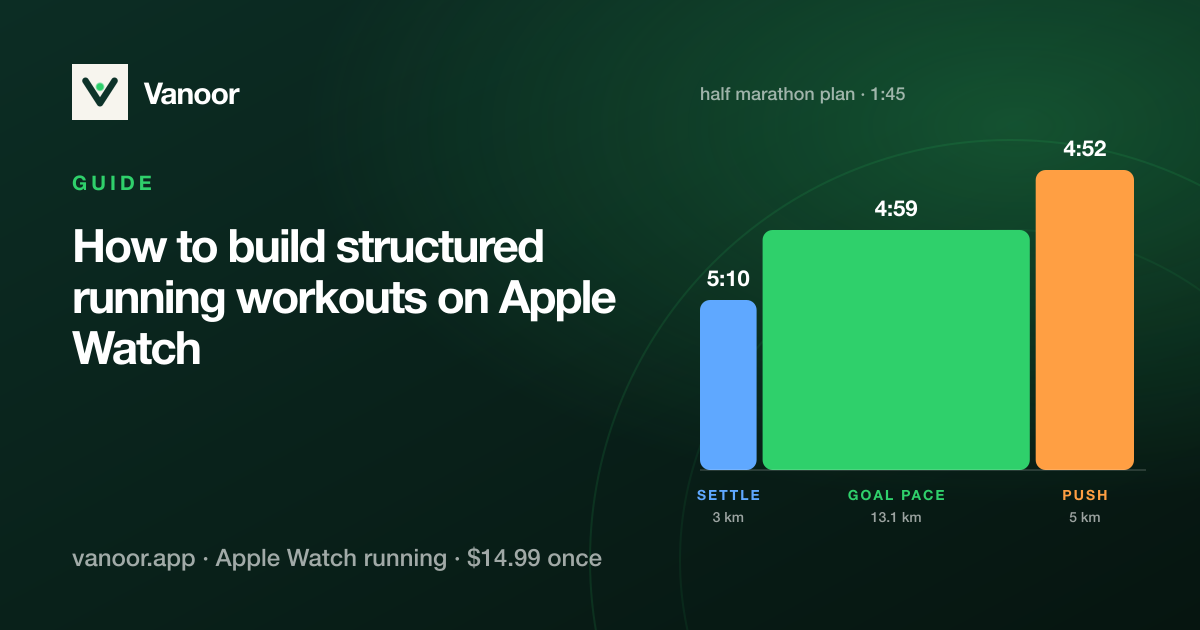
Intervals, tempo runs and run/walk sessions all want the same thing from a watch: show the next step, hold you to its target and count down the recovery. You build them on the phone and run them on the wrist.
- Custom interval workouts: steps by distance or time, pace bands, heart-rate zones, repeats and rests.
- Run/walk intervals: ratios that work and a timer that runs itself.
- Cadence and the metronome: the number, the research, and a tick on the wrist.
5. The data
An Apple Watch measures more than most runners look at: cadence, running power, stride length, ground contact time, vertical oscillation. Most of it is only useful compared with your own history, and some of it is easier to game than to improve.
- Running metrics explained: power, cadence, ground contact time and the rest, with what actually changes them.
- Heart-rate zones: the zone scale, how to set it, and how accurate the wrist is.
- Zone 2 running: what easy really means, your zone 2 heart rate, and holding it on the wrist.
- VO2 max on Apple Watch: how Cardio Fitness is estimated, what the validation studies found, and how to read it.
6. Battery, sync and troubleshooting
The usual complaints: the battery does not last the long run, the run keeps pausing, Strava did not get the run. All three have causes you can see and settings you can change.
- Battery for long runs and marathons: what drains it (the map page and the always-on screen), what to switch, real expectations per model.
- Run keeps pausing: how auto-pause should behave, why it misfires, and when to turn it off.
- Strava and Apple Health: why third-party workouts never sync from Health, and the ways runs actually reach Strava.
- Strava on Apple Watch, problems solved: symptom, cause and fix for syncing, heart rate, pace and battery problems.
7. Choosing the app, and the watch
Whether an Apple Watch is enough depends on what you want from it. For most road runners it is, with the right app; for a week in the mountains a dedicated GPS watch still has an edge on battery. The comparisons below are dated and specific.
- Apple Watch vs Garmin for running: battery, maps, training tools, smartwatch life and price, and which one suits whom.
- Apple Watch running app alternatives: the other apps and what each one does.
- Vanoor vs subscription running apps: what a one-time purchase covers and what it deliberately leaves out.
This page summarises and links the guides; each one carries its own sources at the foot of the page: Apple’s and Garmin’s published specifications for hardware figures, Strava’s own documentation for what it does and does not import, and DOIs for anything from the research literature.
Related guides
Picked by shared topics.
Keep the Watch. Upgrade the run.
Vanoor: offline route navigation, race pacing and structured workouts on the Apple Watch you already own.
Get Vanoor on the App Store 7-day free trial · $14.99 once, no subscription · no account