 Vanoor
Guide
How to build structured running workouts on Apple Watch (iOS 26 and later)
On this page
Since iOS 26 you no longer have to build custom workouts by tapping through menus on the Watch. Apple's Fitness app on the iPhone has a full workout builder, and whatever you make there syncs to your Apple Watch by itself. Plenty of runners haven't noticed yet. This guide shows how to use it for intervals and a race plan, where it works well, and where it starts to get fiddly.
- Open Fitness on your iPhone, tap Workout, find Outdoor Run and tap the timer icon under it.
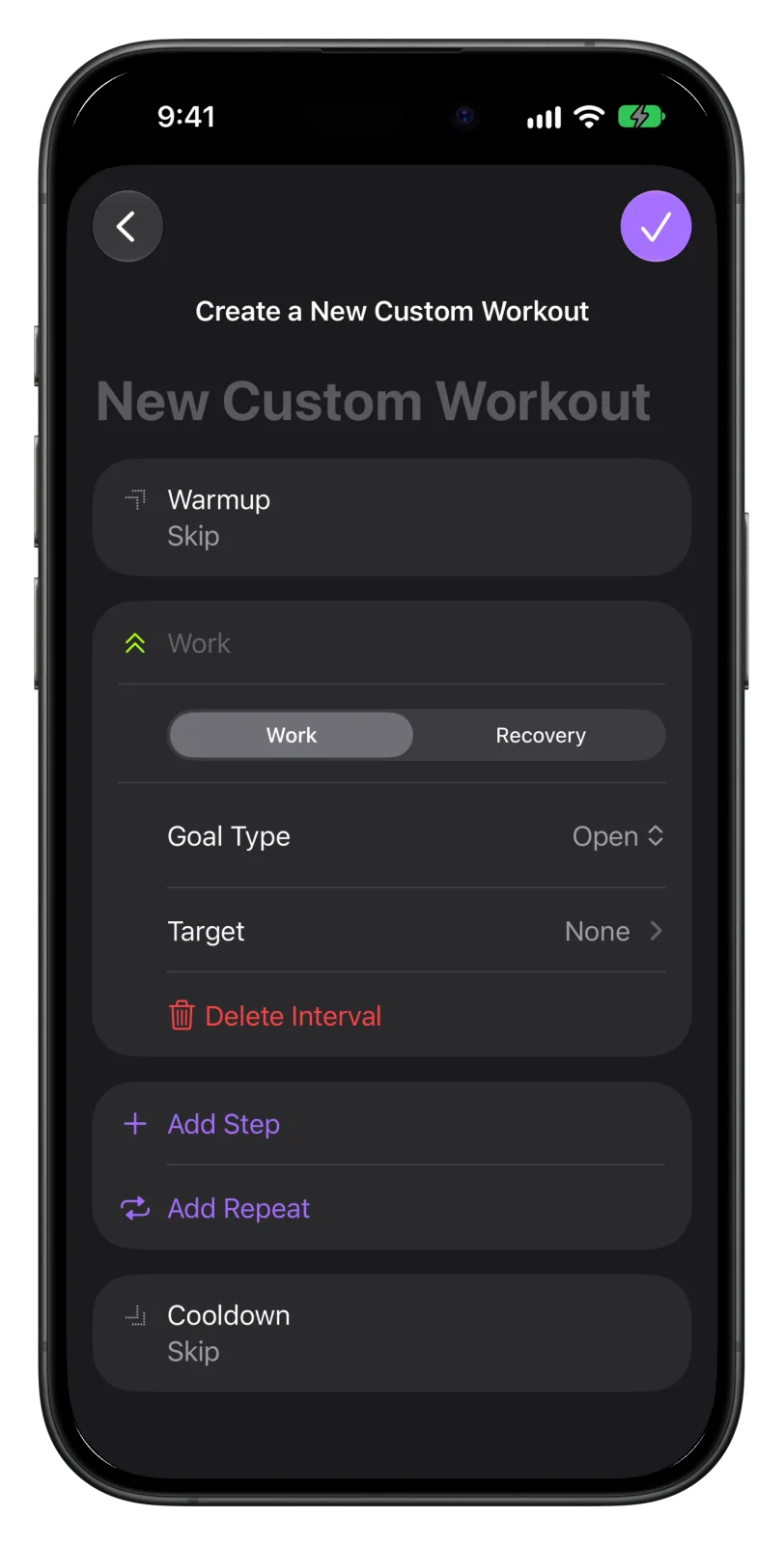
- Tap Custom, then +. Set a warm-up, add work and recovery steps (by time or distance), group them with Add Repeat, set a cool-down.
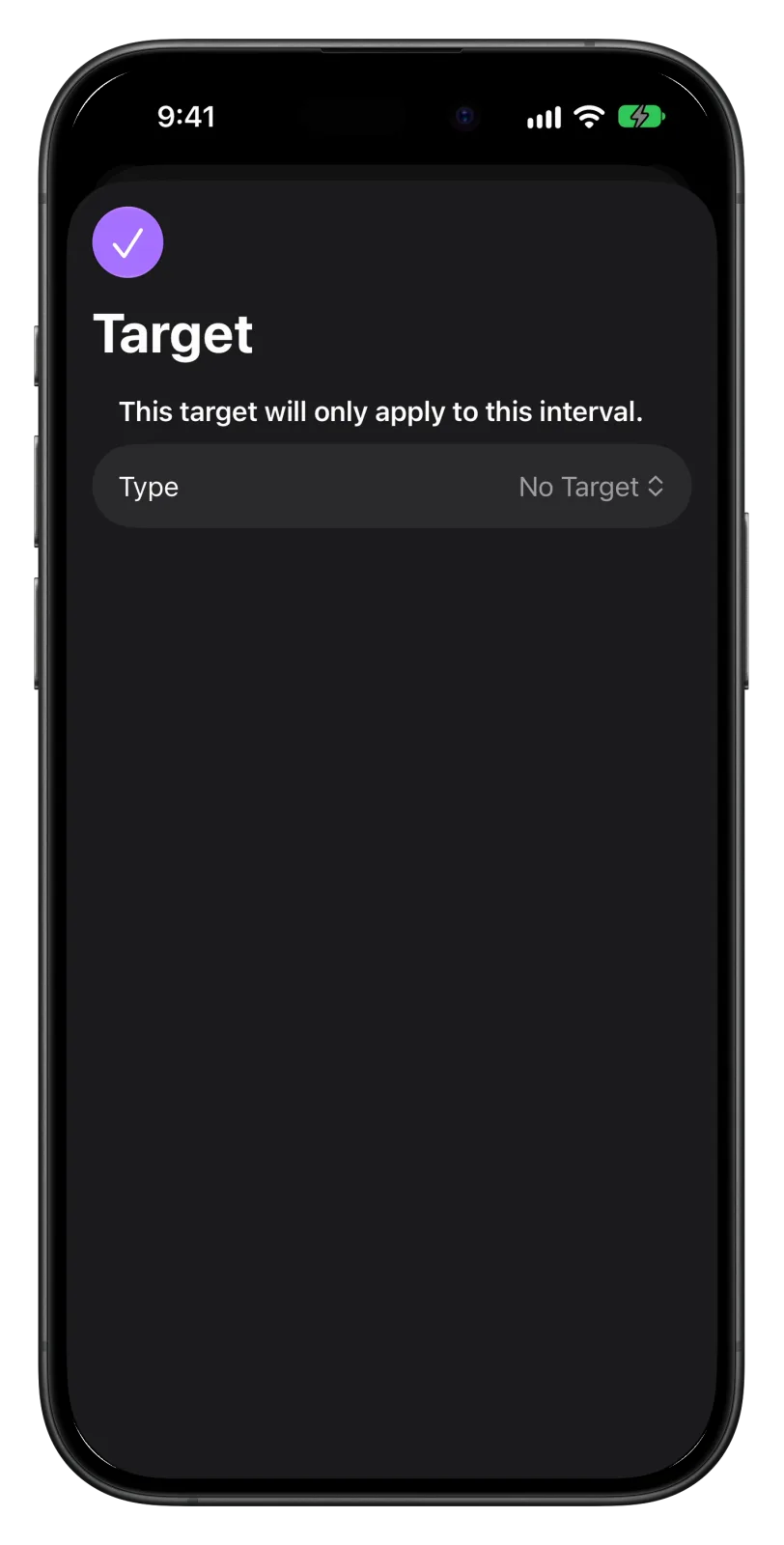
- Give each step a Target (pace, heart rate, cadence or power) if you want an alert, name the workout and tap the check mark. It appears on your Watch, ready to start.
What Apple's builder can do
A custom workout has three parts: a warm-up, the main set, and a cool-down. The main set is a list of steps, and each step is either Work or Recovery.
- Goal type: each step ends after a time, a distance, or when you tap to move on (Open).
- Target: one per step. Pace (current or average, a single value or a range), heart rate (a zone or a custom range), cadence, or power. The Watch alerts you when you drift outside it.
- Repeats: build the work and recovery steps, then wrap them in a repeat and set the count.
- Pacer: a separate mode where you enter a distance and a goal time, and the Watch shows whether you are ahead or behind that one even pace.
- Share: a finished workout can be sent to someone else, who can add it to their Watch.
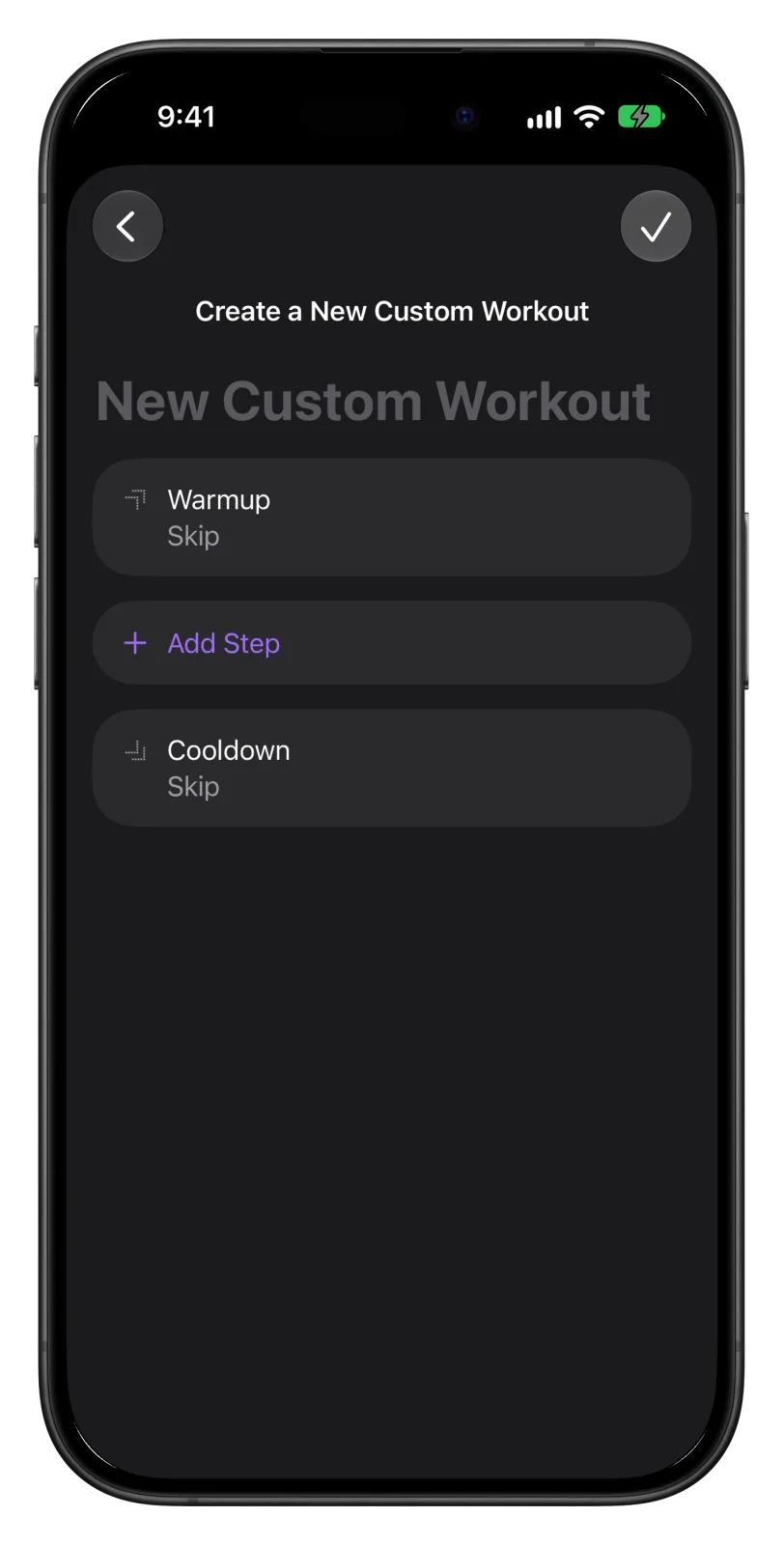
Example 1: 6 × 800 m intervals
- Warm-up: Goal Type Time, 12 minutes. Target: heart rate zone 2.
- Add Step → Work: Distance, 800 m. Target: pace range, say 4:10–4:20/km.
- Add Step → Recovery: Time, 90 seconds. No target.
- Add Repeat around the two steps and set it to 6.
- Cool-down: Time, 10 minutes, or Open.
That is the builder at its best. Five decisions, one repeat, and the Watch counts the reps for you. If your training is mostly sessions like this, Apple's builder is all you need, and it is free.
Example 2: a half marathon race plan that starts easy
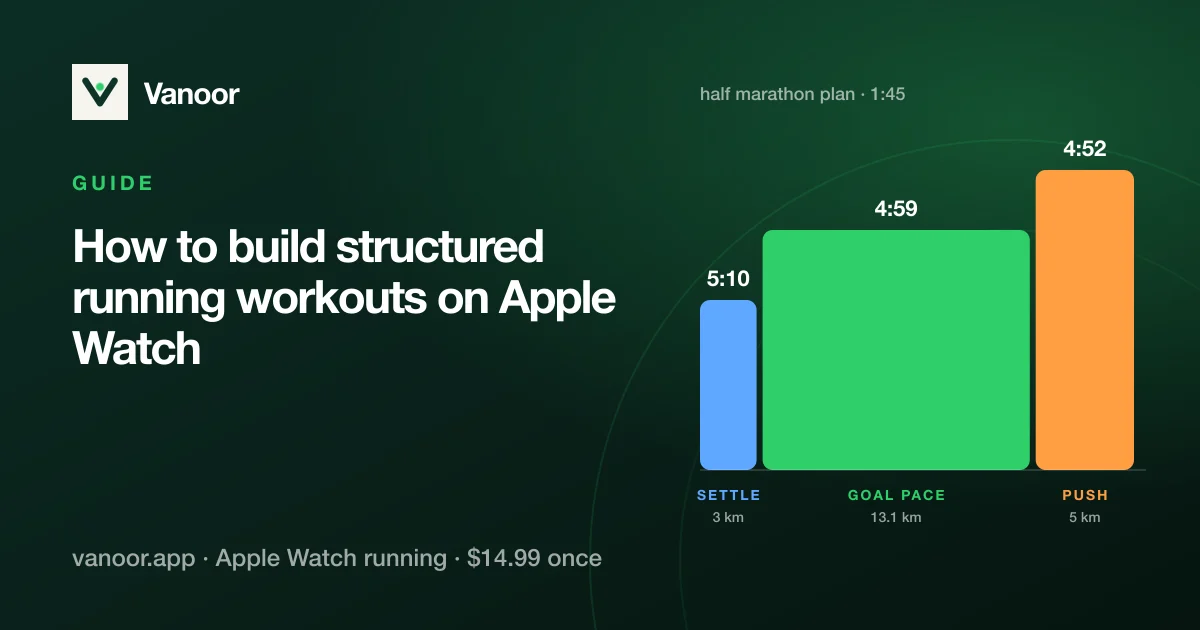
Most good race plans don't hold one pace from the gun. For a 1:45 half marathon (about 4:59/km on average) a sensible plan settles in first and finishes strong:
| Section | Distance | Target pace |
|---|---|---|
| Settle in | 3 km | 5:10/km |
| Goal pace | 13.1 km | 4:59/km |
| Push | 5 km | 4:52/km |
Total about 1:45:07. Our example, not a prescription; the negative split calculator works it out for your own goal time.
In Apple's builder that is three Work steps, each with a distance and its own pace range. It works, but notice what the Pacer mode can't do: it only knows one even pace, so a plan that changes pace has to be a custom workout. And if you want the pace to change a little every kilometre, the way a real negative split does, you are building 21 steps by hand.
Where Apple's builder gets fiddly
- Long or detailed plans. Every step is its own card with its own target screen. A race plan per kilometre, or a session with ten different segments, is a lot of tapping, and the list gets long enough that you lose the overview.
- Plans written somewhere else. If your plan comes from a coach, a PDF or an AI chat, there is no import. You type each workout in, every week.
- One target per step. A step can watch your pace or your heart rate, not both.
- Afterwards. The workout is saved to Health, but there is no simple view of which steps you actually hit and which ones you missed.
An alternative: Vanoor
Vanoor is our Apple Watch running app, so take this section with that in mind. It does the same job as Apple's builder (steps, repeats, pace and heart-rate targets, synced to the Watch) and adds the parts that get fiddly above:
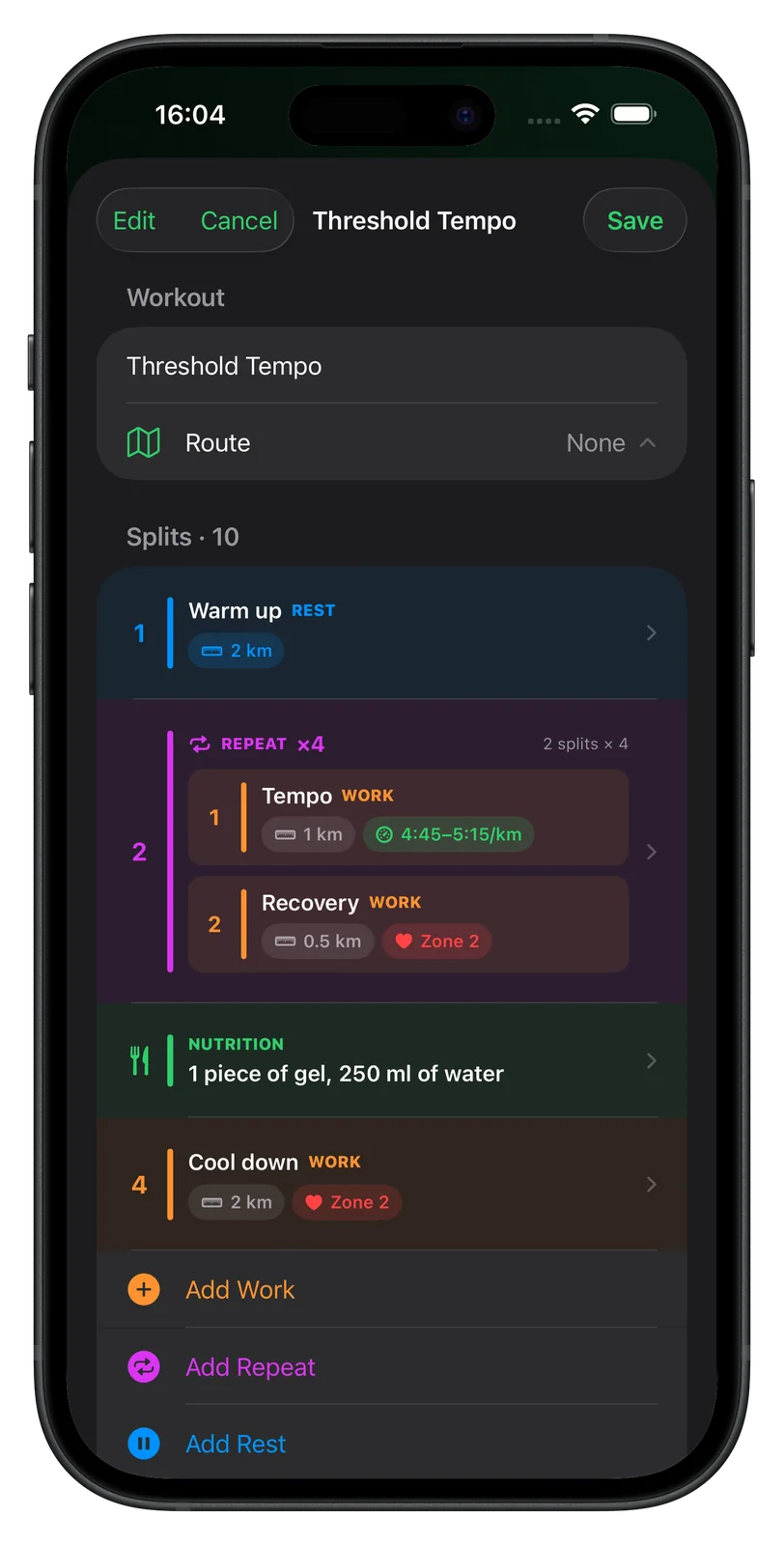
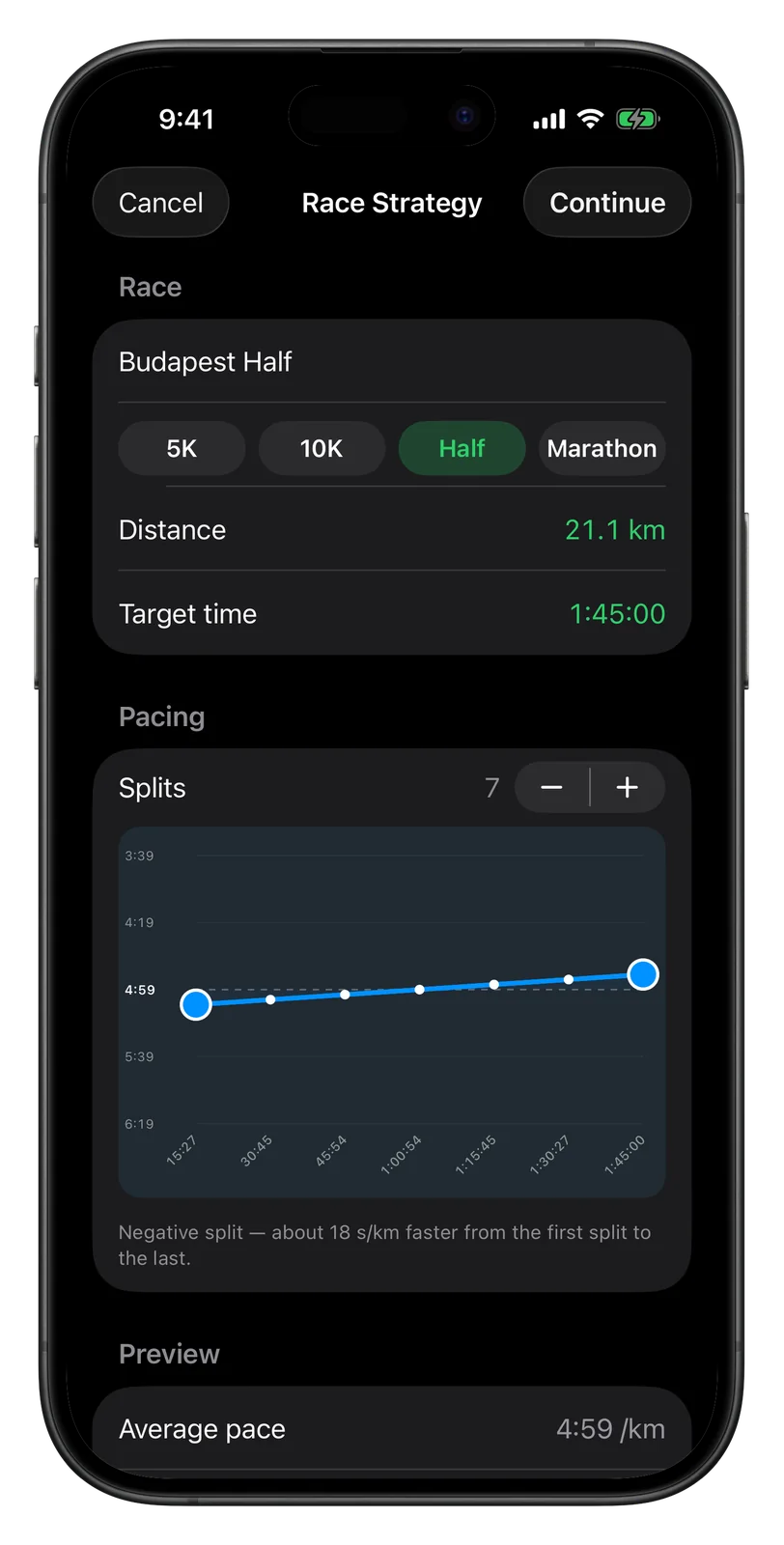
- Race plans in one screen. Pick the distance and goal time, drag the curve from even to negative split, and Vanoor writes a step for every kilometre with its own pace. Each split can still be edited afterwards.
- The whole workout at a glance. Steps, repeats and targets sit in one colour-coded list, so a long session stays readable.
- Import instead of typing. Paste the plan from ChatGPT, Claude or a coach and it becomes real workouts. See AI running plan on Apple Watch.
- See how it went. After the run, every step shows whether you were on target.
- Extras for long runs: fuel reminders inside the workout, and a GPX route attached to the session.
| Apple Fitness (custom workouts) | Vanoor | |
|---|---|---|
| Build on iPhone, sync to Watch | Yes (iOS 26+) | Yes |
| Steps by time or distance, repeats | Yes | Yes |
| Pace target | Alert outside a value or range | Band shown live on screen + optional alert |
| Race plan from a goal time | Pacer: one even pace | Even, negative or positive split, per km |
| Import a plan (AI chat, coach) | No | Yes |
| Fuel reminders, GPX route | No | Yes |
| Step-by-step result after the run | No | Yes |
| Price | Free | $14.99 once, 7-day trial |
Runna and similar coaching apps also send structured workouts to the Watch, but they write the plan for you on a subscription, and editing a session yourself is limited. WorkOutDoors has its own workout builder on the Watch and is strong on maps. More in Apple Watch running app alternatives.
Structured workouts on Apple Watch: quick answers
Can I create custom workouts for Apple Watch on my iPhone?
Yes, since iOS 26. Open Fitness, tap Workout, tap the timer icon under a workout type, then Custom and +. The workout syncs to the paired Watch, which needs watchOS 26 or later.
Can Apple Watch give a different pace target for each part of a run?
Yes, in a custom workout: give every step its own pace target. The Pacer mode can't, because it only holds one even pace for the whole distance.
How do I put a training plan from ChatGPT or a coach on my Apple Watch?
Apple's builder has no import, so you rebuild each workout by hand. Apps such as Vanoor can import the plan as ready-made workouts; the AI running plan guide shows the steps.
Do custom workouts work without the iPhone?
Yes. Once a workout has synced, it runs on the Watch alone, phone at home.
Apple's builder checked against Apple's iPhone User Guide (iOS 26 and 27) and in the iOS 27 simulator on 10 October 2026.
Sources
- Apple. Customize a workout in Fitness on iPhone (iPhone User Guide): custom workouts, Pacer and Race Route; requires an Apple Watch with watchOS 26 or later. support.apple.com
- Apple. Create a custom workout on Apple Watch (watchOS User Guide). support.apple.com
- DC Rainmaker. Apple's new custom workout builder in iOS 26 / watchOS 26: hands-on: target types (pace, heart rate, cadence, power), current vs. average, ranges. dcrainmaker.com
Read 10 October 2026.
Related guides
Picked by shared topics.
Keep the Watch. Upgrade the run.
Vanoor: offline route navigation, race pacing and structured workouts on the Apple Watch you already own.
Get Vanoor on the App Store 7-day free trial · $14.99 once, no subscription · no account