 Vanoor
Race day
Live race tracking for runners: meet Cheerlify, and how it pairs with Vanoor
On this page
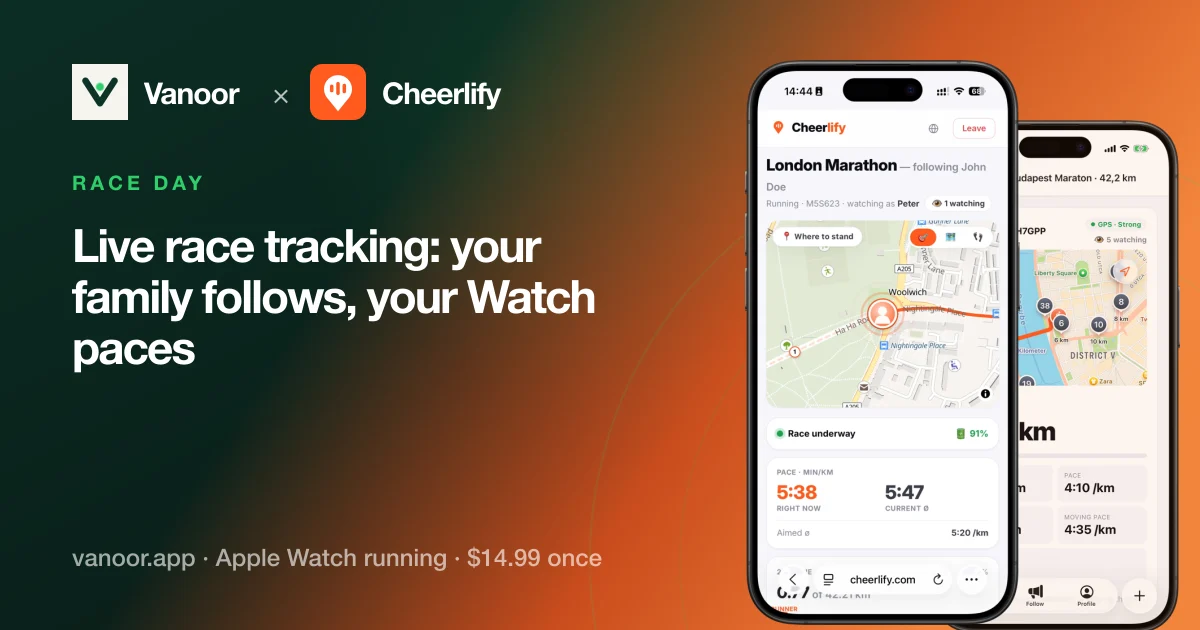
On race day most families stand at one corner for an hour, guessing when you will come past, or sit at home refreshing the race's results page. Cheerlify is an app for them: it shows your supporters where you are during the race and lets them talk to you. Cheerlify is made by the same developer as Vanoor.
What Cheerlify does
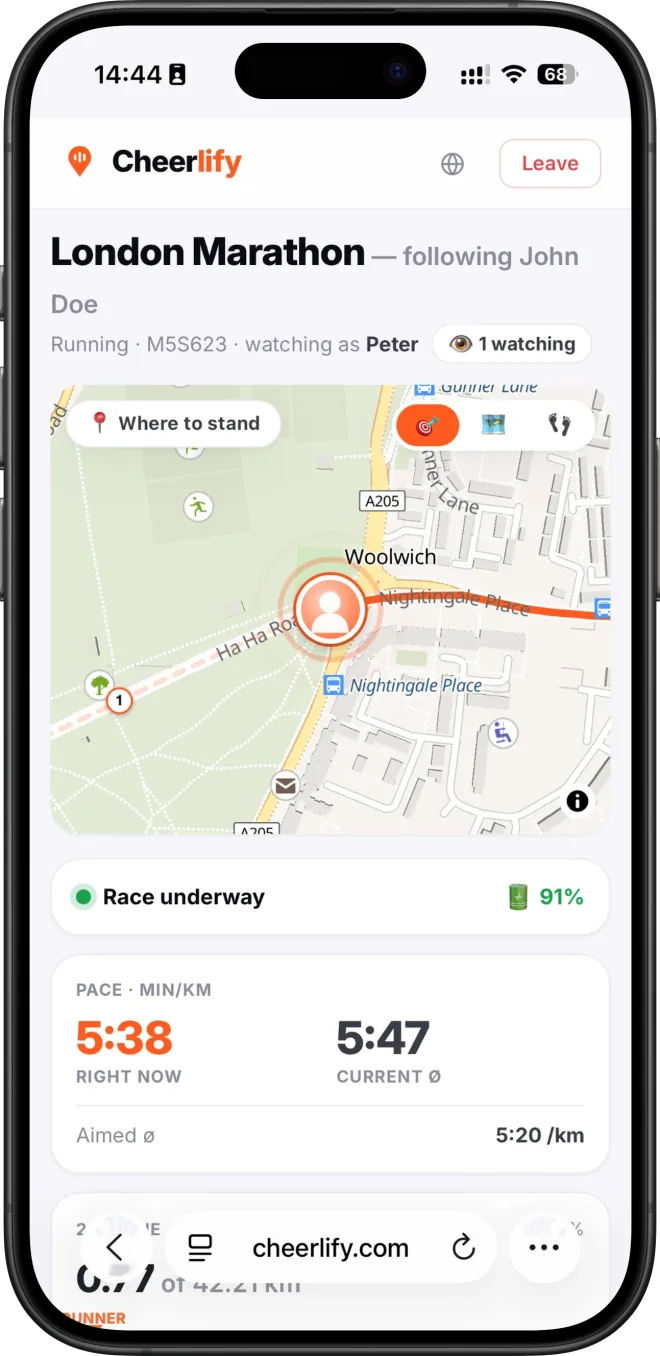
You load your race route in the Cheerlify app on your phone, then send one private link to the people you want along. They open it in any browser, on a phone, a laptop or grandma's tablet, and see you move along the course. They need no app and no account.
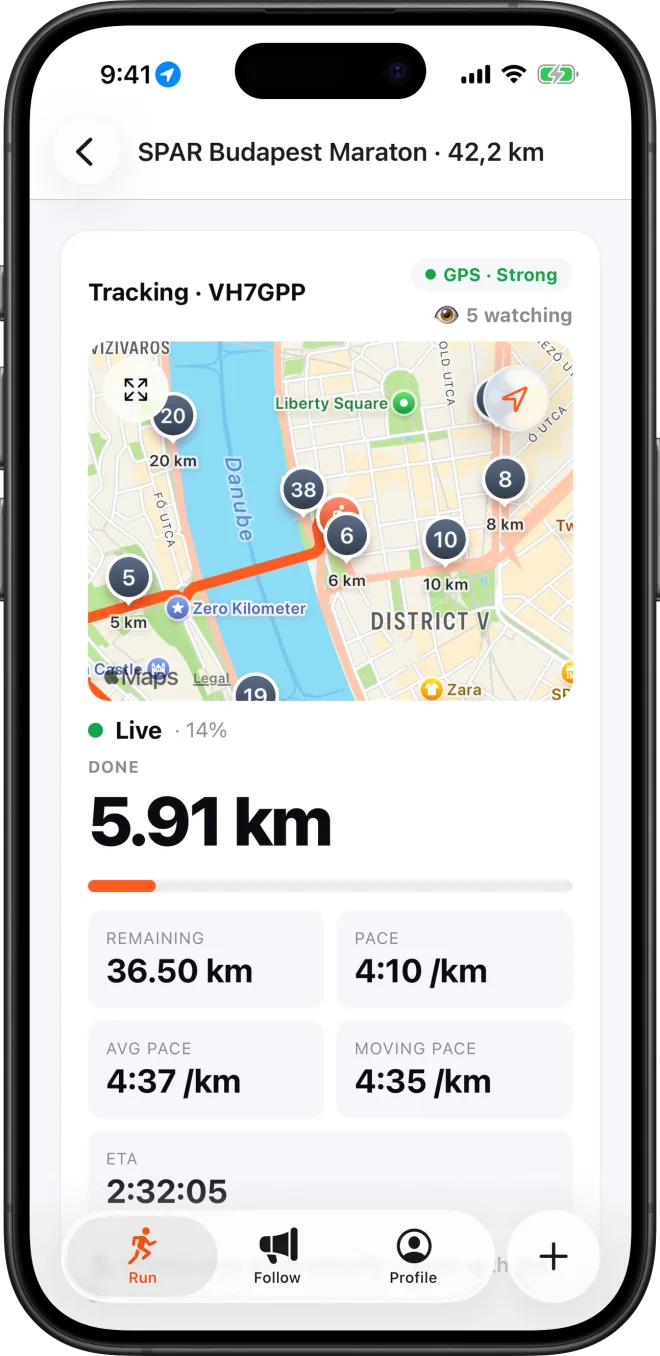
The follow page shows your live position on the map, your pace, your splits and your predicted finish. Supporters can record a short voice cheer or send a clap, and the cheer plays in your earbuds mid-race, over your music, which gets quieter while it plays. After the finish there is a recap page with the route, the splits and every cheer you got.
What it needs from you
- Your phone, on you. Cheerlify is a phone app for iPhone and Android. It has no Apple Watch or Garmin app, so the phone has to be in a belt or an armband with Cheerlify tracking.
- Headphones, if you want to hear the cheers. Check first that your race allows earbuds.
- A GPX file of the course, or the race picked from Cheerlify's catalog.
- Some battery. Cheerlify measured 0.6 to 0.8 % per kilometre on an iPhone 17 with the screen locked, which comes to roughly 25 to 34 % for a marathon.
Private by default
A race can only be opened with its private link and code. There is no public profile and no feed. If a link ends up somewhere it shouldn't, you reset the code and every link shared so far stops working.
Price and availability
Live tracking is free for a small group of followers, and a few voice cheers are included. Paid race packs add more viewers and more cheers for bigger days. Cheerlify is coming to iPhone and Android and is not in the app stores yet. You can join the waitlist on cheerlify.com.
How it pairs with Vanoor
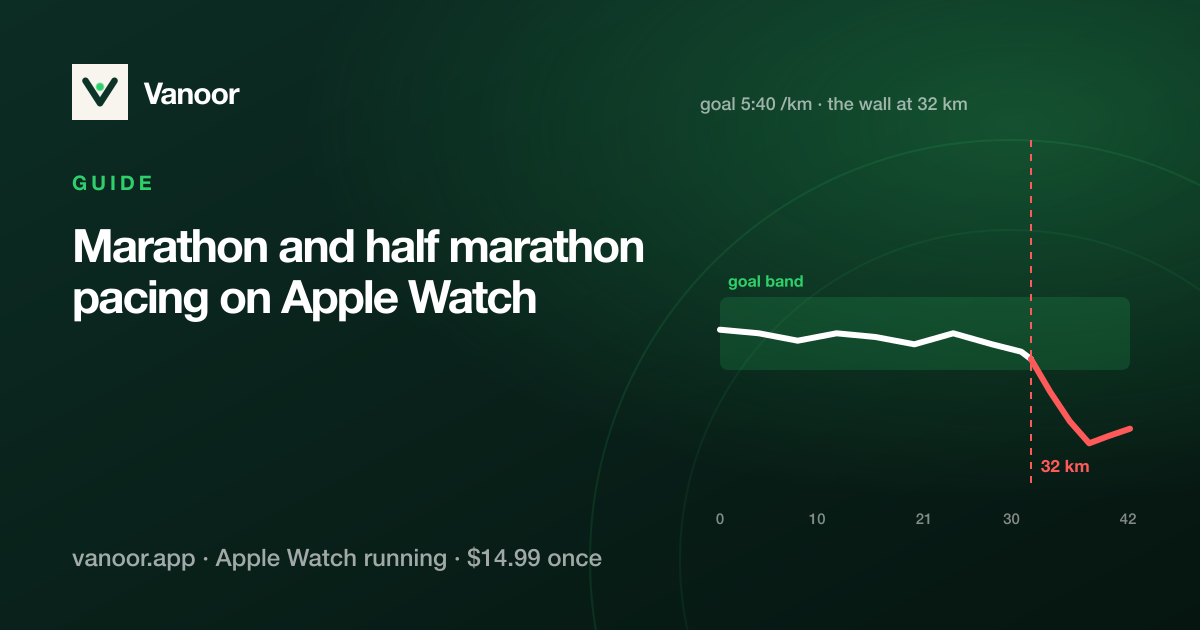
The two apps split the race between them. Vanoor runs on your Apple Watch and keeps your pace: you build a race plan from a distance and a goal time, choose a negative, even or positive split, and the Watch shows each split's pace band and buzzes before the pace changes. Cheerlify runs on your iPhone and keeps your people in the loop.
Vanoor is built so you can leave the phone at home, and on a normal training run you still can. Live tracking needs the phone, though, so on race day it comes along. Vanoor doesn't depend on it: if the phone runs out of battery, Vanoor keeps pacing you from the Watch alone.
Both apps can use the same course GPX, so you import it once into each. The full race-week checklist, with what to switch on in each app and what to carry, is in the guide run the perfect race your family can follow live.
Common questions
Do my family and friends need to install anything?
No. They open your link in a browser, type a name and watch. No app and no account.
Does Cheerlify work on the Apple Watch?
No, it runs on the phone. For pacing on the Watch during the same race, use Vanoor.
Will I hear the cheers and Vanoor's voice cues together?
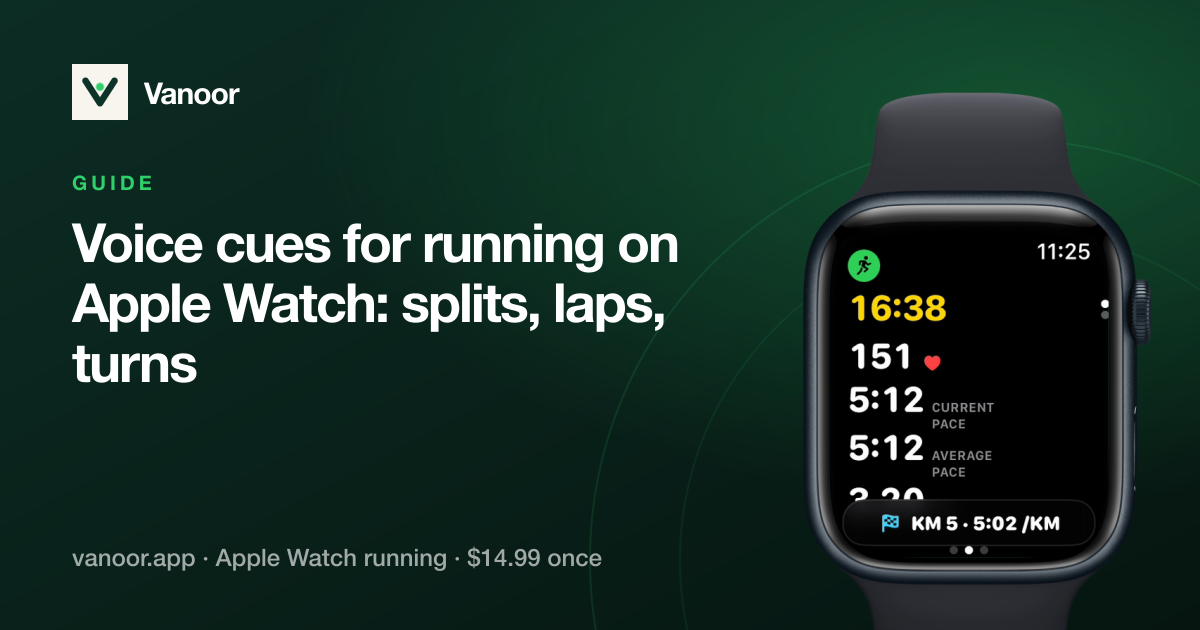
Cheerlify's cheers play through the headphones connected to your iPhone. Vanoor's spoken cues come from the Watch, and they are off until you switch them on in Settings → Alerts, so you choose how much Vanoor says.
Can I use Vanoor on race day without Cheerlify?
Yes. Vanoor works on the Watch alone. Cheerlify only adds the live map and the cheers for the people following you.
Related guides
Picked by shared topics.
Keep the Watch. Upgrade the run.
Vanoor: offline route navigation, race pacing and structured workouts on the Apple Watch you already own.
Get Vanoor on the App Store 7-day free trial · $14.99 once, no subscription · no account