 Vanoor
Guide
Marathon and half marathon pacing on Apple Watch: how to actually hold your goal time
On this page
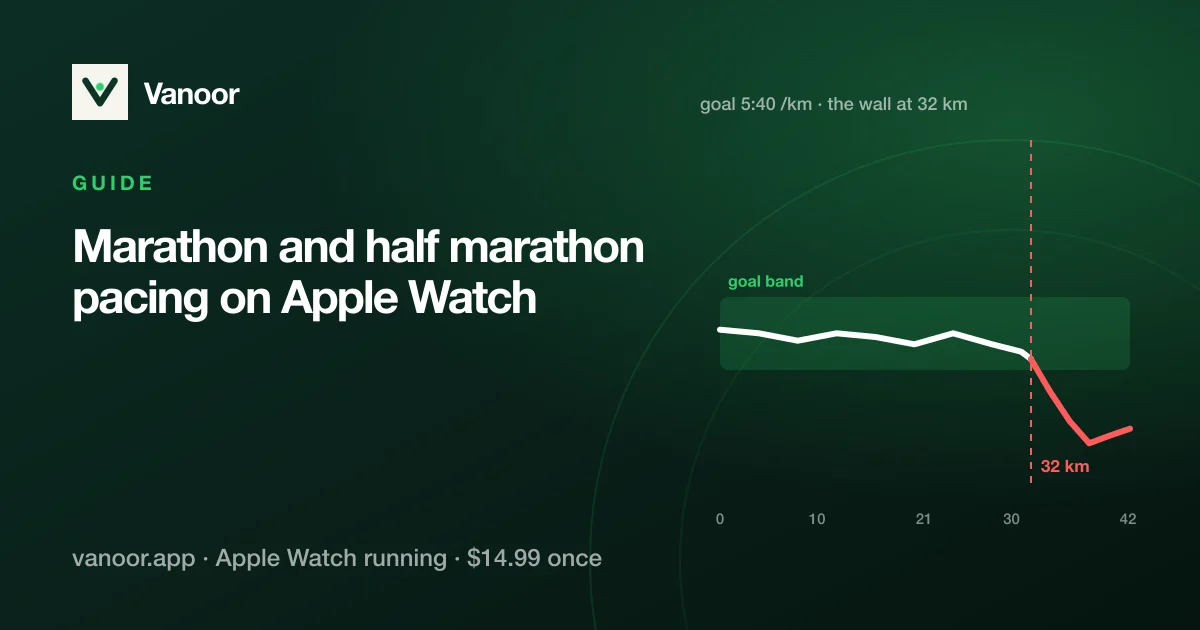
Most marathon goal times are lost in the first 5 km, when the legs are fresh, the crowd is loud and 10 seconds a kilometre feels like nothing. What helps is a plan on your wrist that tells you, split by split, whether you are on it. This guide builds that plan for a marathon or half marathon on Apple Watch and shows how to run it.
Step 1: Pick a goal you have earned
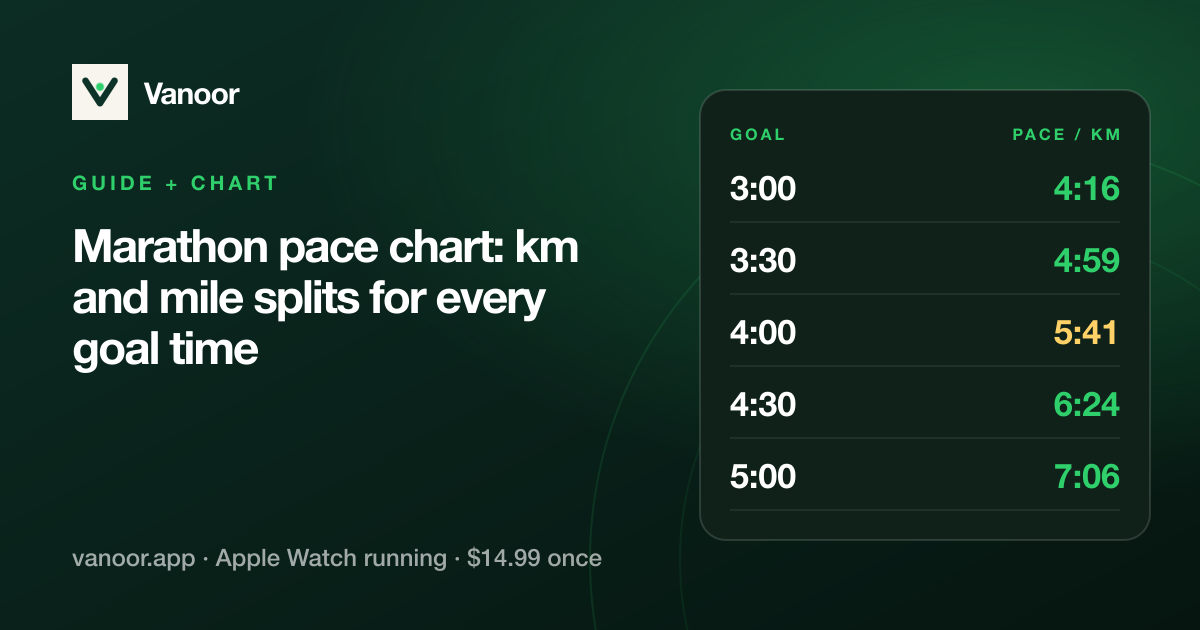
A realistic marathon goal is roughly your recent half marathon time × 2.1 (× 2.08 if you are well trained for the distance, × 2.15 if it is your first). For a half, take a recent 10K × 2.2. If you have no recent race, run 3 × 3 km at goal pace with 2 minutes' rest two weeks out; if it felt "comfortably hard", the goal is honest.
Step 2: Shape the splits
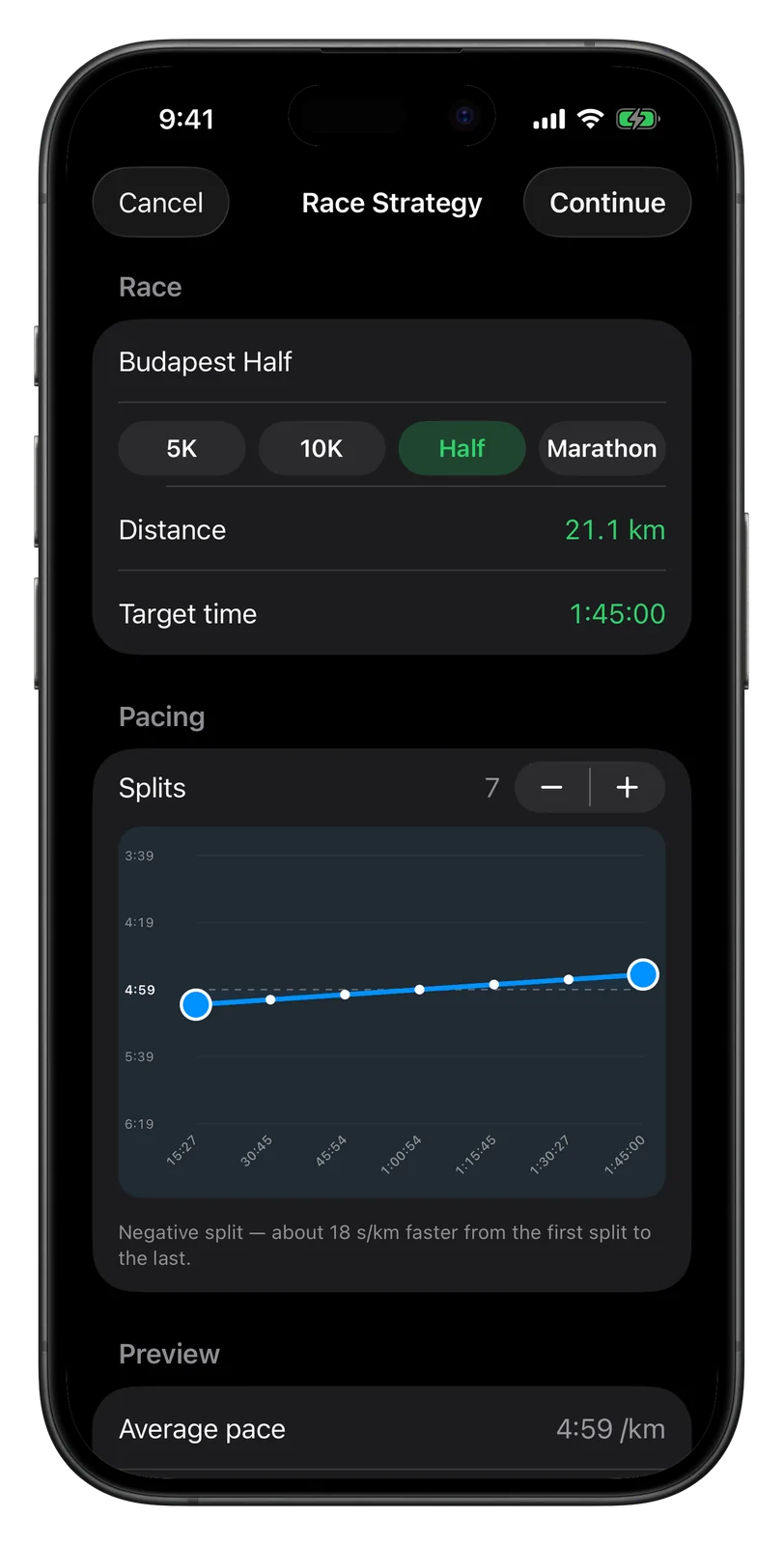
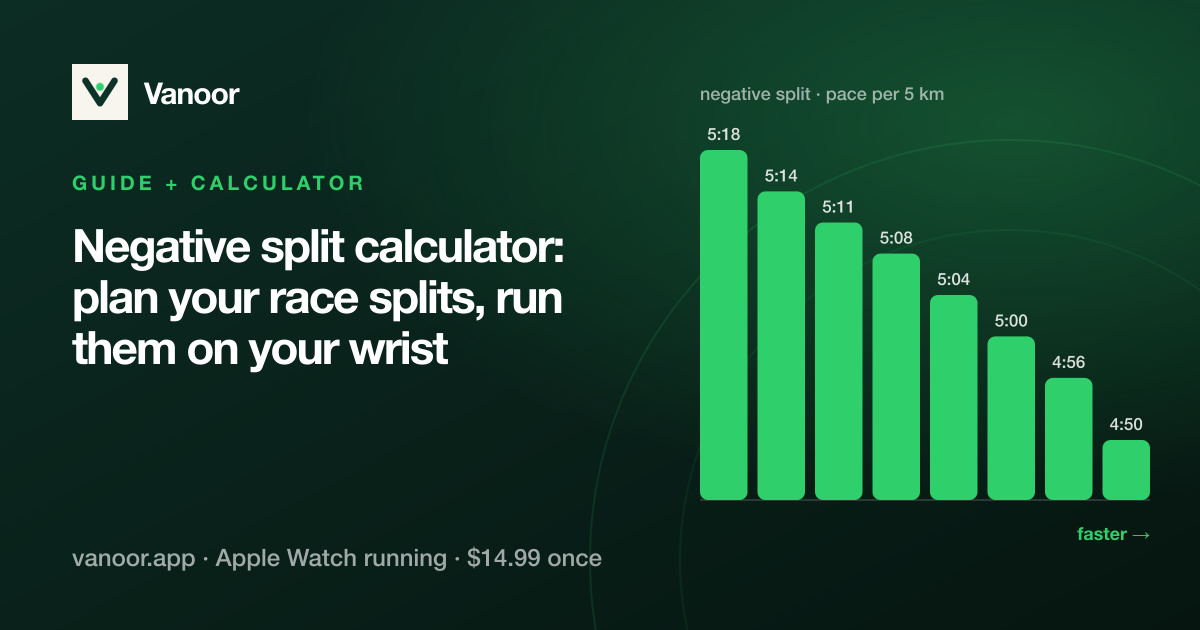
For both distances, plan a gentle negative split: first kilometres 5–8 s/km slower than average pace, last kilometres 5–8 s/km faster. On a hilly course plan by effort instead, with slower kilometres uphill and faster ones down, so the effort stays even while the numbers vary. Use the negative split calculator to get the kilometre table, or build it directly in Vanoor: open My Workouts → + → Race Pacing Strategy, choose the distance and goal time, and drag the curve. The planner keeps the total time fixed however you shape it.
Step 3: Add the cues that save races
- Fuel cues every 30–40 minutes (a gel, a few sips). Vanoor lets you place a nutrition cue at any time or distance in the plan; the Watch taps and shows it.
- A "settle" reminder at 1 km: a split named "Easy, let them go" does more than any mantra.
- The route, if the organiser publishes a GPX: attach it, and the Watch shows the course and what is left.
A plan someone else wrote, such as a coach's spreadsheet or a ChatGPT block, goes in the same way: the AI running plan import turns it into workouts you attach to the race.
What race day looks like on the wrist
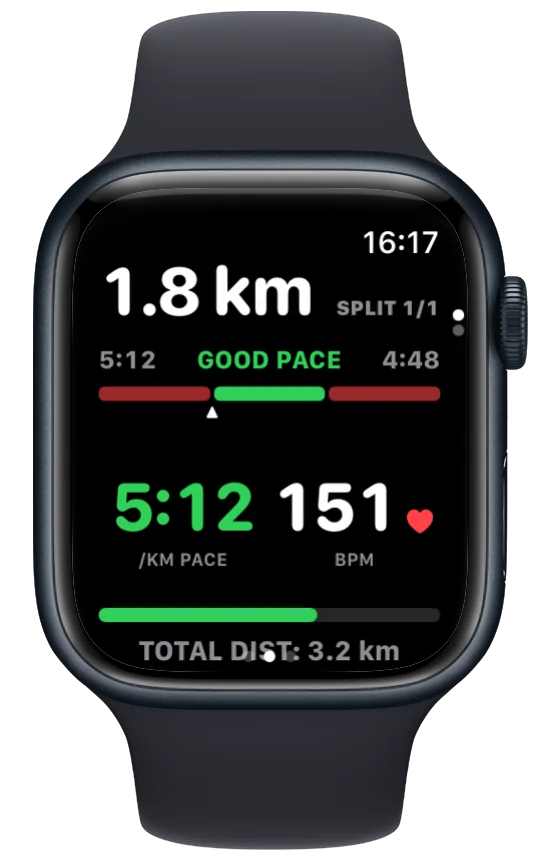
During the run the Watch shows the split you are in, the pace band for it (target ±10 s/km), your live pace inside it (green when you are in, red when you are out) and the distance left in the split. A heads-up buzz comes before every change of pace, and the next split's card announces the new target, so you never need to do arithmetic at 35 km.
When the plan slips
- 10–20 s behind at halfway: do nothing dramatic. Hold the band; a gentle negative split has room in it.
- Ahead at halfway: you went out fast. Sit at the bottom of the band and bank nothing more; the marathon collects debts after 30 km.
- The wall (marathon, 30–35 km): fuel, shorten the stride and look at the split you are in, not the finish. One split at a time is the whole method.
- A goal that is clearly gone: switch the target from time to finish strong: pick the last split's pace as the new band and run that.
Half marathon specifics
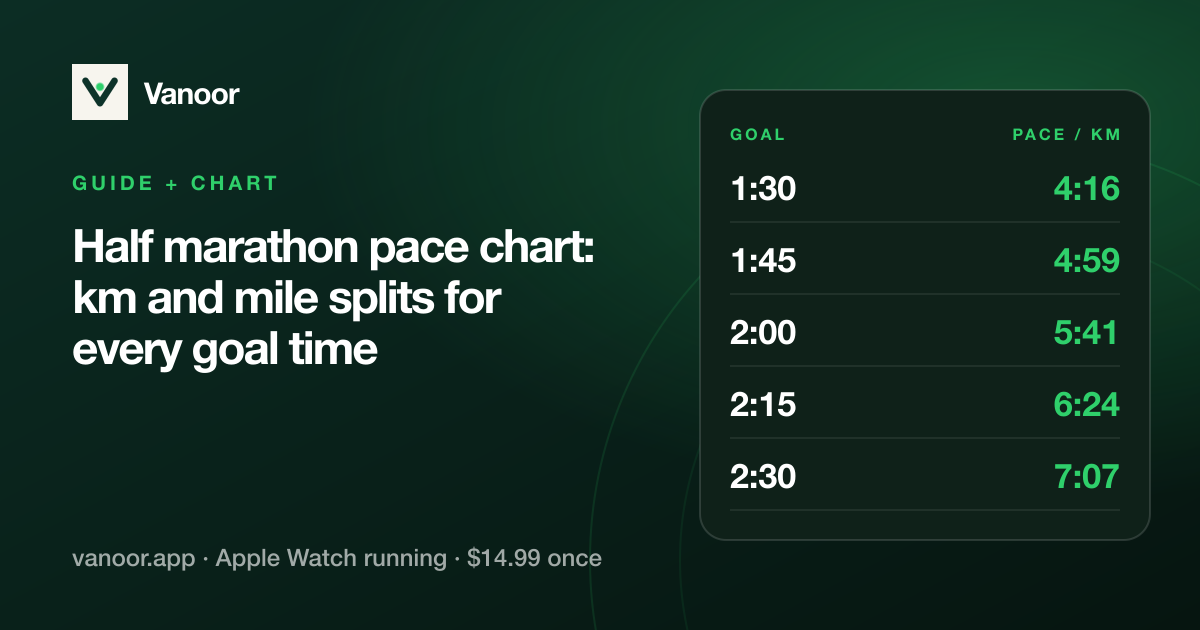
The half is short enough that fuel is rarely the limiter and long enough that a fast start still hurts. Keep the spread small (5–8 s/km), take one gel around 50 minutes if the race is over 1:40, and plan the last 3 km as a single "go" split.
Last checked 18 September 2026.
Sources
- Apple. Start a workout on Apple Watch (watchOS User Guide). support.apple.com
- Apple. Change settings in Workout on Apple Watch (watchOS User Guide). support.apple.com
Read 23 September 2026.
Related guides
Picked by shared topics.
Keep the Watch. Upgrade the run.
Vanoor: offline route navigation, race pacing and structured workouts on the Apple Watch you already own.
Get Vanoor on the App Store 7-day free trial · $14.99 once, no subscription · no account