 Vanoor
Guides
Vanoor guides
How to do things in Vanoor, step by step, with screenshots. For running advice and app comparisons, see the blog.
Import a GPX route into Vanoor
Open a GPX file in Vanoor on your iPhone, save it as a route, let it sync to your Apple Watch and start it from your wrist.
Read →Draw a route with the Vanoor route planner
Tap points on the map, snap each leg to streets and paths, close the loop and save. The route then syncs to your Apple Watch.
Read →Use the Watch map and offline maps in Vanoor
Switch the Watch map between Apple Maps and Offline, see what the offline copy covers, and learn the map gestures and panels on Apple Watch.
Read →Build an interval workout in Vanoor
Build a workout on iPhone from distance or time splits with pace or heart-rate targets, repeats and fuel cues, then run it split by split on Apple Watch.
Read →Import an AI training plan into Vanoor
Paste Vanoor's instructions into ChatGPT, Claude or Gemini, get a .vanoor file back and import the whole plan as workouts that sync to your Apple Watch.
Read →Plan your race pacing in Vanoor
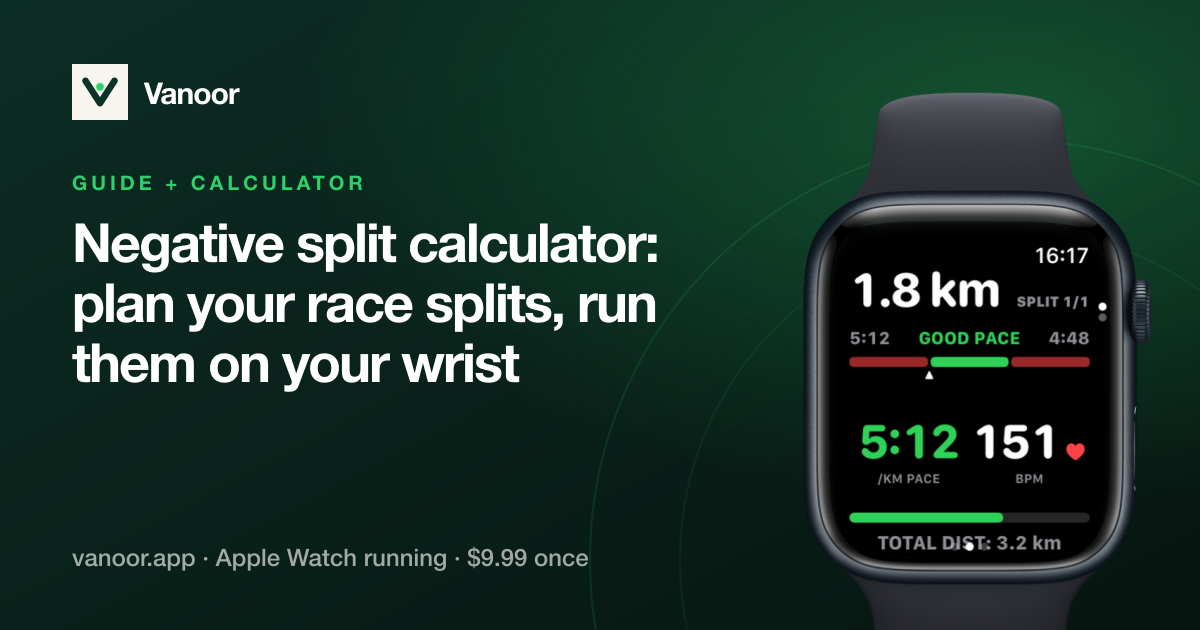
Pick the race distance and goal time, choose how many splits, then drag the curve for a negative, even or positive split that your Apple Watch paces.
Read →Set up your Watch run screens
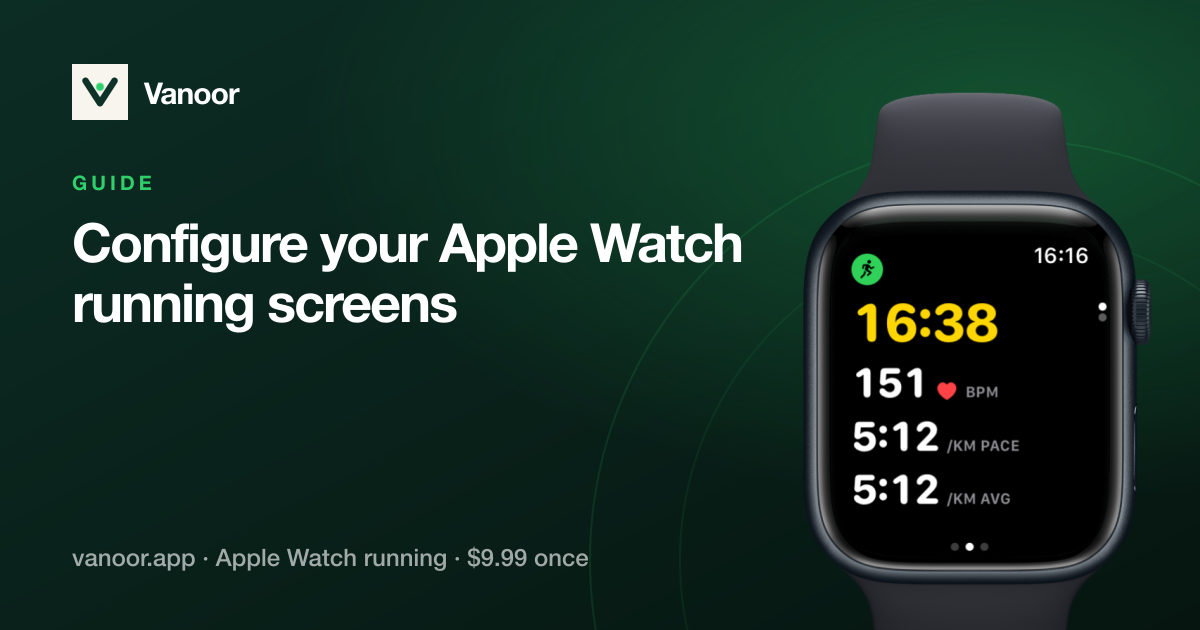
Choose, order and edit the data pages you see during a run, from the iPhone. Plus how the run is laid out on the Watch: Controls, data pages, Now Playing.
Read →Run alerts: pace, heart rate, route and distance
Vanoor run alerts are off until you switch them on in Settings → Alerts. What each one does, when it buzzes, and how to mute them for a single run.
Read →Auto-pause and pausing by hand
Turn auto-pause on or off, choose Conservative or Standard, see how Vanoor decides you have stopped, and the three ways to pause a run yourself.
Read →Mark laps during a run
Press Lap on the Watch to split a run into your own sections. How laps are counted, how they differ from kilometre splits, and where they show up after.
Read →Save runs to Apple Health and upload them to Strava
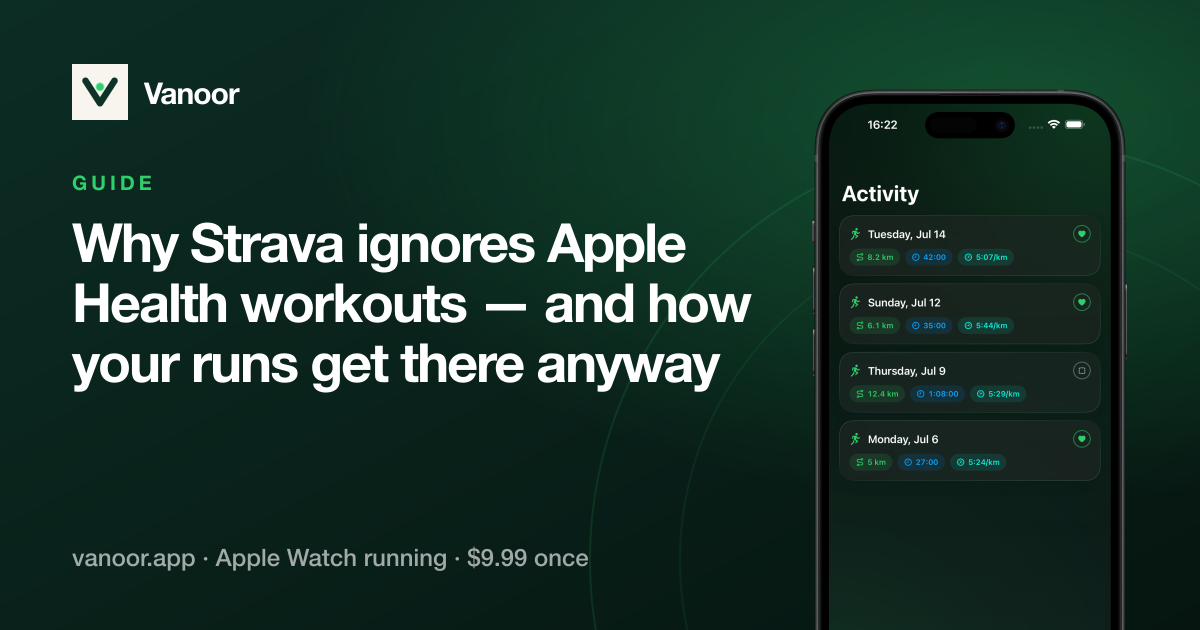
Every Vanoor run saves to Apple Health. Connect Strava once and runs upload with route and heart rate. Or share a FIT or GPX file from any run.
Read →



Keep the Watch. Upgrade the run.
Vanoor: offline route navigation, race pacing and structured workouts on the Apple Watch you already own.
Get Vanoor on the App Store 7-day free trial · $9.99 once, no subscription · no account