 Vanoor
Guide
Run with your iPhone, no Watch needed
On this page
You don't need an Apple Watch to run with Vanoor. On iOS 26 or later the iPhone records the run on its own, with GPS, a map, turn cues and a voice in your headphones, and saves it to Apple Health like a Watch run.
Start a run
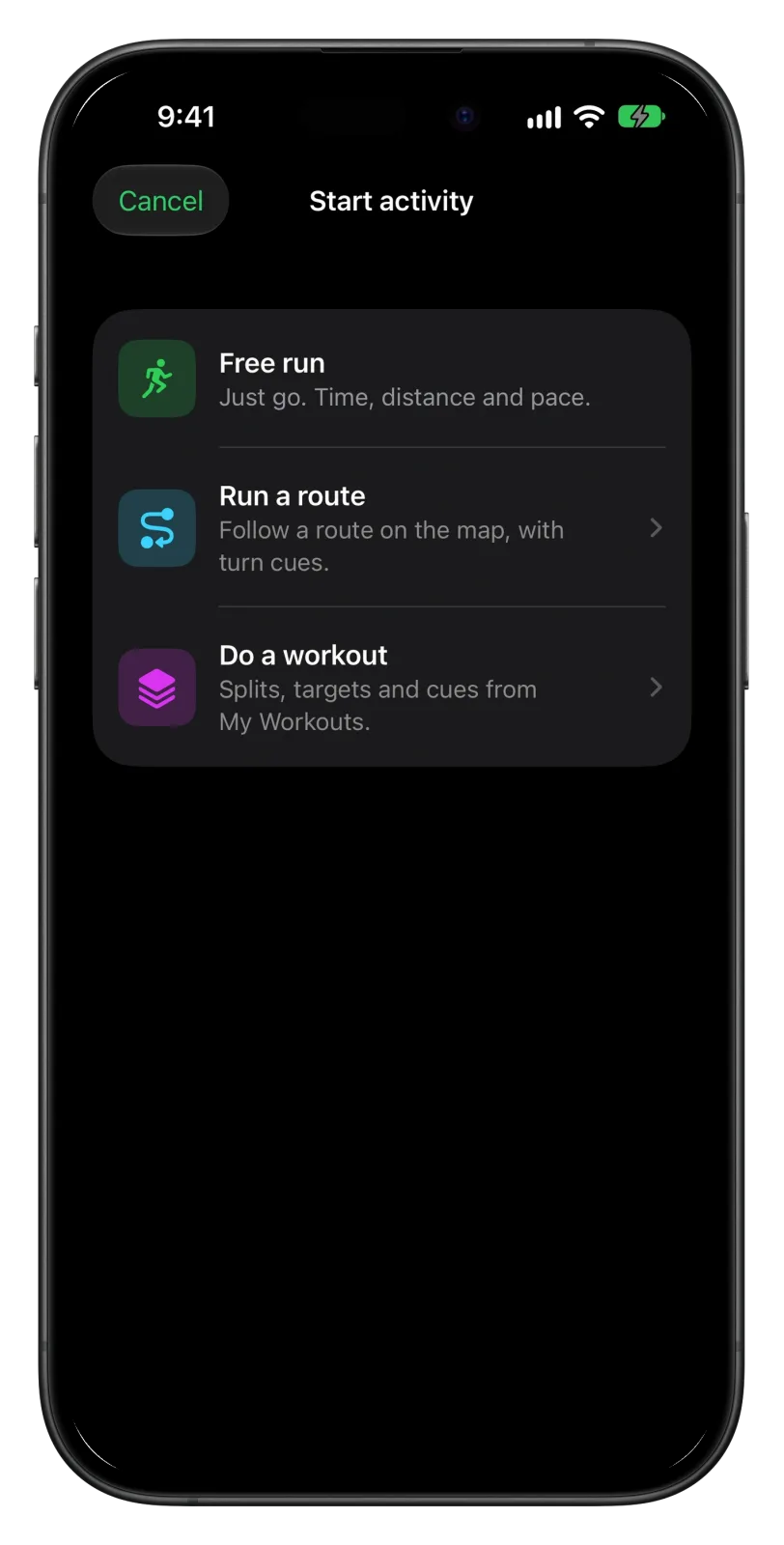
- Open Vanoor and tap Start activity on Home.
- Pick Free run, Run a route or Do a workout. Run a route lists your saved routes; Do a workout lists My Workouts in the same order, plus a few starter run/walk plans.
- The button beside Start switches between Run, Walk and Hike. Tap Start, and the run begins after a short countdown.
The first time, iOS asks for location and Apple Health access. Allow both, or the run can't be recorded and saved.
What you see during the run
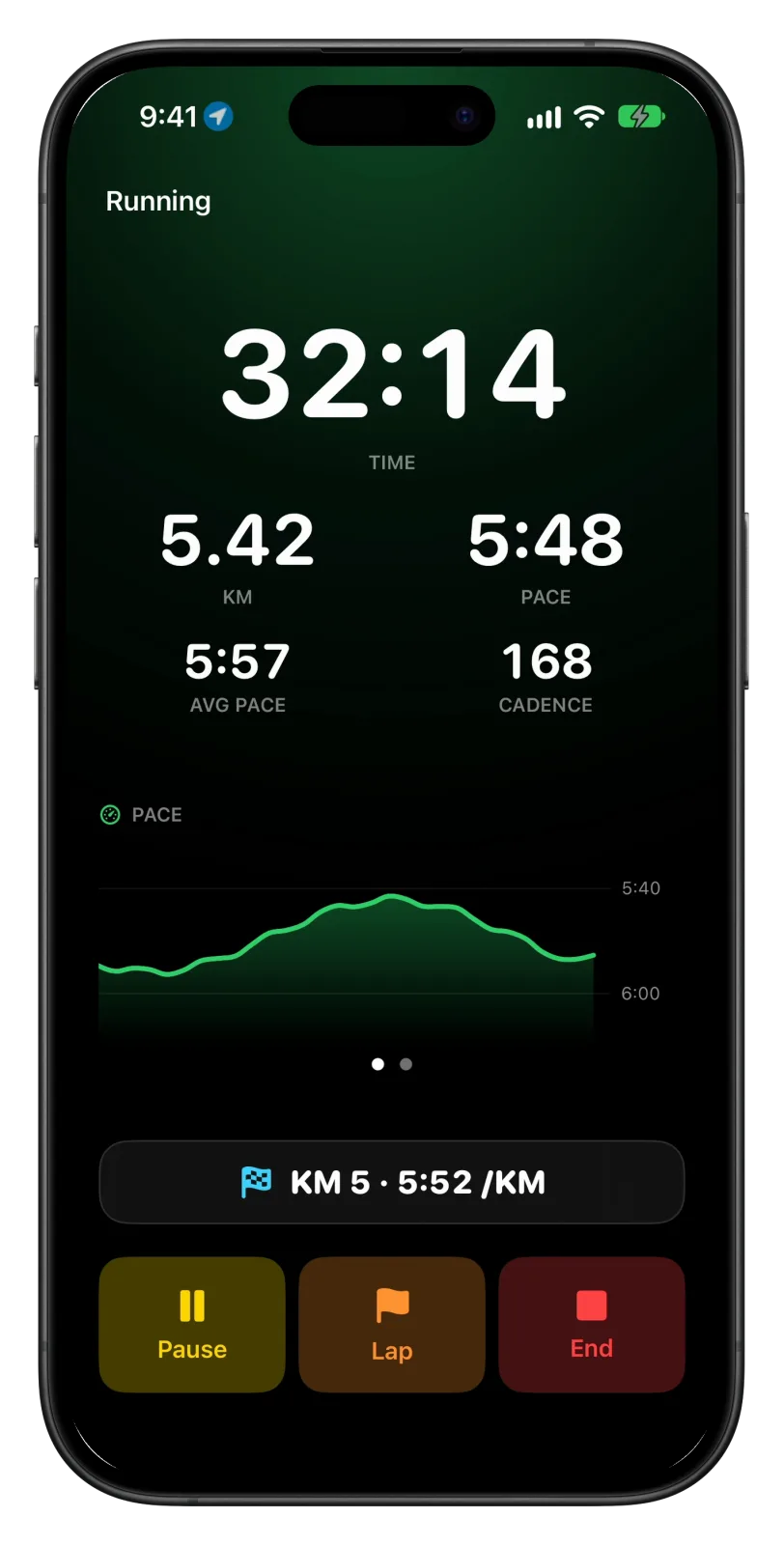
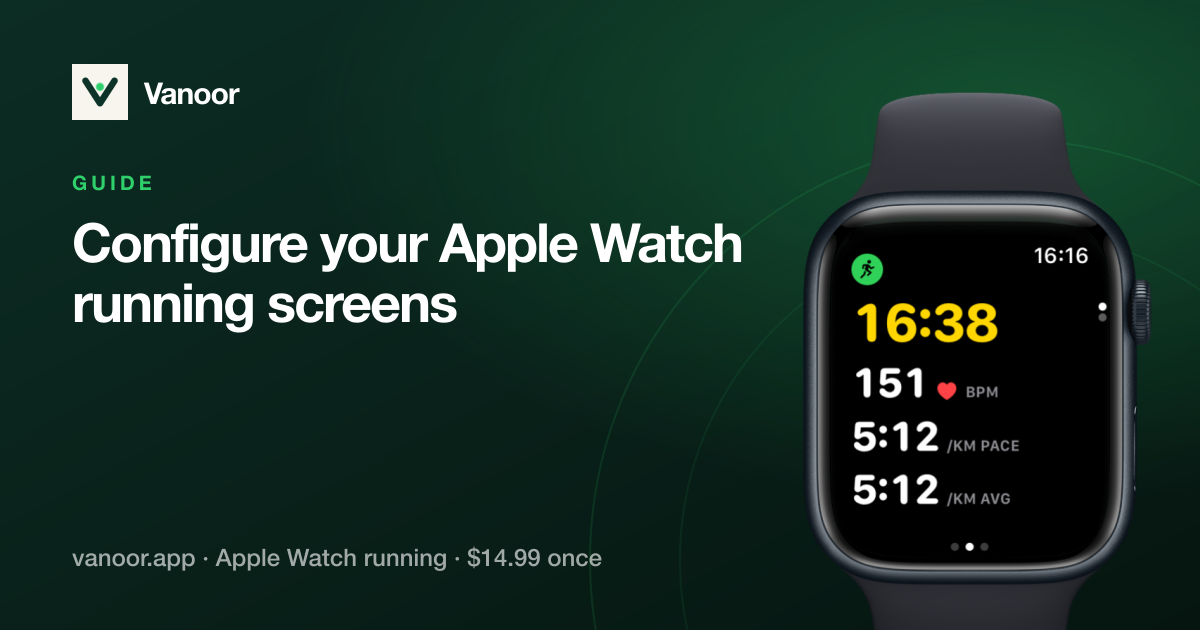
The first page shows time, distance, current pace, average pace and cadence, with a live chart under them. Tap the chart to switch between pace and heart rate. On a workout, the top of the page shows the split you are in, its target band and how much of it is left, the same split screen the Watch uses.
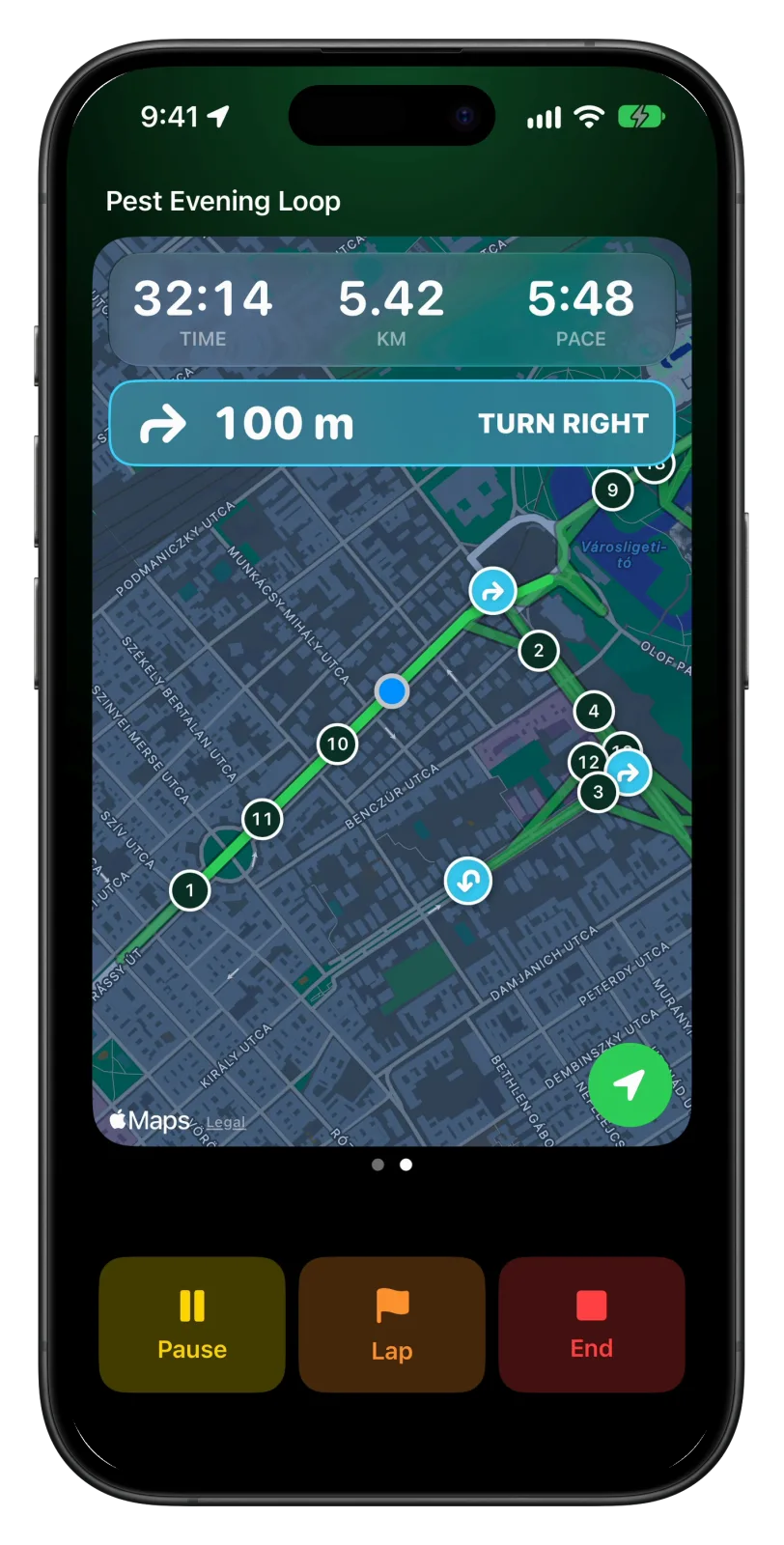
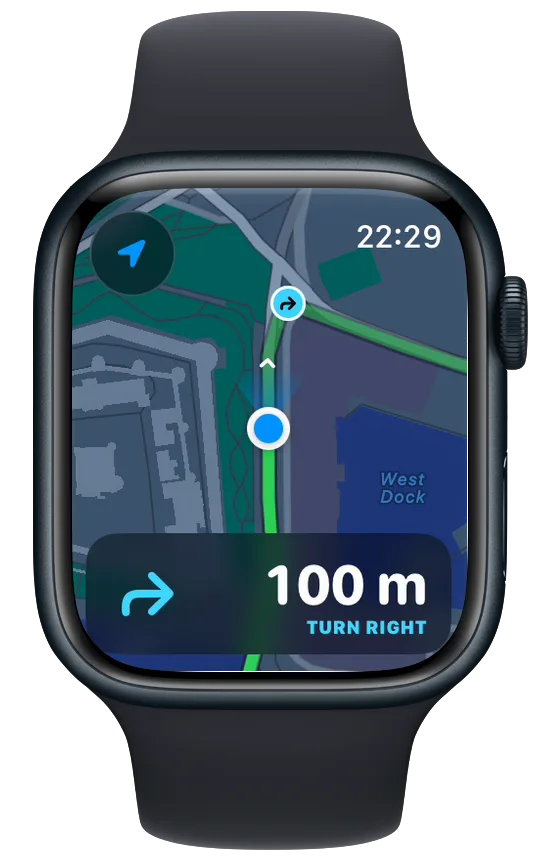
Swipe left for the map. It follows your position, draws the route with kilometre markers and the part you have already run, and shows a card for the next turn with the distance to it. If you leave the route by more than 40 metres, a red Off route label shows how far away you are. Back to Start, also on the map page, points you home along the way you came.
Cues in your headphones
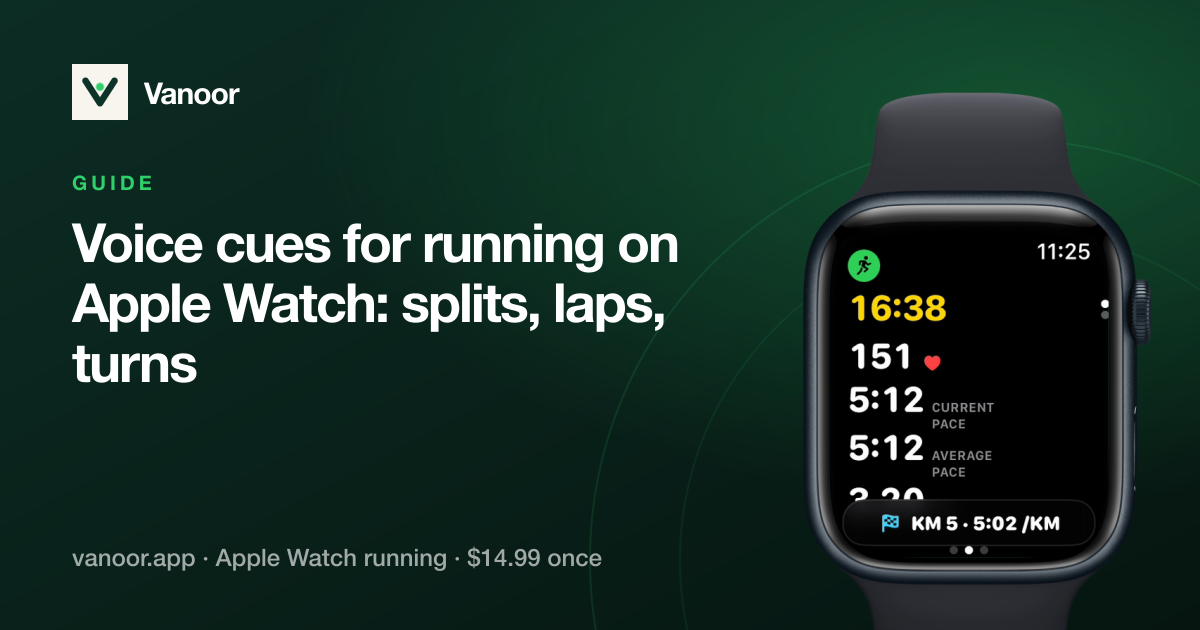
Kilometres, laps, workout splits, turns, fuel and off-route warnings can each be spoken. Switch the ones you want on in Settings → Alerts; they are the same switches the Watch uses. Your music keeps playing and only gets quieter while a cue speaks. If the GPS signal drops for 20 seconds, Vanoor tells you, and tells you again when it is back.
With the phone in your pocket
A Live Activity on the lock screen keeps time, distance and pace in view, so you don't have to unlock the phone to check them. It is on by default; you can turn it off in Settings → Maps & GPS → Live Activity on iPhone runs.
If iOS closes Vanoor in the middle of a run, open the app again and the run carries on from where it was. Time and distance are kept, but the track drawn before the restart is lost.
Heart rate from a chest strap
The iPhone has no heart-rate sensor, so connect a Bluetooth chest strap in Settings → Heart-rate sensor. It connects only during runs with the iPhone, and its readings go into the workout in Apple Health, so you get average heart rate and zones like a Watch run. Without a strap the run is recorded without heart rate.
End and save
Tap End, then Save or Discard. Save sends the run to Apple Health, to your Vanoor history and to Strava if you connected it. Discard keeps it in Recently Deleted for 7 days, in case you change your mind. Runs recorded on the iPhone show a phone icon in Activities.
- Runs with the iPhone alone need iOS 26 or later. On older iOS the Start activity button doesn't appear, and you run with an Apple Watch.
- Running form metrics such as power, ground contact time and stride length come from the Watch, so they aren't recorded on iPhone runs.
- Routes, workouts, race plans and settings are shared. If you get a Watch later, everything is already on it, and the phone can stay at home.
Related guides
Picked by shared topics.

Your iPhone is enough to start.
Vanoor: routes with spoken turn cues, race pacing and structured workouts on your iPhone alone (iOS 26), and on Apple Watch when you get one.
Get Vanoor on the App Store 7-day free trial · $14.99 once, no subscription · no account