 Vanoor
Guide
Run alerts: pace, heart rate, route and distance
Vanoor can tap your wrist when you drift off a workout target, leave your route or pass another kilometre. Every alert starts switched off, so you turn on the ones you want in Settings → Alerts.
Switch alerts on
- Open Vanoor on your iPhone and tap the gear on Home to open Settings.
- Under Alerts, tap Run alerts.
- Turn on the alerts you want.
Your settings sync to the Watch by themselves. The Watch reads them when you open a run, so set your alerts before you start.
What each alert does
Off-pace alert
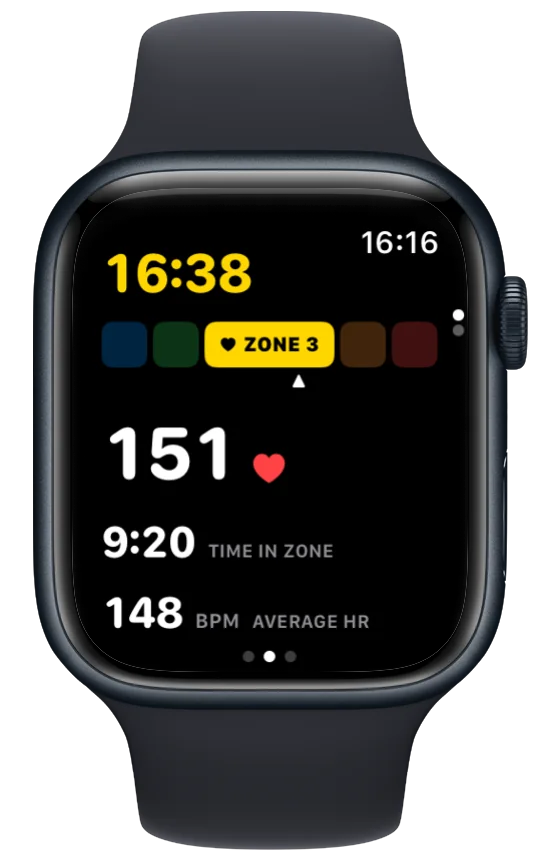
This one works inside a planned workout, in steps that have a pace target. It buzzes when you run faster or slower than that step's pace band, which is the target pace plus or minus the tolerance you set in the workout. The buzz for too fast feels different from the one for too slow, so you know which way to adjust without looking.
Off-zone alert
This works in workout steps with a heart-rate target, either a zone or a bpm range. It buzzes when your heart rate goes above or below that target. Zones come from your own settings under Settings → Heart-rate zones.
Off-route alert
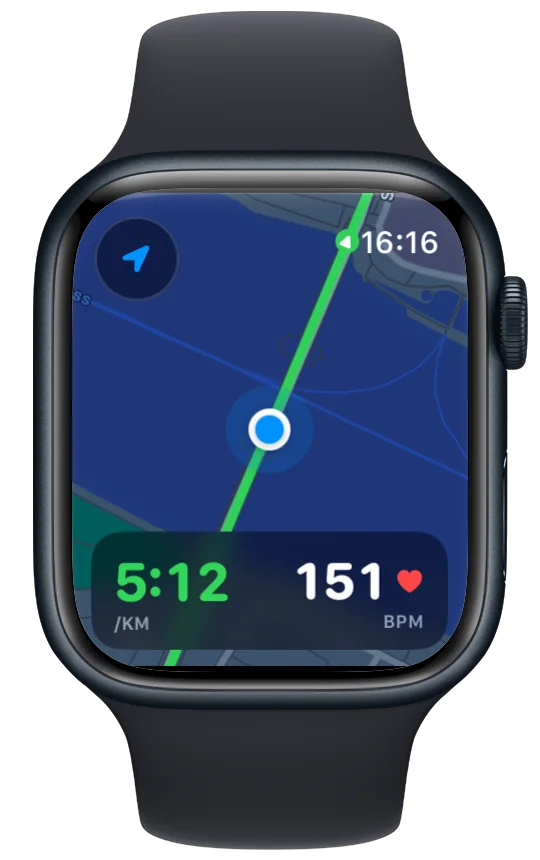
When you follow a route, this buzzes if you get more than 40 m away from the line, then again every 30 seconds until you are back on it. It never fires on a free run.
Split alert
A buzz at every kilometre, or every mile if your units are set to miles. It works on any run, planned or free.
The pace and heart-rate alerts buzz once when you leave the band. If you stay outside it, they buzz again every 30 seconds, and they stop as soon as you are back inside.
Mute alerts for one run
- During the run, swipe right to the Controls page.
- Tap Run Settings.
- Turn on Mute alerts.
This silences the pace, heart-rate, distance and off-route alerts for the rest of this run. Your settings on the iPhone stay as they are, so the next run uses them again. If you unmute, Vanoor carries on from that moment and doesn't replay the alerts you missed. When none of your alerts are switched on, the row reads No alerts set up instead.
- On a free run there is no target, so the pace and heart-rate alerts stay quiet. Rest steps and open steps in a workout don't have a target either.
- Some cues are part of every run and aren't run alerts: the card and buzz at each kilometre, and the buzz when a workout moves to its next step. Mute alerts leaves these on.
- The Split alert takes its distance from your units when you switch it on. If you change units later, switch it off and on again.
If an alert never buzzes
Check Settings → Alerts → Run alerts first, since everything there is off until you turn it on. Then check the run itself. Pace and heart-rate alerts need a planned workout step with that kind of target, and the off-route alert needs a route. If you changed the setting during a run, it applies from the next run you open.
Related guides
Picked by shared topics.

Keep the Watch. Upgrade the run.
Vanoor: offline route navigation, race pacing and structured workouts on the Apple Watch you already own.
Get Vanoor on the App Store 7-day free trial · $9.99 once, no subscription · no account