 Vanoor
Guide
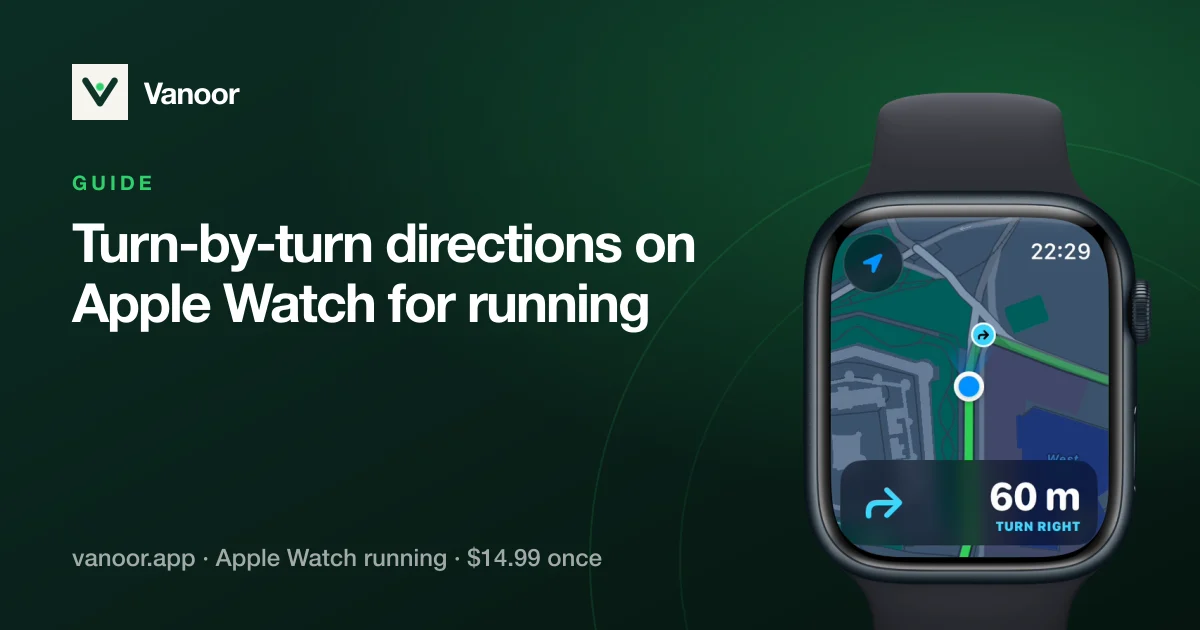
Turn-by-turn directions on Apple Watch for running, with or without a signal
On this page
A route line on your wrist is enough when you have time to look at it. At 4:30/km on an unfamiliar route it isn't. You glance down at the wrong moment, miss the left into the park, and find out 300 metres later. Turn-by-turn directions fix that. The Watch warns you before the corner, so you can keep your eyes on the path.
There are two ways to get them on an Apple Watch today. They are built for different jobs.
Option 1: Apple Maps on the Watch
Ask Apple Maps for walking directions and the Watch guides you with taps and sounds. Apple's user guide describes the pattern: a low tone then a high tone means turn right at the next intersection, a high tone then a low one means turn left. With offline maps downloaded on your iPhone, the Watch can keep guiding you without a connection, and since watchOS 11 you can also follow a custom walking or hiking route you built in Apple Maps.
For getting from A to B, it's good. For a training run it has three gaps:
- It isn't your route. Maps plans the way itself, or follows a route you drew in Maps. A race course, a club loop or a GPX file from Strava, Komoot or a race website is a different thing.
- It lives outside the workout. Maps runs as its own app. Your pace, heart rate and interval targets are in the Workout app, so you swap between the two.
- Loops confuse it. A run that starts and ends at your door, or that passes the same junction twice, isn't what a directions app is designed for.
Option 2: turn cues on the route you are running
A running app that follows a GPX can call the turns of that route, inside the same workout that shows your pace. This is how Vanoor does it, and the details matter for battery and for trust, so here they are.
The turns are found on the iPhone, once
When you save a route, your iPhone walks along it and finds the real turns: bends sharper than about 35°, with small wiggles and GPS noise merged away so one corner doesn't become three. The list travels to the Watch with the route. During the run the Watch only compares your distance along the route with the next turn on the list, which costs almost nothing. It needs no signal and no phone.
What you see and feel
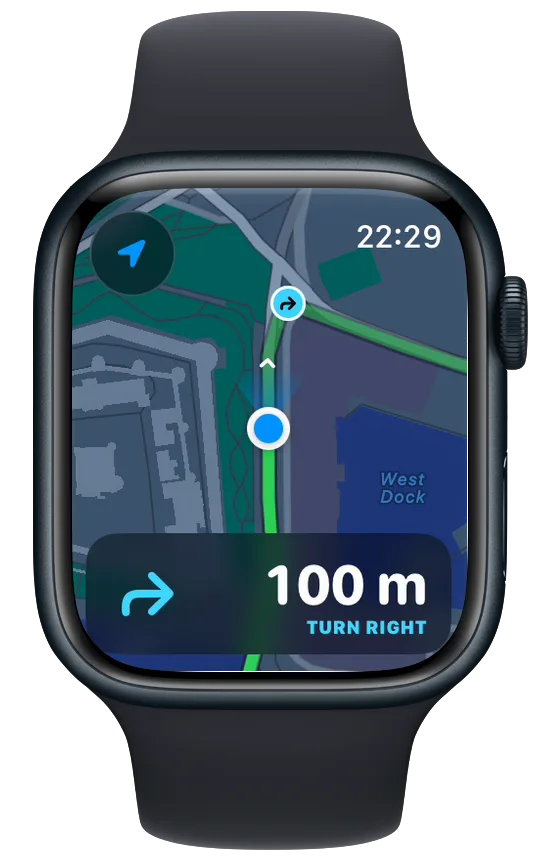
- About 100 m before a turn, the pace panel on the map page turns into directions: the arrow on the left, the metres counting down on the right.
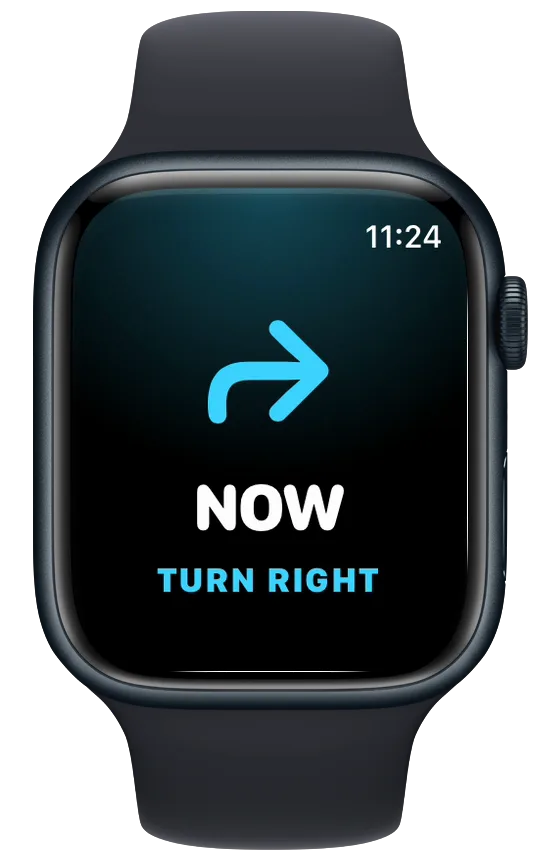
- About 60 m before, your wrist gets a tap and the arrow comes up on screen. On the other data pages a thin strip at the bottom keeps counting down.
- At the turn, a second tap and NOW.
- If you switched on the spoken version, you hear "In 60 metres, turn right" and then "Turn right" through AirPods or the Watch speaker.
An arrow also marks the next turn on the map itself. You can turn that off, and on the Watch you can switch navigation off for a single run, for the days you know the way.
What happens when two things want the screen
Interval workouts and turns collide. The next split is announced just as the route bends. When that happens the split card stays in charge and the turn rides along as a line at the bottom of it ("60 m · TURN LEFT"), so you get both without a queue of screens.
Which one should you use?
If you want to get somewhere and don't care about the exact line, Apple Maps is free and already on your Watch. If you are running a set route, like a race course, a GPX from a friend, or a loop you drew yourself, you want the turns of that route, called inside the workout. That is what Vanoor's turn alerts are for. They are off by default, and you switch them on in Settings → Alerts under Turn-by-turn.
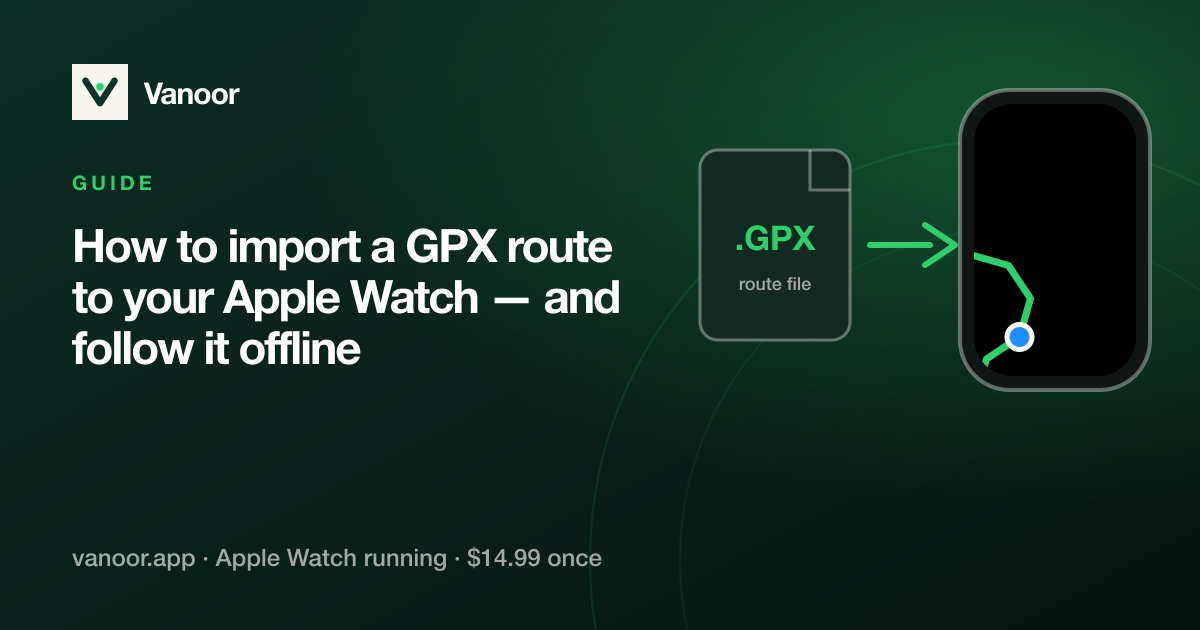
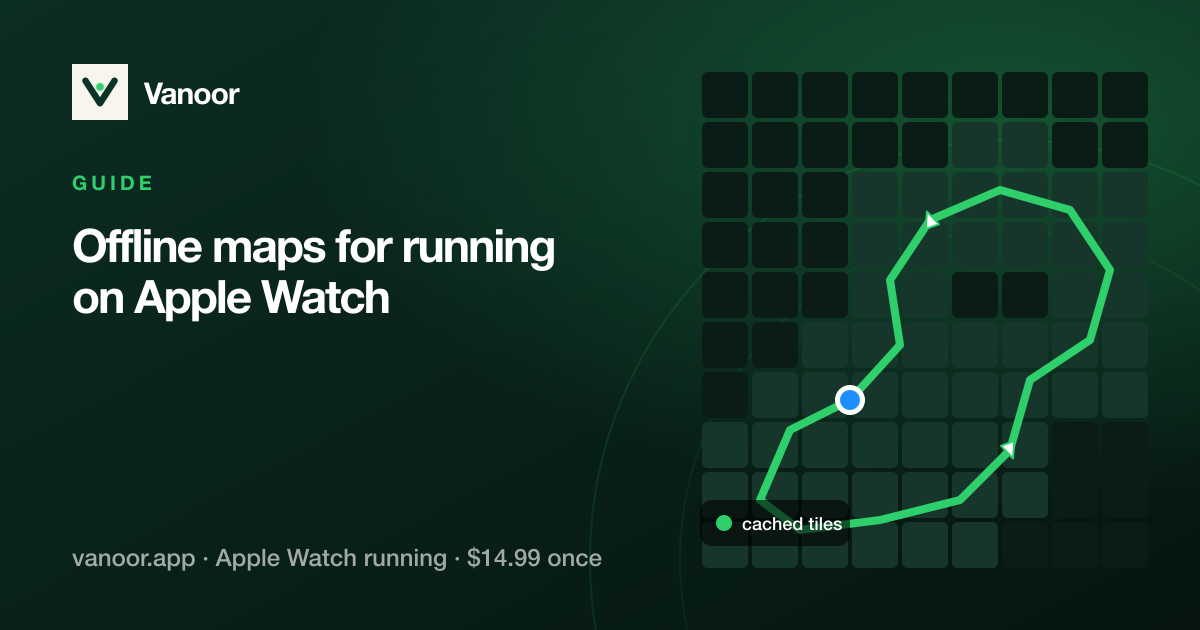
New to routes on the Watch? Start with how to put a GPX on Apple Watch, then offline maps if you run where reception drops.
Common questions
Do turn-by-turn cues work without my iPhone?
Yes. The turns are worked out on the iPhone when the route is saved and sent to the Watch with it. During the run the Watch needs neither the phone nor a signal.
How far before a turn does the Watch warn me?
The map panel shows the turn from about 100 m. The first tap comes about 60 m before the turn, the second at the corner.
Can the Watch say the turns out loud?
Yes, if you turn on the spoken turn cue in Settings → Alerts. It plays through AirPods, or the Watch speaker if none are connected, and your music gets quieter while it speaks.
Does it use more battery?
Very little. The heavy work happens on the iPhone before the run. On the Watch it is a distance comparison once a second, plus a tap per turn.
Related guides
Picked by shared topics.
Keep the Watch. Upgrade the run.
Vanoor: offline route navigation, race pacing and structured workouts on the Apple Watch you already own.
Get Vanoor on the App Store 7-day free trial · $14.99 once, no subscription · no account