 Vanoor
Guide
GPX on Apple Watch: how to import a GPX file and follow the route offline
Also available in Deutsch.

On this page
- Can Apple Watch open GPX files on its own?
- Step 1: Get the GPX onto your iPhone
- Step 2: Send it to the Watch
- Step 3: Run it
- Does it work without the iPhone or without signal?
- What about elevation?
- Where to get a GPX file
- GPX track or GPX route: does it matter?
- Which Apple Watch apps can follow a GPX file?
- GPX on Apple Watch: quick answers
- Sources
Race organisers, trail communities and route planners all hand out GPX files, but there is no built-in way to get a GPX onto an Apple Watch, let alone follow it. Apple's Workout app records where you went and never shows you where to go. Importing a GPX route to your Apple Watch and following it offline, with the phone at home if you like, takes about two minutes.
- Download or export the
.gpxfile on your iPhone (race website, Strava, Komoot, Garmin Connect, AllTrails). - Open it and choose Open in Vanoor (Files, Mail, AirDrop, Safari downloads all work).
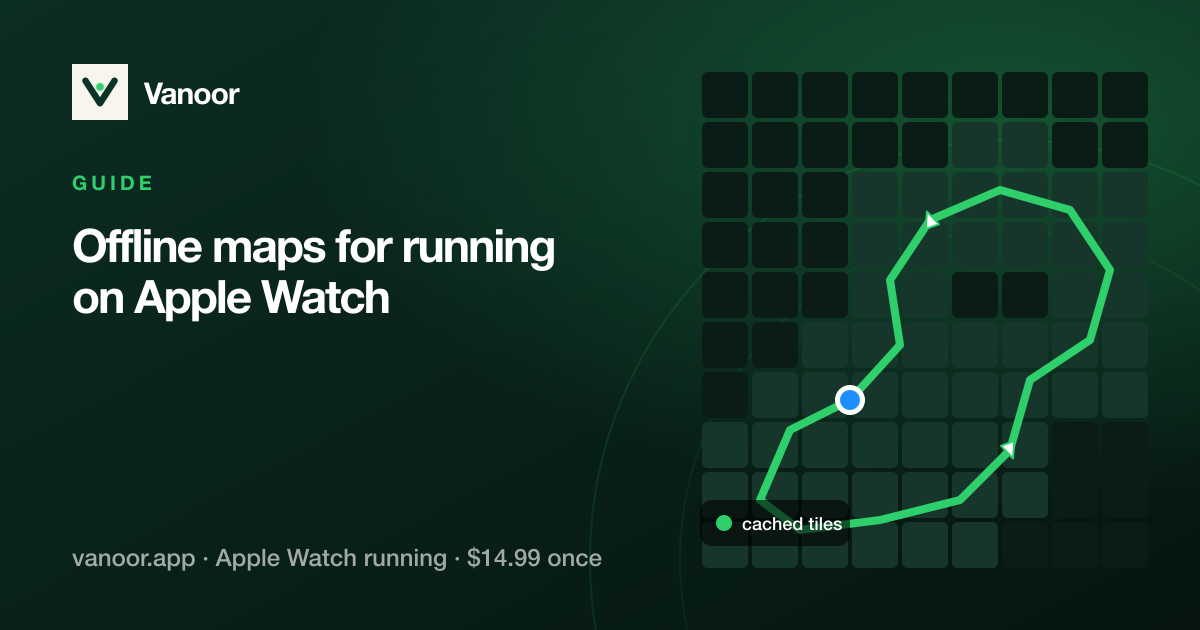
- The route syncs to your Apple Watch. Start it on the Watch and follow the line. For a map that also works without signal, set Map on Watch to Offline in Settings → Maps & GPS.
Can Apple Watch open GPX files on its own?
No. Neither watchOS nor Apple's Workout app can open a .gpx file. Workout only
lets you re-run a route you have already recorded with it. To put a GPX on an Apple Watch you need
a third-party app that imports the file on the iPhone and sends it to the Watch. The steps below
use Vanoor; the app comparison further down covers the alternatives.
Step 1: Get the GPX onto your iPhone
A GPX file is just a list of coordinates. Any source works: a race's official route download, a friend's exported activity, a planning tool, or a file someone AirDrops you. With Vanoor installed, open the file from Files, Mail, AirDrop or any share sheet and choose Open in Vanoor, or import it from inside the app's Routes tab. Prefer drawing your own? Vanoor's built-in planner lets you create a route tap by tap, snapping each leg to streets and paths.
Step 2: Send it to the Watch
There is no step 2. Routes sync to your Apple Watch automatically over the paired connection, and each one shows an "On Watch" state on the iPhone so you can confirm before leaving the house. If you set Map on Watch to Offline in Settings → Maps & GPS, the map tiles along the route go over at sync time too (more on that below).
Step 3: Run it
Start the route on the Watch and you get what a dedicated running watch would give you:
- the route line with your live position, direction arrows and kilometre markers,
- route progress, with distance remaining and percent complete as live metrics,
- off-route warnings when you drift from the line,
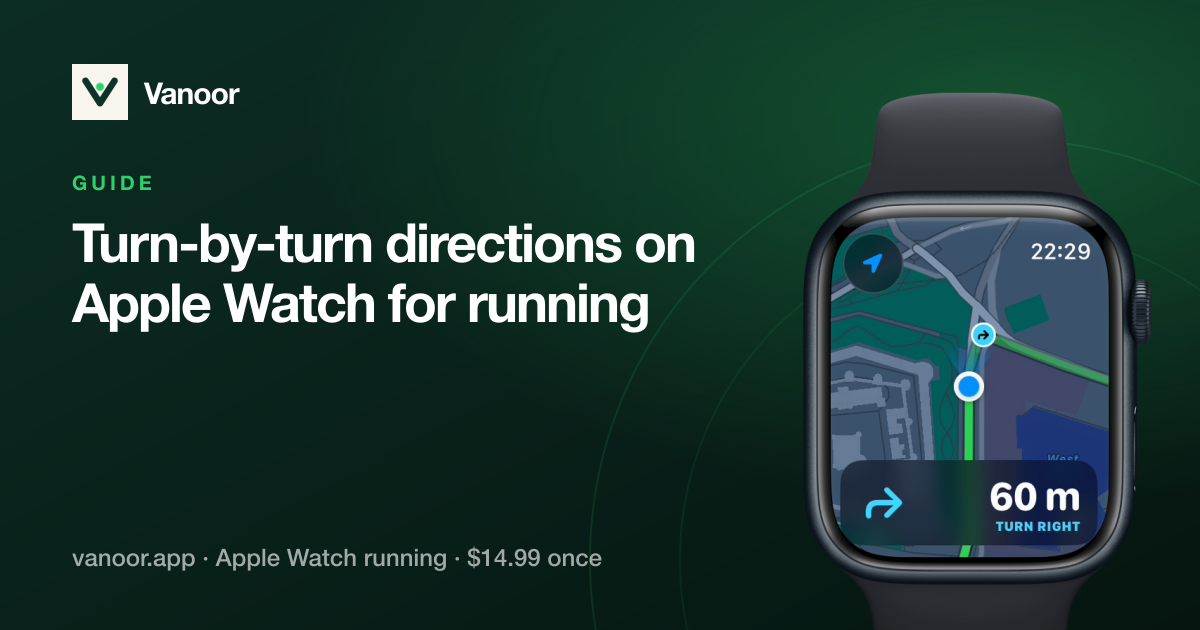
- turn-by-turn cues before every corner of the route, if you switch them on,
- a Back to Start breadcrumb that retraces your steps if you need to bail out.
Does it work without the iPhone or without signal?
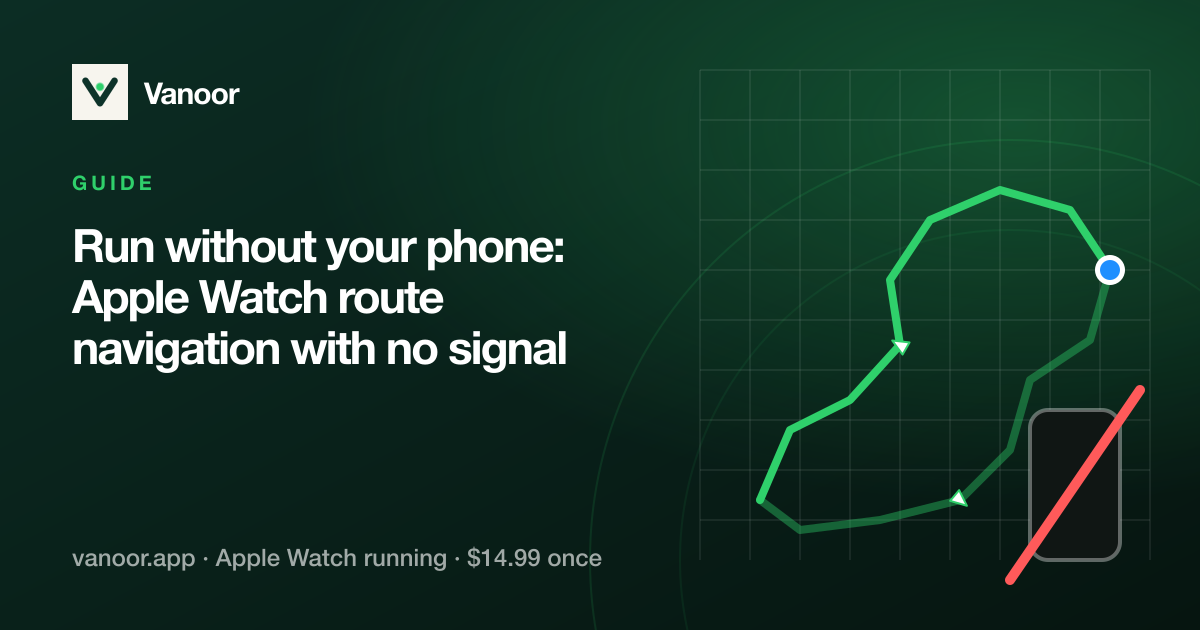
Yes. The route lives on the Watch, so the line, your position and the direction arrows keep working in forests, mountains, tunnels and anywhere reception drops, and your phone can stay at home. If you set Map on Watch to Offline, the map tiles along the route are stored on the Watch too, so the map behind the line works there as well. GPS, heart rate and every metric are recorded on the wrist and saved to Apple Health when you finish. See the companion guide on offline maps for running.
What about elevation?
If the GPX carries elevation data, Vanoor shows the route's climb profile before you commit and live elevation during the run (using the Watch's barometric altimeter for accuracy). Files without elevation still work; you just won't get the climb preview.
Where to get a GPX file
- Race websites: most marathons, trail races and ultras publish the official course as a GPX download on the race page.
- Strava: open a route (or your own activity) on the website and choose Export GPX.
- Komoot, Garmin Connect, AllTrails: each has an export or download option on a planned route or tour.
- Route planners such as gpx.studio or Footpath, if you want to draw a route on a computer.
- No file at all? Draw the route in Vanoor's planner on the iPhone. It syncs to the Watch exactly like an imported GPX.
GPX track or GPX route: does it matter?
A GPX file can hold a track (a dense line of points, what Strava, Komoot, Garmin and race websites export) or a route (a handful of planned waypoints, used by some older planners). Vanoor opens both. When a file has a track, Vanoor follows the track; when it only has route points, Vanoor uses those and keeps the route's name. A route has few points, though, so the line between them runs straight instead of following the road. If your planner can export a track instead, pick that for the most accurate line.
Which Apple Watch apps can follow a GPX file?
Four apps are worth knowing. They all import GPX; they differ in what they are built around:
- Vanoor is built for running: GPX navigation plus pace plans, intervals and a run screen that looks like Apple's Workout app. One-time purchase, no account.
- WorkOutDoors is the veteran power tool, with vector maps and hundreds of data fields, for people who enjoy setting everything up.
- WristTopo puts the map first: detailed offline topographic maps and turn-by-turn, across many sports.
- Footpath is a route planner first. It draws and exports routes, and its Watch features are part of the paid tier.
The side-by-side table (maps, price, offline, training features) is in Footpath vs. WorkOutDoors vs. WristTopo vs. Vanoor; for the wider field (Apple's own Workout app, Strava, the coaching apps), see WorkOutDoors alternatives and every other Apple Watch running app.
GPX on Apple Watch: quick answers
Can the Apple Watch follow a GPX file on its own, without the iPhone?
Yes, with a third-party app. Once the route has synced (with its map tiles, if you set the map to Offline), the Watch navigates by itself and the iPhone can stay at home. Apple's own Workout app cannot open a GPX at all; its Race Route feature only lets you re-run a route you have already recorded with it.
How do I import a GPX to Apple Watch from Strava, Komoot or a race website?
Export or download the GPX on your iPhone (most sites offer "Export GPX"), open the file and
choose Open in Vanoor. Anything that can hand a .gpx file to the share
sheet works: Files, Mail, Safari downloads, AirDrop, Messages.
Is there a size or length limit?
Ultra and marathon routes are fine. Very dense tracks (tens of thousands of points) are simplified on import so the Watch stays responsive; the line you follow is the same.
Does it show turn-by-turn directions?
Yes, if you switch it on. Vanoor finds every turn of the route on your iPhone, and the Watch taps your wrist about 60 m before each one and again at the corner, with a spoken "In 60 metres, turn right" if you want it. It does not read out street names; on a trail there are none. More in turn-by-turn directions for running.
What if I want a pacing plan on the same route?
Attach the GPX to a planned workout: see the negative split calculator for race day and custom interval workouts for training. Running with no phone at all? Read running navigation without your phone.
Last checked 24 September 2026.
Sources
- Apple. Start a workout on Apple Watch (watchOS User Guide). support.apple.com
- Apple. Compare Apple Watch models (battery and GPS ratings). apple.com/watch/compare
- WorkOutDoors on the App Store (price and features). apps.apple.com
- WristTopo on the App Store (price and features). apps.apple.com
- Footpath Route Planner on the App Store (price and features). apps.apple.com
Read 24 September 2026.
Related guides
Picked by shared topics.
Keep the Watch. Upgrade the run.
Vanoor: offline route navigation, race pacing and structured workouts on the Apple Watch you already own.
Get Vanoor on the App Store 7-day free trial · $14.99 once, no subscription · no account