 Vanoor
Guide
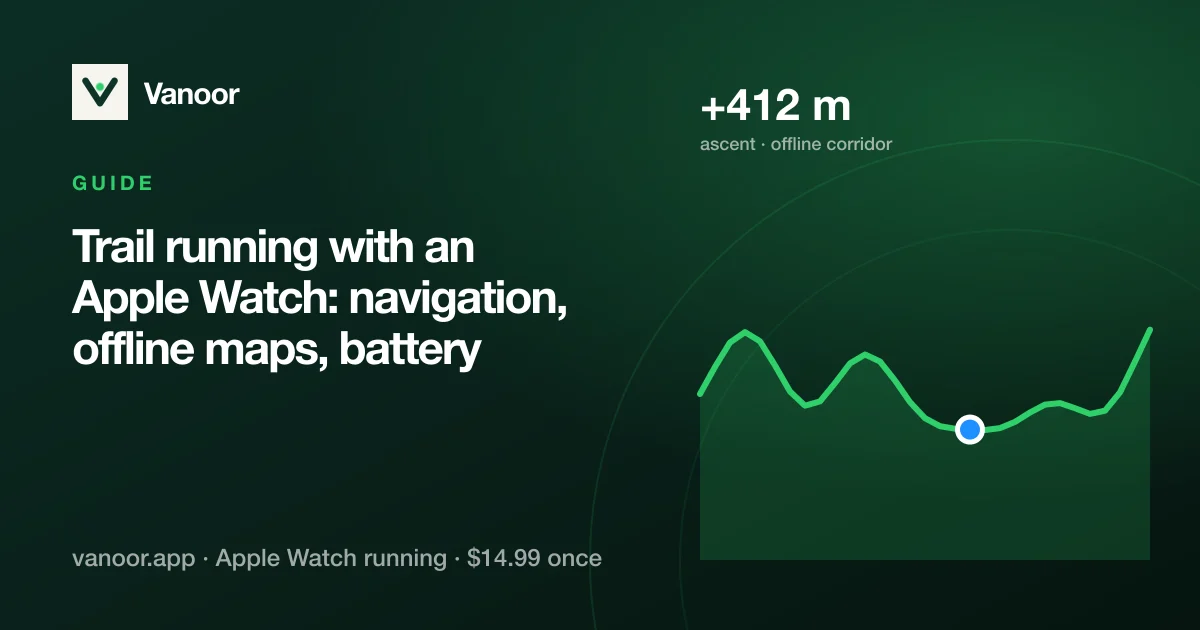
Trail running with an Apple Watch: navigation, offline maps, battery and what the Ultra actually adds
On this page
- 1. Navigation: following a route with no signal
- 2. Offline maps: the tiles must already be on the Watch
- 3. GPS under trees and in valleys
- 4. Pace is meaningless on a climb, so pace by effort
- 5. Battery for a long day out
- 6. Series or Ultra for trail running?
- Before you leave the car: the 60-second checklist
- Trail running on Apple Watch: quick answers
- Sources
On the road, an Apple Watch mostly needs to count kilometres. On a trail it needs to keep you on the route, with no phone signal, under trees, for hours. Apple's own Workout app doesn't do that job: it records where you went and never shows where to go. This guide covers what changes on trails, what to set up before you leave the car, and whether you need an Ultra.
1. Navigation: following a route with no signal
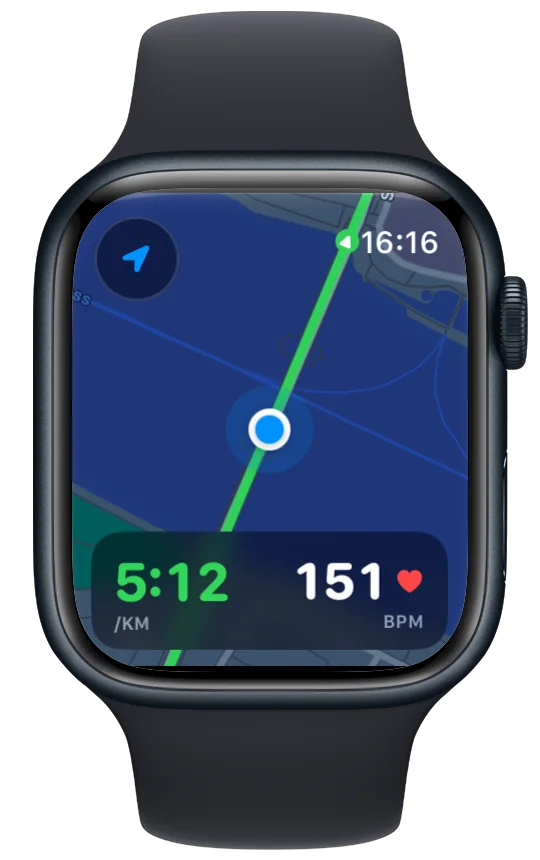
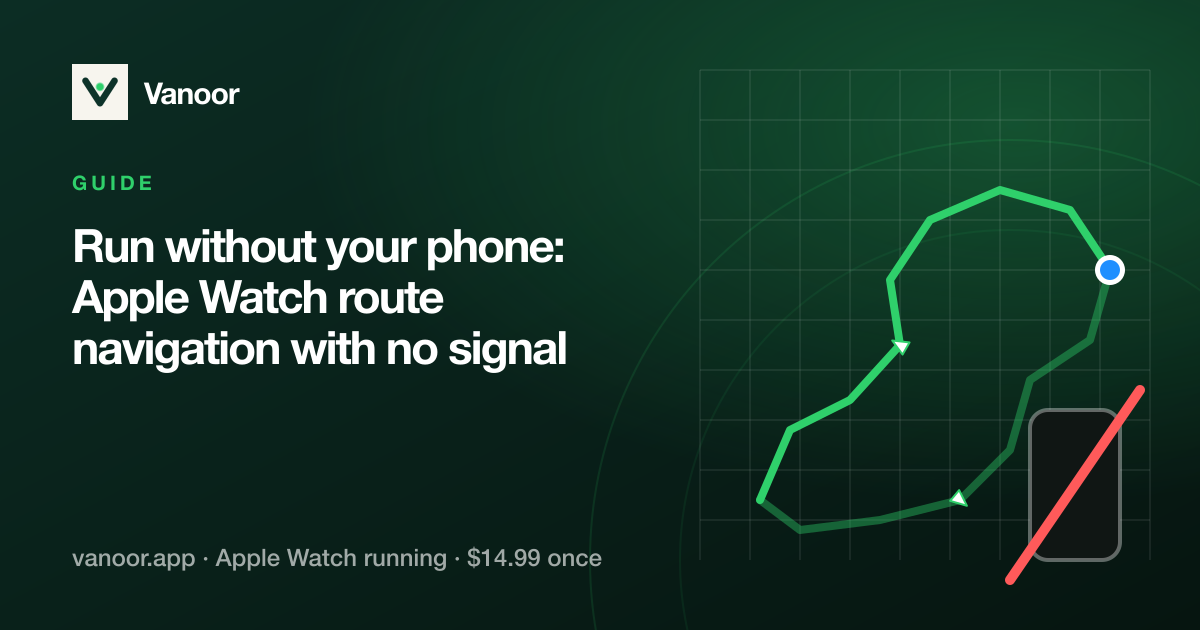
Trail navigation on the Watch means three things: the route line, your position on it, and a warning when you leave it. All three have to work with the phone at home and no reception. With Vanoor you import the GPX (from the race site, Komoot, Strava, AllTrails or anything else that exports GPX) or draw the route on the iPhone, and it syncs to the Watch with its map already attached. On the trail you see the line, your heading, kilometre markers and distance to go, and the wrist buzzes when you drift off. It works the way a Garmin does. Switch on turn alerts and it also taps before each junction, without street names, because trails don't have any.
Off-route is where trail apps earn their keep: a junction in a forest looks like every other junction, and the buzz 40 metres down the wrong fork saves a 2 km detour. Vanoor's off-route warning is distance-based and clears itself when you're back on the line.
2. Offline maps: the tiles must already be on the Watch
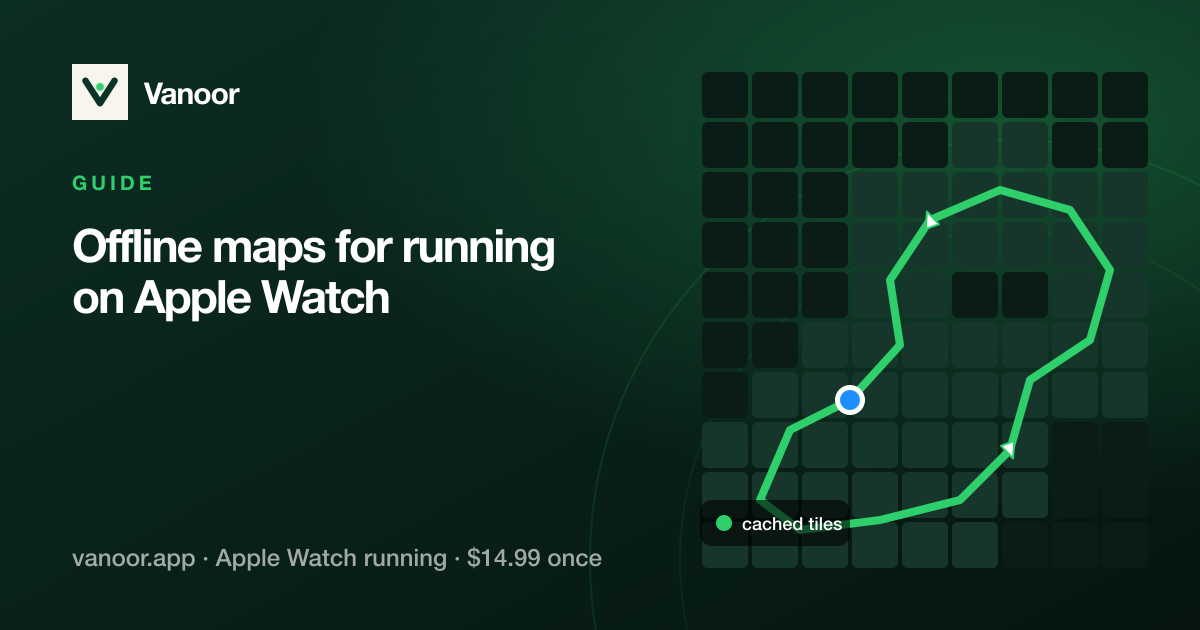
Apple Maps on the Watch needs a connection; "offline maps" in Apple's sense are areas you save on the iPhone. For a phone-free trail run the tiles have to live on the Watch. Set Map on Watch to Offline in Vanoor's Settings and the iPhone renders a strip of map along the route when it syncs and ships it with the route, so your wrist shows that same map with zero downloads mid-run. The offline maps guide covers the details, and running without your phone has the checklist before you leave.
3. GPS under trees and in valleys
Dense canopy and steep valley walls degrade GPS on any watch: positions wobble, distance reads long on switchbacks and short on straight tree-lined sections. Two things help. The Ultra's dual-frequency (L1 + L5) GPS is noticeably better in exactly these conditions, and it is the single biggest reason to choose an Ultra for trails. On any model, since watchOS 9 the Watch fuses accelerometer stride data with GPS, so short GPS dropouts don't produce the jumps they used to. Expect trail distances to disagree with the race's official number by a few percent; everyone's watch does.
4. Pace is meaningless on a climb, so pace by effort
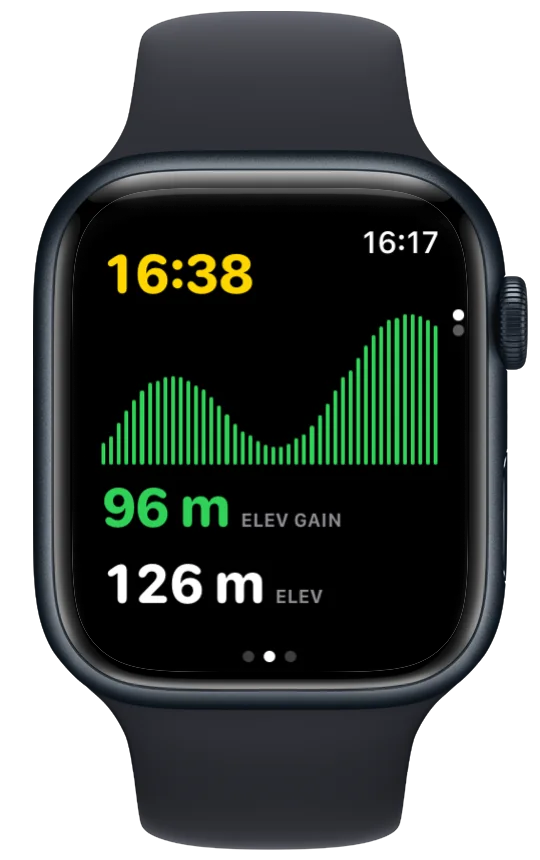
A 12% climb at 9:00/km can be a harder effort than 4:30/km on the flat. On trails the numbers to run by are heart rate and, on a recent Watch, running power, which reacts to gradient within seconds. Build a screen with power big and heart rate beside it, and let pace live on another page. See which metrics belong where and running power explained. For long ultras, a zone 2 ceiling with a haptic when you exceed it is the most reliable way to pace. Walking the steep climbs at that same heart rate isn't cheating; it is how the sport is run (run/walk on Apple Watch).
Two more trail habits. Watch cadence on Apple Watch on the climbs, because short, quick steps beat long slow ones. And if the Watch keeps pausing itself under tree cover, switch auto-pause off before you start.
5. Battery for a long day out
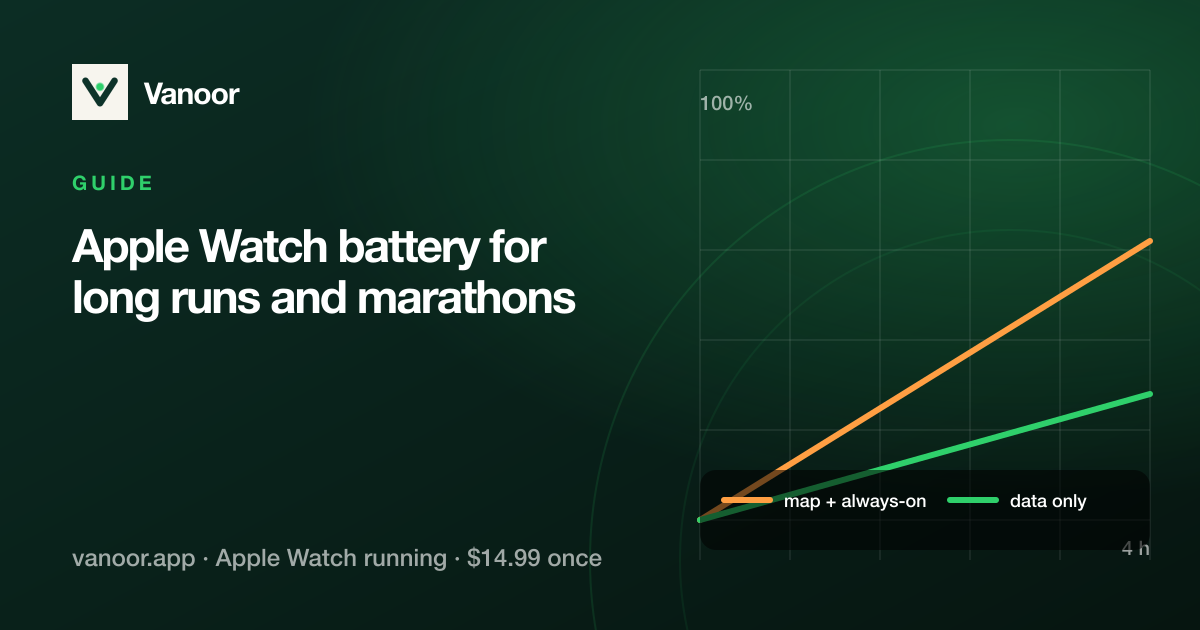
A well-behaved app gets a Series 12 through 10 hours of GPS and an Ultra 4 through 18 (older Series watches ~6–7, earlier Ultras ~12; Apple's published figures, checked 23 September 2026). The extended workout modes stretch both further, at the cost of a coarser track. The map is the big variable: an app that redraws or downloads it continuously will halve those numbers. Keep the metrics screen up and swipe to the map at junctions. The battery guide has the full checklist, including charging on the move for ultras.
6. Series or Ultra for trail running?
| Apple Watch Series / SE | Apple Watch Ultra | |
|---|---|---|
| GPS in forest and valleys | Good (fused with stride) | Better (dual-frequency) |
| Battery, GPS workout | ~7 h | ~12 h, much more in Low Power |
| Screen in sun / with gloves | Fine | Brighter, bigger, Action button |
| Toughness | Fine for most trails | Titanium, sapphire, rated deeper |
| Route navigation | Identical: it's the app, not the watch | |
For runs under four hours on normal trails, a Series watch with the right app does everything the Ultra does. Ultras, alpine terrain and anyone who has lost a finish to a dead watch: get the Ultra.
Before you leave the car: the 60-second checklist
- Route synced and showing "On Watch" in Vanoor's route list; tiles attached.
- Watch at 100%; Low Power Mode on if the day is over ~5 hours.
- Screens: metrics page first (power/HR), map second, elevation third.
- Phone stays in the pack or the car. The Watch doesn't need it.
- Off-route haptic on; know what the buzz feels like before you need it.
Trail running on Apple Watch: quick answers
Can Apple Watch navigate trails without a phone?
Yes, with a third-party app that stores the route and its map on the Watch. Apple's Workout app records but doesn't navigate.
Does Apple Watch have a trail running mode?
No specific mode; Outdoor Run covers it. Vanoor treats trail runs as runs with a route, offline map and elevation profile.
Is the Apple Watch Ultra worth it for trail running?
For long or alpine days, yes: better GPS under cover and twice the battery. For shorter trails a Series watch is enough.
Which trail running app for Apple Watch?
It depends what you want on the wrist; see Footpath vs. WorkOutDoors vs. WristTopo vs. Vanoor.
Last checked 18 September 2026.
Sources
- Apple. Compare Apple Watch models (battery and GPS ratings). apple.com/watch/compare
- Apple. Start a workout on Apple Watch (watchOS User Guide). support.apple.com
Read 23 September 2026.
Related guides
Picked by shared topics.
Keep the Watch. Upgrade the run.
Vanoor: offline route navigation, race pacing and structured workouts on the Apple Watch you already own.
Get Vanoor on the App Store 7-day free trial · $14.99 once, no subscription · no account