 Vanoor
Guide
Apple Watch run keeps pausing: why auto-pause misfires, how to fix it, and when to turn it off
On this page
You're running, the wrist buzzes, and the timer has stopped. Sometimes it happens twice in the same kilometre. An Apple Watch that keeps pausing a run is almost always auto-pause doing what it was told, badly, and it takes a minute to fix. Here is what triggers it, where the setting is, and what auto-pause should look like when it's done right.
What auto-pause is
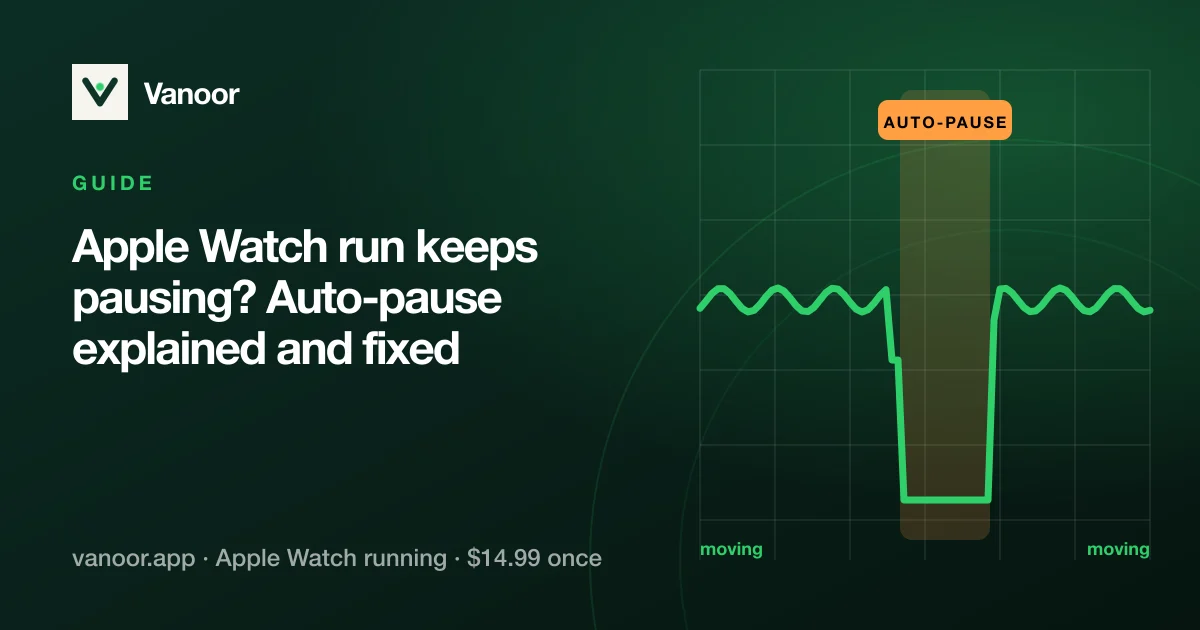
Auto-pause stops the workout clock when you stop moving (a traffic light, a gate, tying a lace) and restarts it when you move again, so your average pace isn't ruined by standing still. It runs off speed: when speed drops below a threshold for a few seconds the workout pauses; when it climbs back above another threshold it resumes. Everything depends on how reliable that speed signal is.
Why it misfires
- GPS dropouts. Under a bridge, beside tall buildings, under dense trees, the Watch briefly loses a fix and the speed estimate collapses toward zero, so the run "pauses" while you're running at 5:00/km. This is the classic "keeps pausing" complaint.
- Walk breaks. A slow, shuffling walk can sit under the pause threshold. If you do run/walk, auto-pause and a slow walk fight each other.
- Hills and trails. Hiking a steep climb at 1.5 km/h is legitimately "stopped" to a speed-based detector.
- Track sessions on the recovery jog. Same problem, at the slow end.
- Wrist detection and Water Lock are different features, but a paused-looking screen after a splash is sometimes Water Lock, not auto-pause.
Where the setting is on Apple's Workout app
On the Watch: Settings → Workout → Auto-Pause (it applies to Outdoor Run and Outdoor Walk). Or on the iPhone: Watch app → Workout → Running Auto Pause. Turn it off for intervals, trail runs, run/walk sessions and anything under heavy tree cover; leave it on for road runs through town. The setting is global, with no per-workout switch, which is the main reason people end up toggling it every week.
What good auto-pause looks like
Three properties keep it from misfiring: a low pause threshold (slower than a walk, so a walk doesn't pause you), a dwell time so one noisy speed sample can't trigger anything, and hysteresis, meaning the resume threshold sits higher than the pause threshold so the clock doesn't flicker at the boundary. Vanoor adds a fourth rule: two sensors must agree. It pauses only when the step-based distance has stopped growing and either the pedometer or a trustworthy GPS speed (at or below 0.6 m/s, about 2.2 km/h, slower than a walk) also says you're standing still, and both must hold for 7 seconds (4 on the Standard setting). A missing reading never counts as a stop. It resumes after speed stays at or above 1.2 m/s for 1.5 seconds, or as soon as the pedometer sees you stepping again. So a GPS hole under a bridge or a cadence drop-out under trees can't trip it, while a real stop at a light does, well inside the red phase.
Vanoor has one more rule: a manual pause is never auto-resumed. If you pressed pause, only you can restart it, because the detector only releases pauses it started itself.
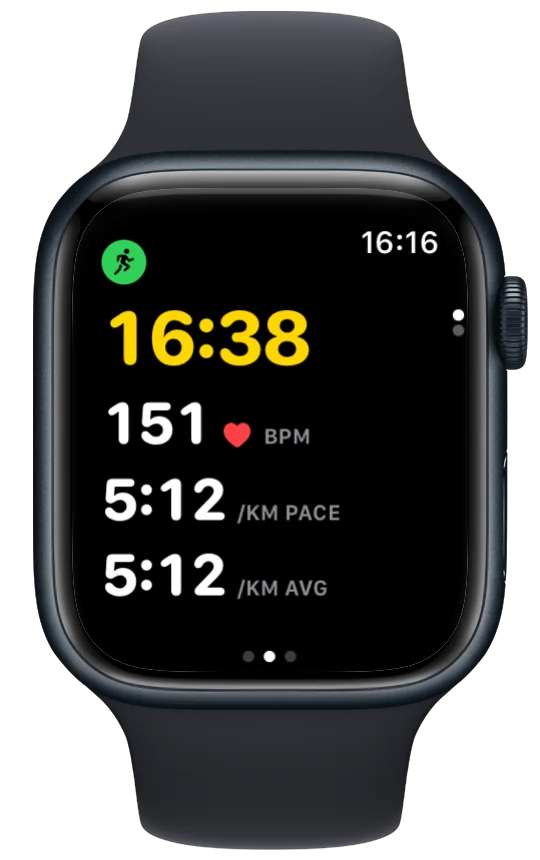
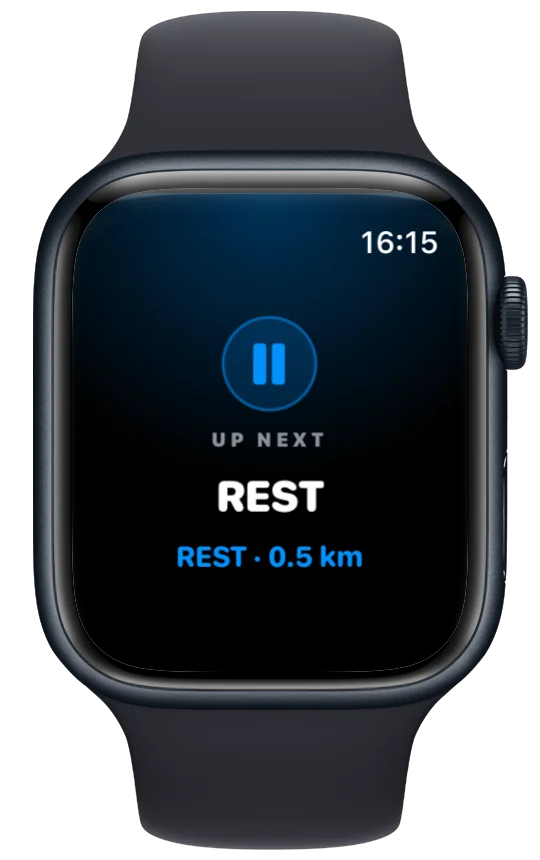
The side-and-crown pause: pausing on purpose
Pressing the side button and the Digital Crown together pauses (and resumes) the workout on any Apple Watch app that supports it, Vanoor included. It's the reliable way to stop at a café; the auto-pause is for the stops you don't plan.
What a pause does to your data
Paused time is excluded from moving time and average pace but kept as elapsed time. Apple Health records both; Strava shows "moving time" and "elapsed time" separately, so a run with three traffic-light pauses looks exactly like it should. Auto-pause only changes the clock, never the distance or the route line.
Apple Watch auto-pause: quick answers
Why does my Apple Watch keep pausing my run?
Auto-pause is on and the speed signal is dropping, usually because of GPS under trees or bridges, or a slow walk break. Turn auto-pause off for those runs, or use an app with a dwell time and hysteresis.
How do I turn off auto-pause on Apple Watch?
Watch: Settings → Workout → Auto-Pause. iPhone: Watch app → Workout → Running Auto Pause.
Does auto-pause work without the iPhone?
Yes. It uses the Watch's own GPS speed, so it is only as good as that GPS, which is why the dwell time matters.
Will auto-pause restart a run I paused myself?
Not in Vanoor: a manual pause is only ever released by you. Auto-resume applies solely to pauses the detector started.
Last checked 18 September 2026.
Sources
- Apple. Change settings in Workout on Apple Watch (watchOS User Guide). support.apple.com
- Apple. Start a workout on Apple Watch (watchOS User Guide). support.apple.com
Read 23 September 2026.
Related guides
Picked by shared topics.
Keep the Watch. Upgrade the run.
Vanoor: offline route navigation, race pacing and structured workouts on the Apple Watch you already own.
Get Vanoor on the App Store 7-day free trial · $14.99 once, no subscription · no account