 Vanoor
Guide
Apple Watch current pace: why the number jumps, how to fix it, and how to set pace alerts that actually help
On this page
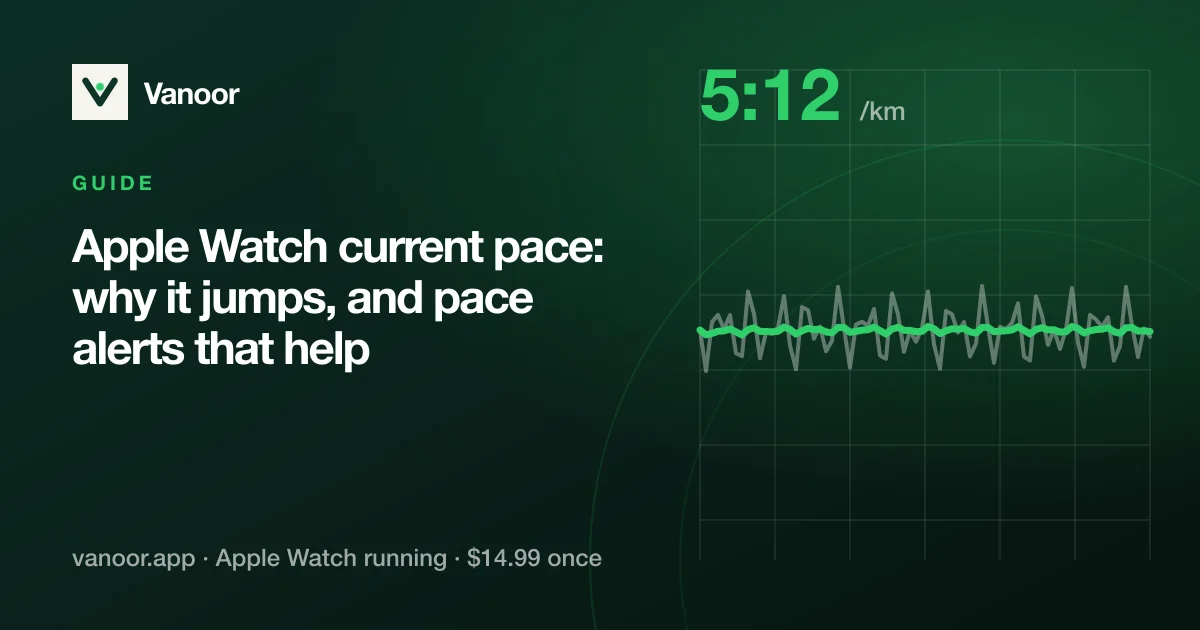
Every runner has looked at the wrist mid-tempo, seen 4:38, then 5:12, then 4:51 without changing anything, and stopped trusting the number. Current pace on an Apple Watch isn't broken. It is the hardest running metric to measure well, and different apps make very different choices about it. Below is what's going on, and how to get a pace you can actually run by.
Current, rolling and average pace: which one are you looking at?
- Average pace is total distance over total time. It is rock-steady and useless for steering: after 5 km, a 30-second surge barely moves it.
- Rolling pace is your pace over the last kilometre or mile. It's smooth, but it tells you what you did four minutes ago.
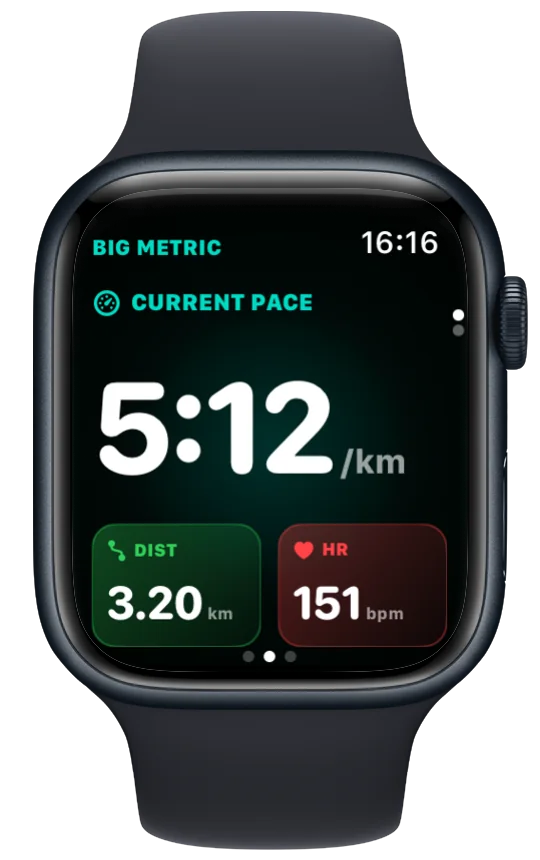
- Current pace is an estimate of your speed right now, from the last few seconds of data. This is the one that jumps, and the one you need for intervals and race pacing.
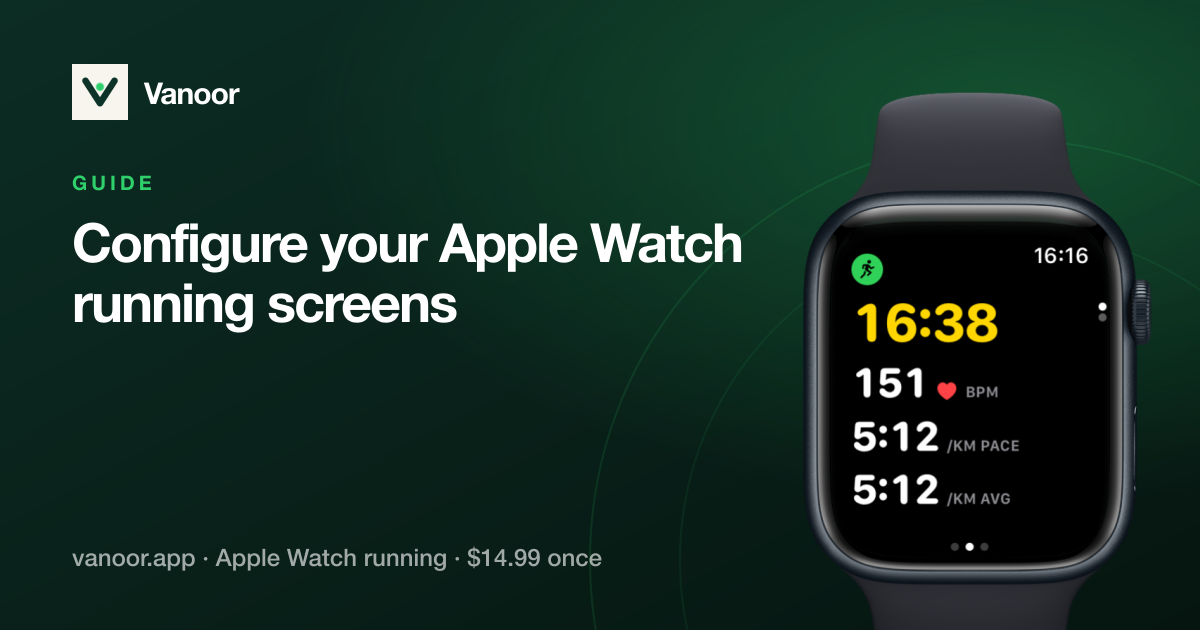
Apple's Workout app shows all three (you pick which in the workout view settings). Most of the "my Apple Watch pace is wrong" complaints are about current pace on a screen that also shows rolling or average pace, where three numbers give three different answers.
Why current pace jumps
GPS positions come once a second and each has a few metres of error. At 5:00/km you cover 3.3 m per second, so an error of 2 m on one fix is a 60% error in that second's speed. Raw GPS speed is unusable on its own, and every watch smooths it. The trade-off is lag vs. jitter: average over 3 seconds and it jumps; average over 30 and it takes half a minute to notice you sped up. Tree cover, tall buildings and tight turns make the raw data worse and push apps toward longer, laggier smoothing.
Since watchOS 9, the Watch also has a better source than GPS alone: Apple fuses the accelerometer (your stride) with GPS and a learned calibration into a running speed that updates every second and doesn't depend on a clean sky view. It is the reason recent Watches pace better under trees than a GPS-only watch, and it is what a good app should be reading.
How Vanoor calculates live pace
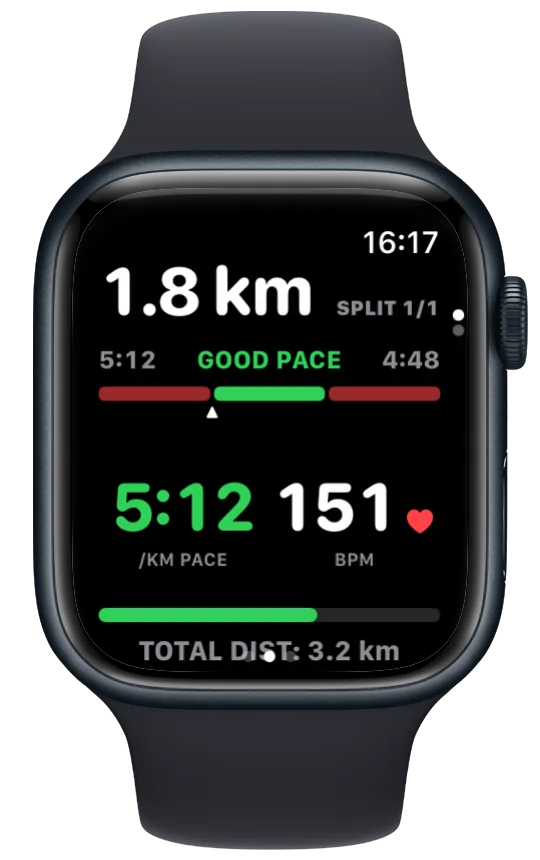
Vanoor's current pace uses Apple's sensor-fused running speed as the primary source, with the pedometer and then GPS Doppler speed as fallbacks on older Watches. On top of that sits one short exponential filter tuned so the number settles within a few seconds after you change pace and holds steady when you don't. The result is a pace you can hold to ±5 seconds on a track without the number twitching, which is how a dedicated running watch behaves.
Pace alerts on Apple Watch: value vs range
Apple's Workout app offers a Pace Alert for outdoor runs: choose a single value (buzz when slower or faster than 5:00) or a range (buzz when outside 4:50–5:10), and whether it watches current, rolling or average pace. For a race, set it to range + rolling pace, which is calm enough not to nag on every bend. Use value + current pace only if you want an immediate slap for slowing down.
Vanoor treats the pace band as part of the plan rather than a global setting: every step of a workout or race plan carries its own band, the wrist shows whether you're in it, and a haptic fires when you drift out and again when you're back. Warm-up at 6:00, reps at 4:20–4:30, recovery open, and you never re-configure the alert between blocks.
Tips for a more accurate pace, whatever app you use
- Calibrate. Run 20 minutes outdoors with the iPhone along at a steady pace in open sky; the Watch learns your stride and the fused speed gets better for phone-free runs.
- Wait for GPS. Starting while the Watch is still locating gives a bad first kilometre. Ten seconds of standing still outside is enough.
- Use the right pace for the job: current pace on intervals, rolling pace for race steering, average pace for the finish-time maths.
- Don't chase the number every second. A pace band, with the number inside it, is what elite pacers use; the exact value matters less than the trend.
- On a treadmill, the Watch is guessing from your stride; calibrate outdoors first and expect a few percent of error.
Apple Watch pace: quick answers
Why is my Apple Watch pace not accurate?
Usually it is accurate but you're reading current pace, which reflects the last few seconds and moves with every GPS fix. Compare with rolling pace, and let the Watch calibrate on an open-sky run.
The same jumpiness shows up in Strava's Watch app, for the same reasons; Strava and Apple Watch problems has the Strava-specific fixes.
Which Apple Watch running app shows current pace?
Apple's Workout app (choose it in the view settings) and most third-party apps. The difference is smoothing: Vanoor's live pace uses Apple's fused running speed with a short filter, so it is both steady and quick to react.
Can Apple Watch alert me when I'm going too slow?
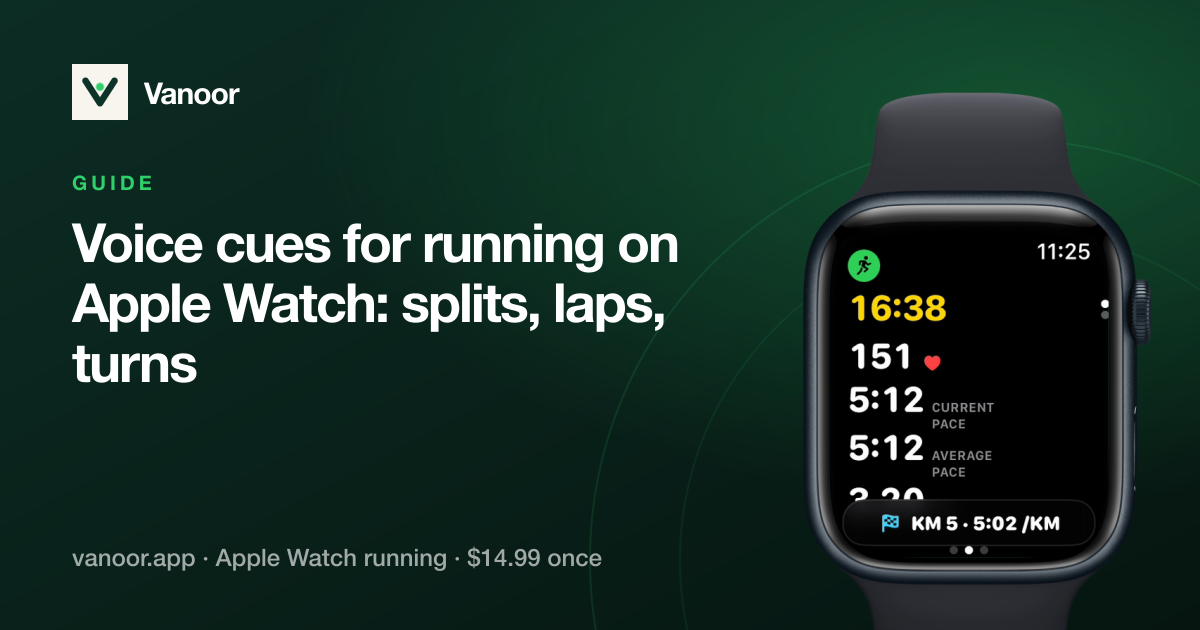
Yes, with Pace Alerts in the Workout app (value or range). In Vanoor every planned step can carry its own pace band; switch on the Off-pace alert (Settings → Alerts) and the Watch taps your wrist when you leave it. It can also say "Speed up" or "Slow down" out loud; see voice cues for running.
Is Apple Watch pace accurate without the phone?
Yes on any GPS model; after a calibration run the fused running speed makes phone-free pace very close to phone-assisted. See running without your phone.
Last checked 18 September 2026.
Sources
- Apple. Workout views and running metrics on Apple Watch (watchOS User Guide). support.apple.com
- Apple. Change settings in Workout on Apple Watch (watchOS User Guide). support.apple.com
Read 23 September 2026.
Related guides
Picked by shared topics.
Keep the Watch. Upgrade the run.
Vanoor: offline route navigation, race pacing and structured workouts on the Apple Watch you already own.
Get Vanoor on the App Store 7-day free trial · $14.99 once, no subscription · no account