 Vanoor
Guide
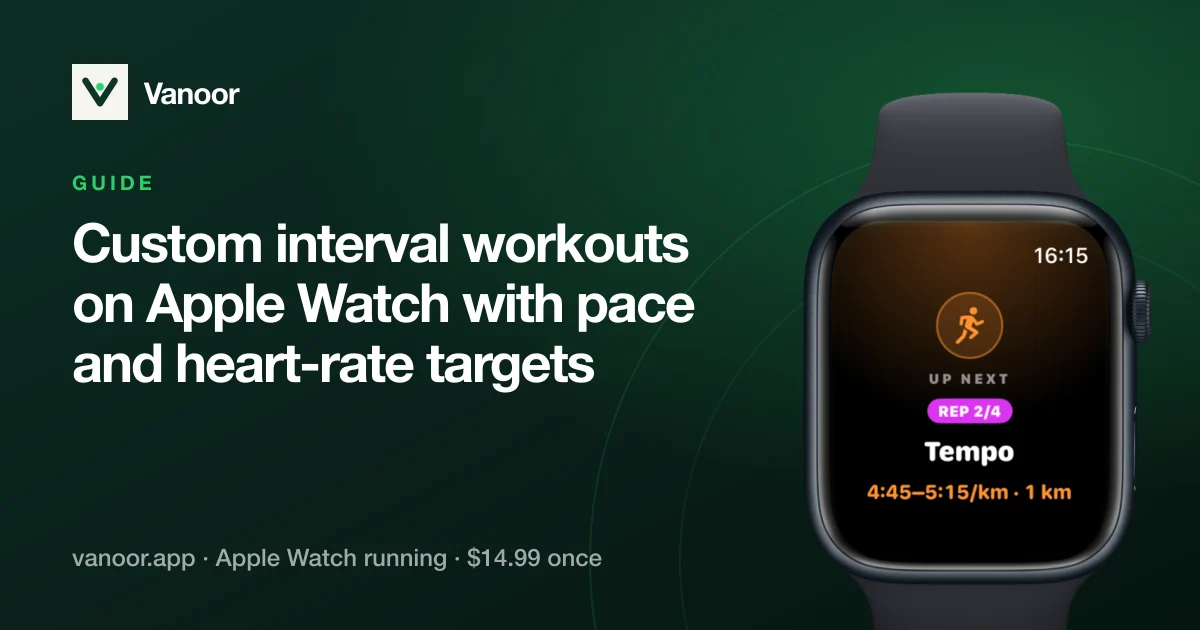
Custom interval workouts on Apple Watch, with pace and heart-rate targets that actually guide you
On this page
Structured training is where the Apple Watch's simplicity starts to get in the way. The Workout app can time intervals, but a coach's session like 6 × 1 km at threshold, 90 s jog, warm-up and cool-down easy needs more before the wrist can enforce it. This guide covers how custom interval workouts on Apple Watch work in Vanoor, what the Watch does at every step, and how they compare with Apple's built-in custom workouts.
Building a workout
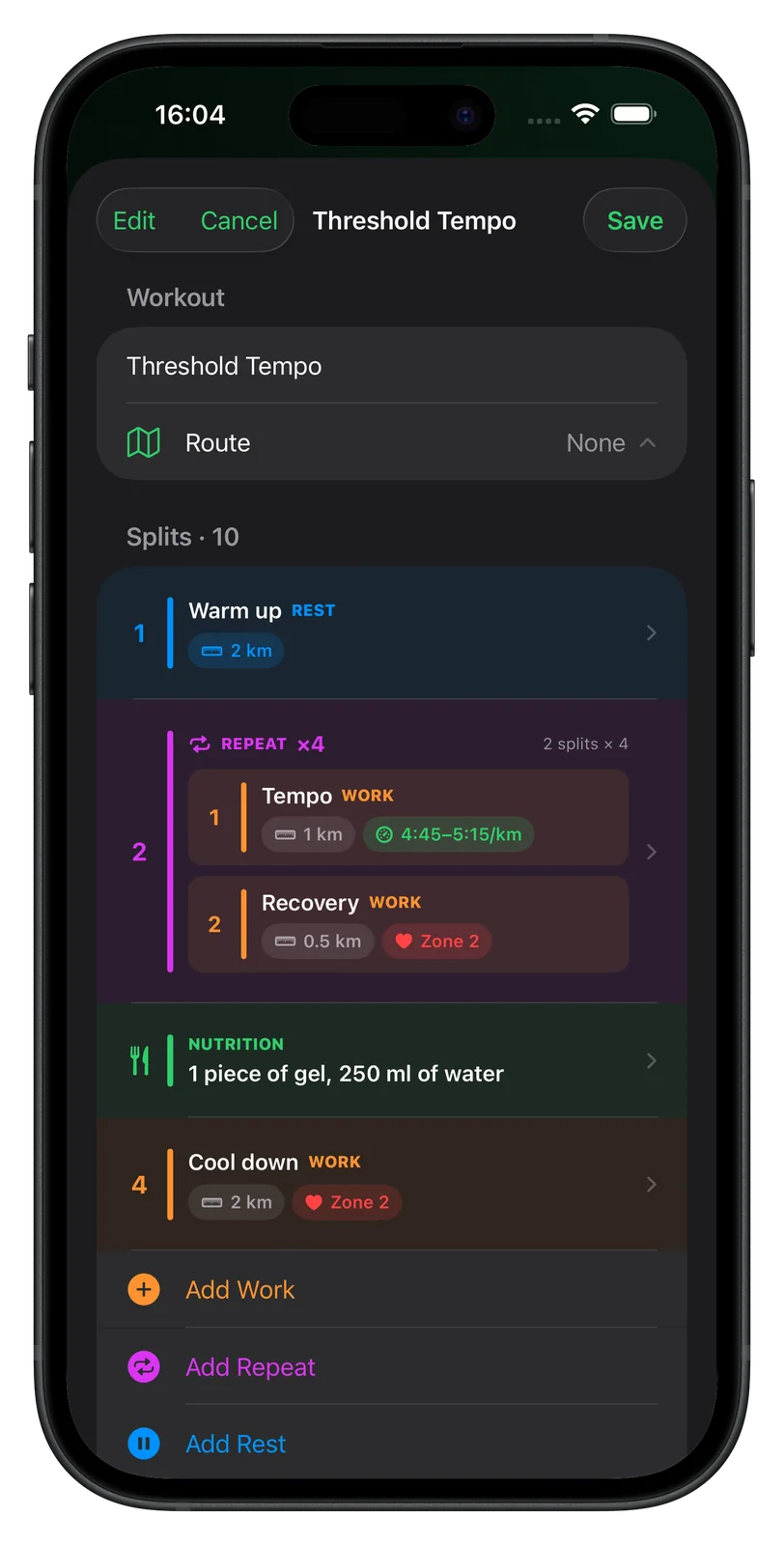
My Workouts → +. A workout is a list of steps; each step has an extent and a target:
- Extent: a distance (400 m, 1 km, 5 km…) or a duration (90 s, 20 min…).
- Target: open (no target), conversational (easy, by feel), a pace with a band (4:15/km ±15 s), a heart-rate zone (Z1–Z5), or a heart-rate range (140–150 bpm).
- Repeat blocks: group work + recovery and set the count (6 ×) instead of typing twelve steps.
- Fuel cues: a nutrition reminder at any time or distance.
Attach a GPX route if the session has a place (a track, a loop, a race course) and the map runs alongside the intervals. Save, and the workout syncs to the Watch.
Three sessions to copy
| Session | Steps | Targets |
|---|---|---|
| Threshold | Warm-up 2 km · 5 × (1 km + 90 s) · Cool-down 1.5 km | Easy · pace band at ~10K–half pace ±15 s · easy |
| Long run with quality | Easy 12 km · 6 km · Easy 2 km | Zone 2 · marathon pace band · conversational |
| Hills | Warm-up 15 min · 8 × (60 s + 2 min) · Cool-down 10 min | Easy · HR range 165–175 · open |
What the Watch does during the session
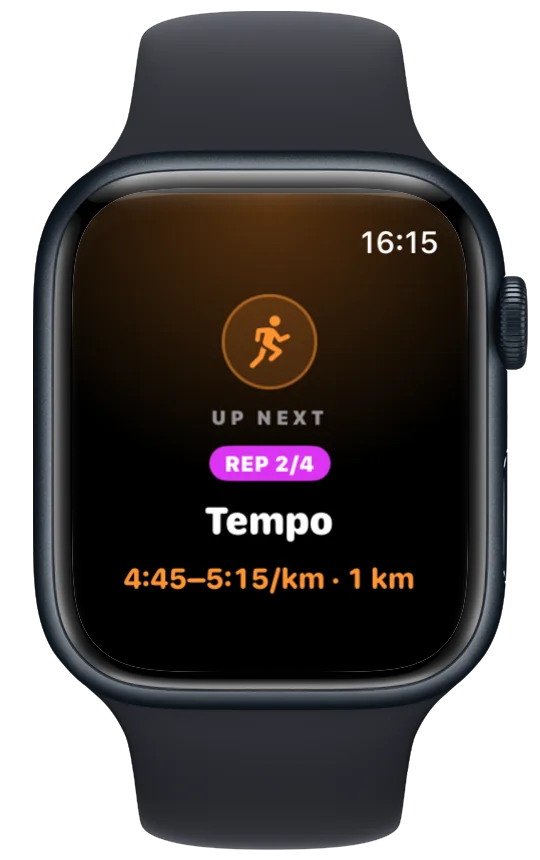
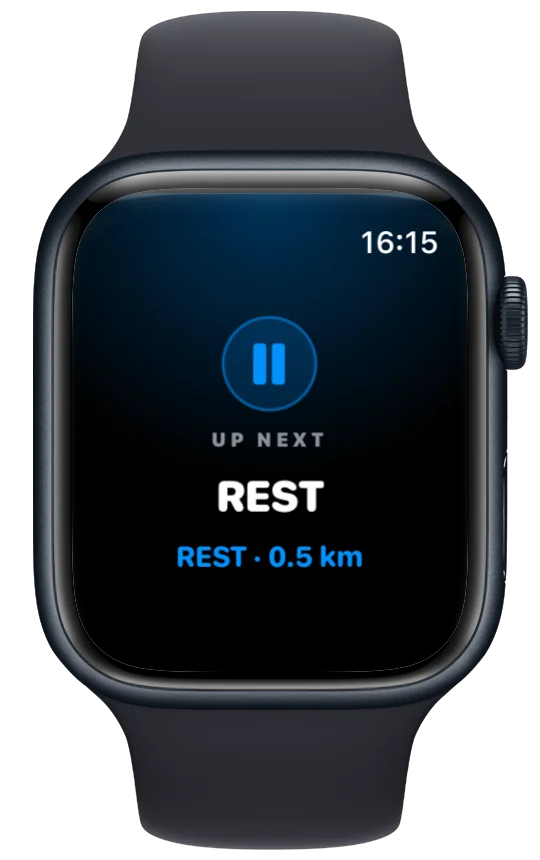
- Announces every step with a full-screen card and a buzz before it starts, so you know the target before you are in it.
- Shows the target band and your live pace (or heart rate) inside it, green when you are in and red when you are out, plus the distance or time left in the step.
- Pace and heart-rate off-target alerts, if you turn them on, tap you when you drift for more than a moment; you do not get nagged every second.
- Counts down the last seconds of a recovery with growing taps, so the next rep does not catch you off guard.
- Saves the whole session to Apple Health with every interval as a segment, and to Strava if connected.
Vanoor vs. Apple's built-in custom workouts
Apple's Workout app has had custom workouts since watchOS 9, and for simple sessions they are good. The differences that matter for structured running:
| Apple Workout app (custom workouts) | Vanoor | |
|---|---|---|
| Steps by distance or time | Yes | Yes |
| Pace target | Alert when outside a range | Band shown live on screen + optional alert |
| Heart-rate target | Zone or range alert | Zone or range, shown live + optional alert |
| Repeat blocks | Yes | Yes |
| Fuel / nutrition cues | No | Yes, at any time or distance |
| Route attached to the session | No (Race Route re-runs your own recorded routes only) | Any GPX or drawn route, with offline map |
| Race pacing plan from a goal time | Pacer (even pace only) | Negative / even / positive split planner |
| Where you build it | On the Watch, or on the iPhone in Fitness (iOS 26+) | On the iPhone, synced to the Watch |
| Price | Free | $14.99 once, 7-day trial |
Apple feature availability checked against Apple's watchOS documentation on 18 September 2026; details vary by watchOS version.
Two related tools: a metronome or cadence on Apple Watch for form work inside an interval, and the AI running plan import when a coach or a chatbot wrote the week for you.
Sources
- Apple. Start a workout on Apple Watch (watchOS User Guide). support.apple.com
- Apple. Change settings in Workout on Apple Watch (watchOS User Guide). support.apple.com
Read 23 September 2026.
Related guides
Picked by shared topics.

Keep the Watch. Upgrade the run.
Vanoor: offline route navigation, race pacing and structured workouts on the Apple Watch you already own.
Get Vanoor on the App Store 7-day free trial · $14.99 once, no subscription · no account