 Vanoor
Guide
Running cadence on Apple Watch: what the number means, how to change it, and a metronome on the wrist
On this page
Cadence (steps per minute, counting both feet) is the one running-form number that is cheap to measure, easy to change and backed by evidence. The Apple Watch counts it well, but it doesn't help you change it. For that you need a beat, and a metronome on the wrist does that job better than anything else.
What cadence is, and the 180 myth
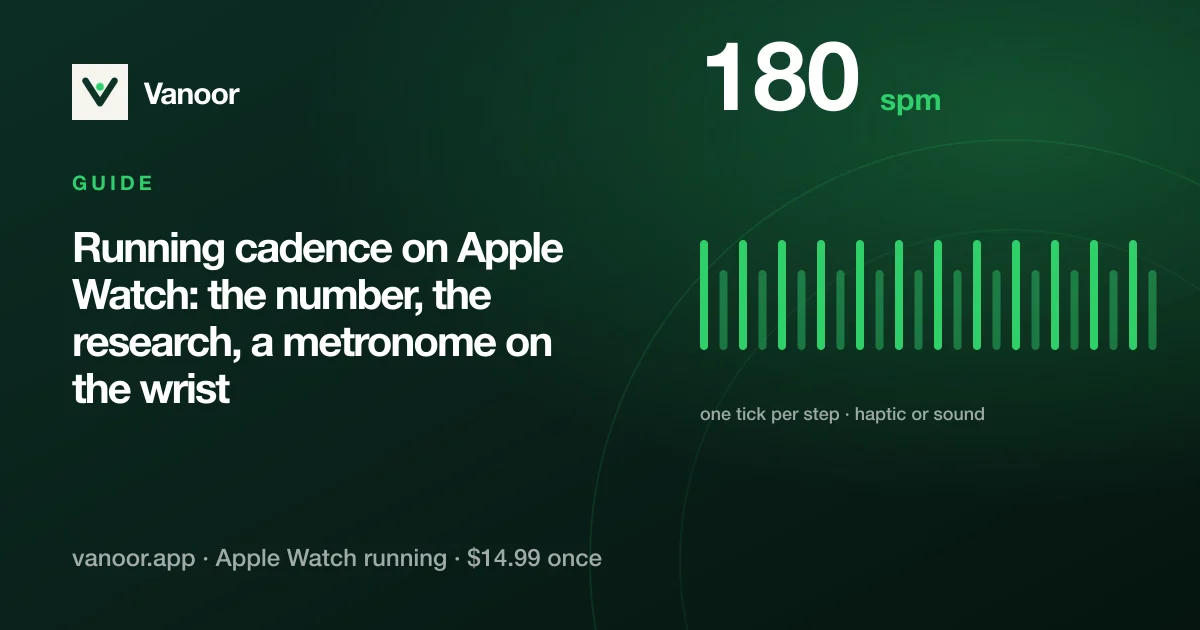
The "180 steps per minute" target comes from a coach's observation of Olympic distance runners in the 1980s. It describes elites running at 3:00/km; it says nothing about you at 5:30/km. Cadence rises naturally with speed, and recreational runners typically sit anywhere from 150 to 180 at easy pace. A more useful question than "am I at 180?" is "am I overstriding?", which means reaching the foot out in front of the body, landing on a straight leg and braking with every step.
What the research says about raising it
Heiderscheit and colleagues had 45 recreational runners run at a fixed speed while a metronome moved their step rate 5% and 10% above and below their preferred cadence. A 5–10% increase reduced the braking impulse, the vertical excursion of the centre of mass and the energy absorbed at the hip and knee (the loads associated with common running injuries), without changing speed [1]. So the practical target is your current cadence plus 5–10%, not 180. If you run at 160, aim for 168–176.
How accurate is Apple Watch cadence?
Very. The Watch counts steps from the wrist accelerometer, and arm swing is locked to the legs when you run, so the count is within a step or two of a foot pod. Two caveats: the first 10–15 seconds after you start are an estimate, and if you carry something in that hand (a phone, a dog lead) the swing changes and the count can drop. Cadence works on every Apple Watch model; it is saved to Apple Health with the run and shows on Strava.
Using a metronome to change it
Trying to "run faster steps" by feel lasts about 200 metres. A metronome works because you match a beat without thinking about it. Vanoor has one built in as a Watch screen:
- On the iPhone, add the Metronome screen to your run layout (Settings → Watch Screens).
- Set the target step rate, anywhere from 100 to 210 spm. Start at your current cadence plus 5%.
- Choose Haptic, Sound or both. The haptic tick fires on every other step by default (every step is optional); it is easy to feel and barely touches the battery.
- Run. The beat keeps going when you swipe to another screen.
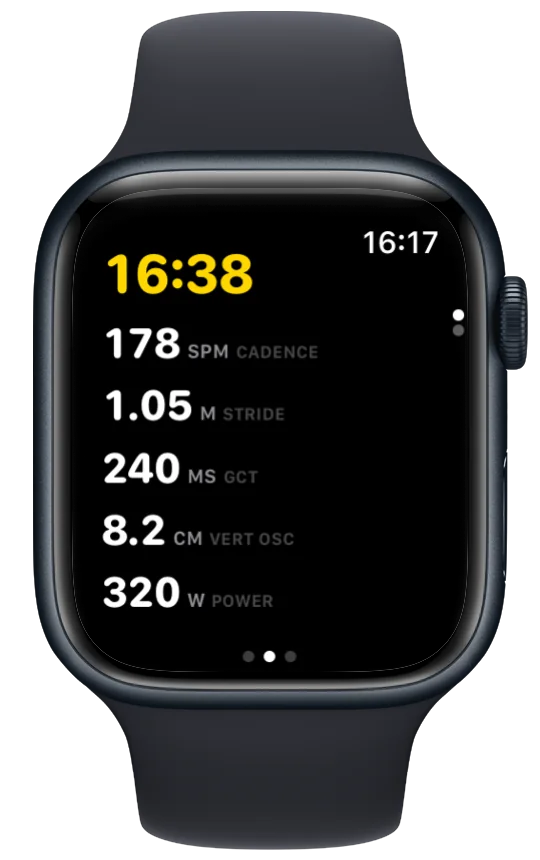
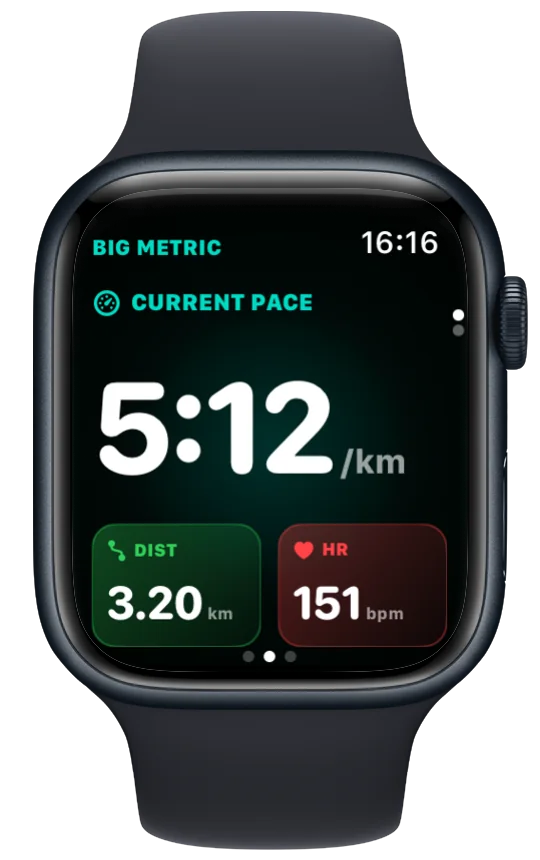
Use the metronome for 5–10 minutes of an easy run, two or three times a week, rather than for a whole session; the new cadence becomes habit within a few weeks, at which point you can switch the screen off and just check the number.
Cadence and the other form metrics
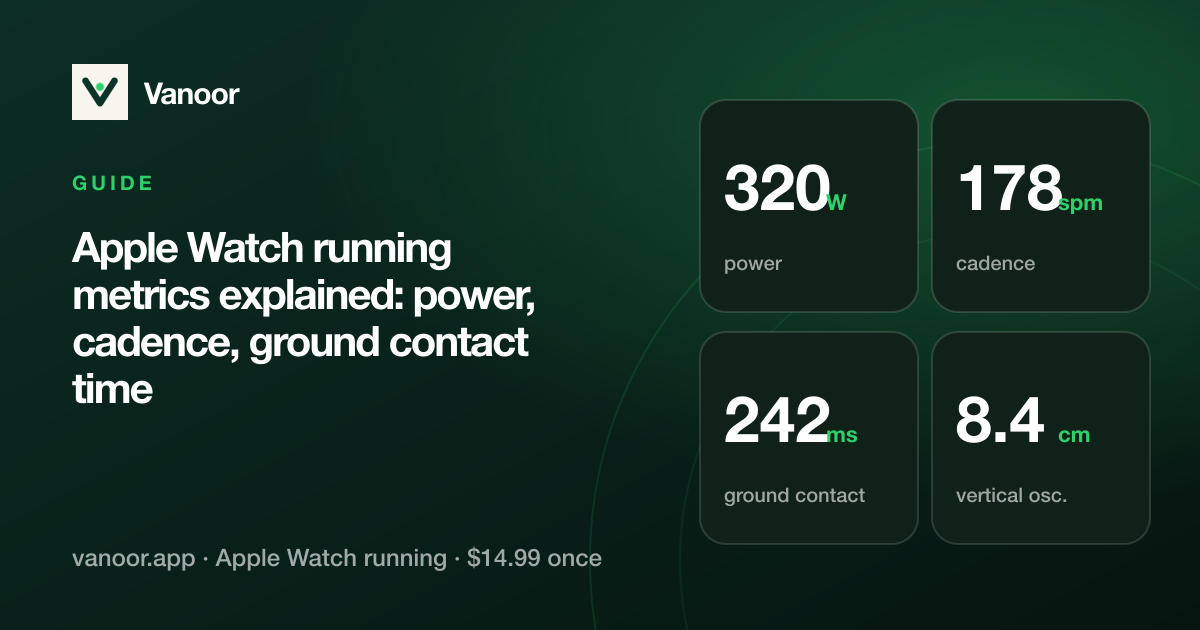
Raising cadence usually shortens stride length at the same pace (it has to, because pace is cadence × stride) and lowers ground contact time and vertical oscillation. If your Watch provides those, you'll see them move together; the running metrics guide explains each one. Cadence also drops as you tire in a long run, so watching it fall is an early warning that your form is going.
Cadence on Apple Watch: quick answers
Does Apple Watch have a running metronome?
Not built in. Vanoor adds one as a Watch screen with haptic or audio ticks at a step rate you set.
What is a good running cadence?
Whatever you run now plus 5–10% if you overstride; there is no universal number. 180 is an elite figure at elite speeds.
Does Apple Watch cadence sync to Strava?
Yes. Vanoor uploads the run with the cadence stream, and Apple Health stores it too.
Why does my cadence show as my heart rate?
That's the wrist heart-rate sensor locking onto your step rate ("cadence lock"), not a cadence problem. The chest strap guide explains the fix.
References
- Heiderscheit BC, Chumanov ES, Michalski MP, Wille CM, Ryan MB. Effects of step rate manipulation on joint mechanics during running. Med Sci Sports Exerc. 2011;43(2):296–302. doi:10.1249/MSS.0b013e3181ebedf4
Last checked 18 September 2026.
Related guides
Picked by shared topics.
Keep the Watch. Upgrade the run.
Vanoor: offline route navigation, race pacing and structured workouts on the Apple Watch you already own.
Get Vanoor on the App Store 7-day free trial · $14.99 once, no subscription · no account