 Vanoor
Guide
Apple Watch with a chest strap: pairing, accuracy and heart-rate zones for running
On this page
The optical sensor on the back of an Apple Watch is good, and for steady running it is very good. It is also the first thing to struggle when you sprint, when it's cold, or when the band is loose. A chest strap fixes all three, and the Watch has supported Bluetooth heart-rate monitors for years. This guide covers how to pair one, when you actually need it, and what changes on the wrist.
When wrist heart rate is enough, and when it isn't
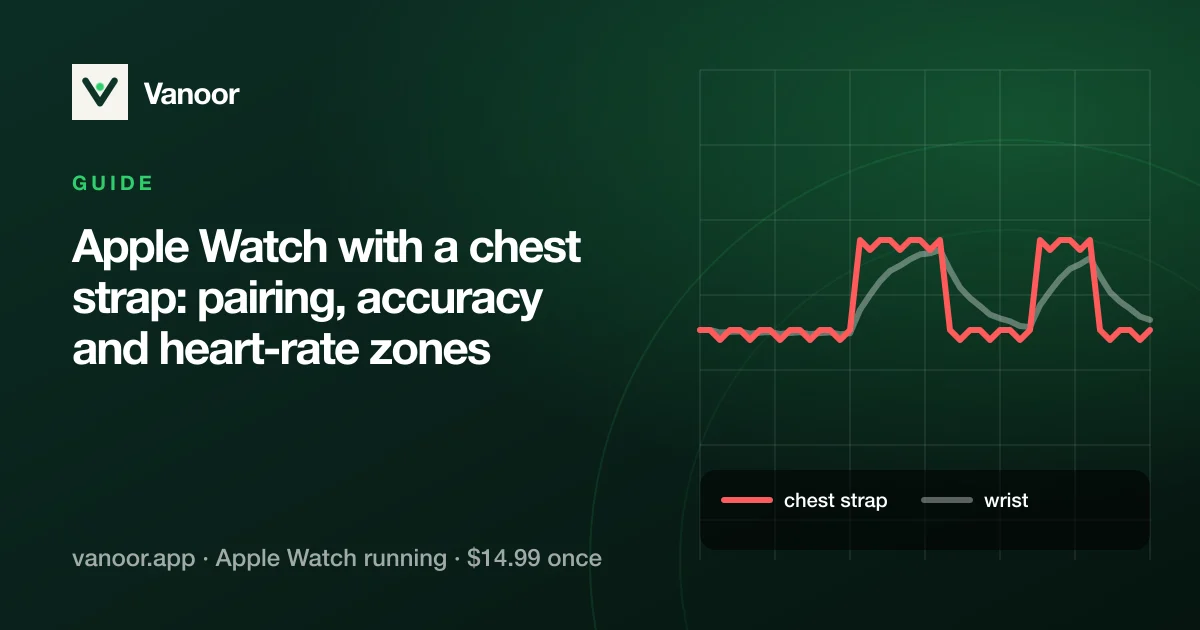
Optical wrist sensors read blood flow under the skin. On an easy run at a steady pace the reading tracks a chest strap within a few beats. The trouble starts when heart rate changes fast:
- Intervals. The wrist lags 10–30 seconds behind a strap at the start of each rep and often overshoots after it. For 400 m repeats the number is mostly history.
- Cold weather. Less blood at the skin, weaker signal, more dropouts.
- Cadence lock. A well-known failure: the sensor locks on to your step rate (say 170) and reports it as heart rate. If your "heart rate" equals your cadence, that's what happened.
- Loose or tattooed wrist, bony wrists, arm swing. Anything that moves the sensor or blocks the light.
If you train by heart-rate zones for intervals or threshold work, a strap is worth it. If you run easy and look at heart rate afterwards, the wrist is fine.
Pairing a chest strap to Apple Watch
The strap pairs to the Watch itself, not to the iPhone, and not inside a running app:
- Wet the electrodes and put the strap on (a dry strap gives no signal).
- On the Watch: Settings → Bluetooth. The strap appears under Health Devices within a few seconds.
- Tap it to pair. The Watch remembers it from then on.
- Start your run. As long as the strap is connected, the Watch uses it as the heart-rate source and every app that records the workout gets the strap's heart rate automatically.
Vanoor relies on this pairing, so there is nothing to configure in the app. Pair once in the Watch's settings, and Vanoor's live heart-rate screens, zone alerts and the run saved to Apple Health all use the strap. If the strap drops out mid-run, the Watch falls back to the wrist sensor so you never end up with no heart rate at all.
Which chest straps work with Apple Watch?
Any strap that speaks the standard Bluetooth heart-rate profile works, and that is nearly every strap sold today: Polar H9 and H10, Garmin HRM-Dual, HRM-Pro and HRM 200 (Bluetooth side), Wahoo TICKR, Coospo, Magene, and the arm-band optical sensors (Polar Verity Sense, Wahoo TICKR FIT, Coros HRM) which pair the same way. What does not work: ANT+-only straps (older Garmin HRM-Run and similar), and anything that only talks to its own app.
Arm bands are a good middle ground: optical like the Watch but on the upper arm where blood flow is steadier, no wet electrodes, and far better at intervals than the wrist. For beat-to-beat accuracy, a strap is still the most reliable.
Heart-rate zones on Apple Watch: what the strap changes
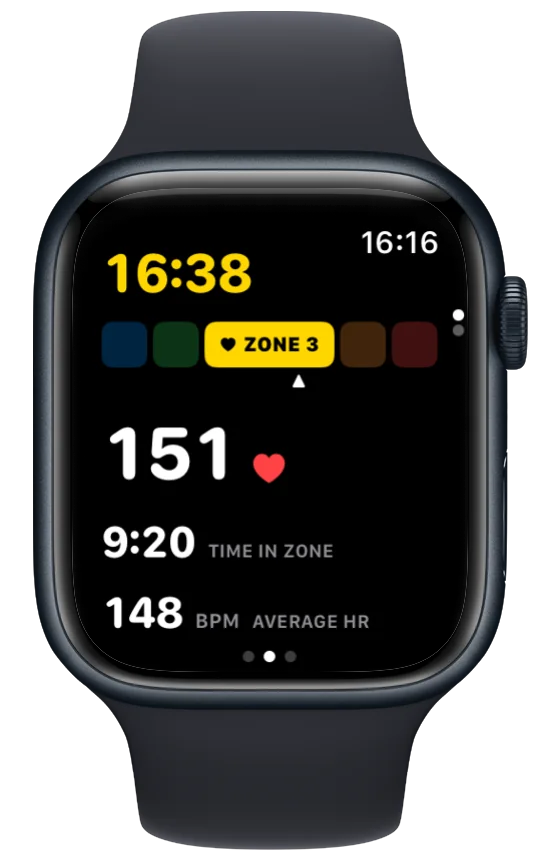
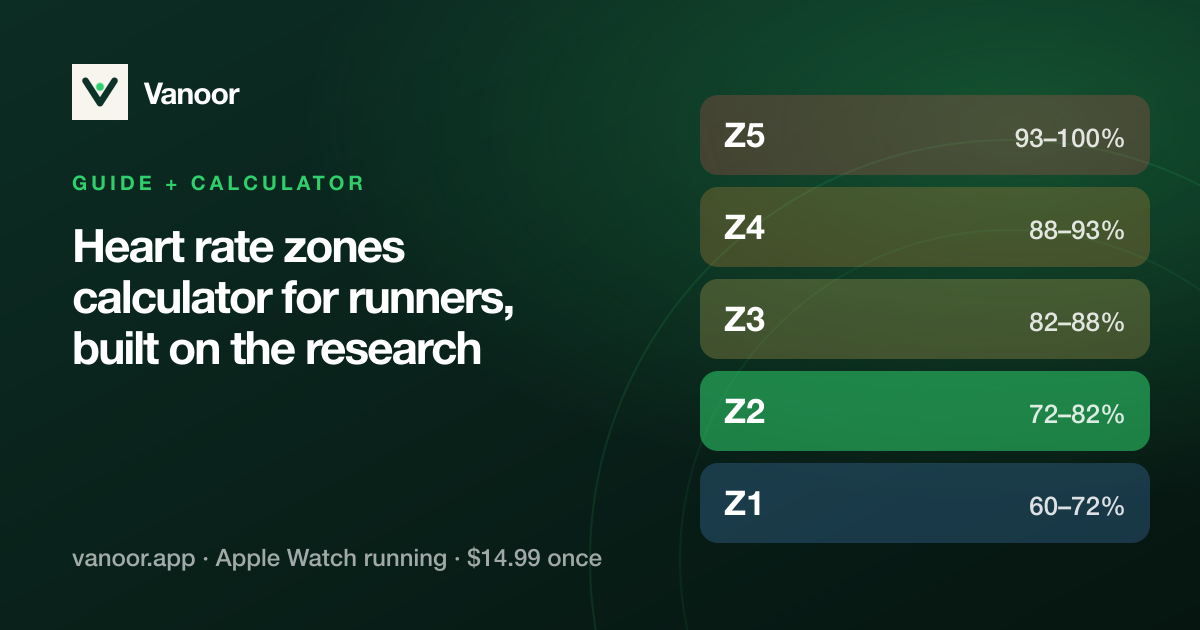
Apple calculates five zones from your health data (or your own custom boundaries in the Health app). The zones themselves don't change with a strap; the reading feeding them gets faster and cleaner, so zone alerts fire when they should instead of 20 seconds late. Two settings worth checking:
- Health app → Heart Rate → Heart Rate Zones: switch from Automatic to Manual if you know your threshold heart rate. Automatic zones are based on an estimated maximum and are often too high for well-trained runners.
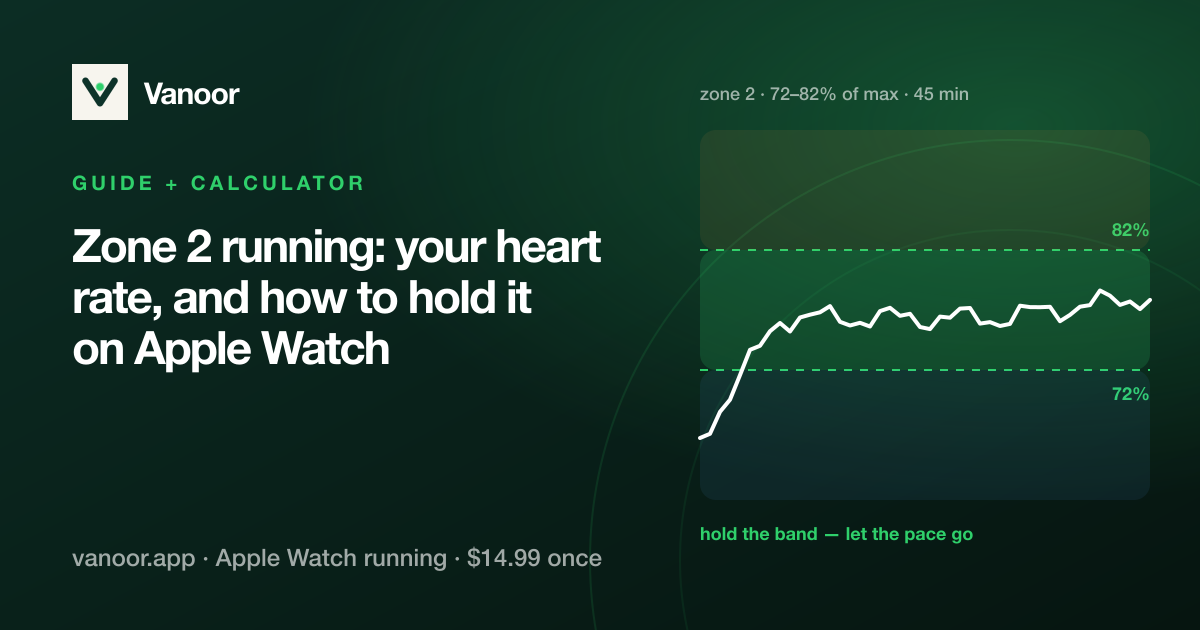
- Zone 2 runs: the most common reason "zone 2" feels impossibly slow is an automatic max that is 10 beats too high, so correct the zones before you change how you run.
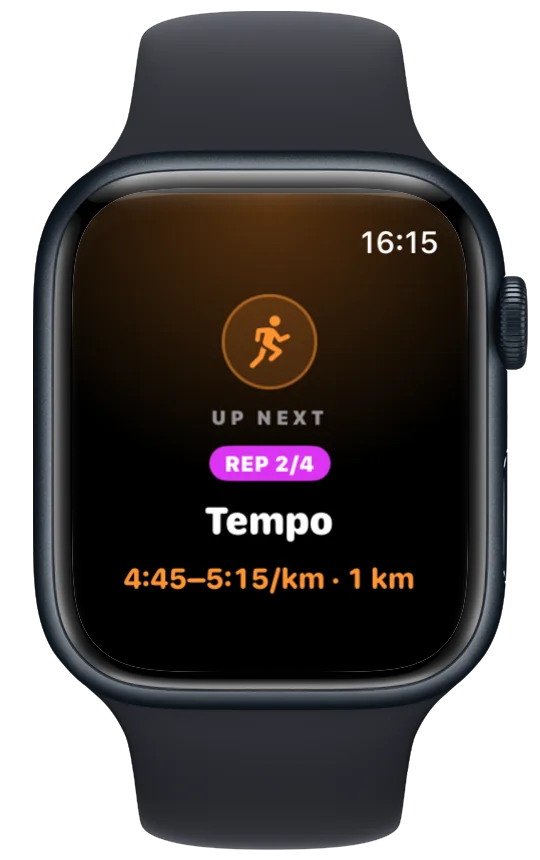
In Vanoor, an interval step can target a zone ("Recovery · 500 m · Zone 2"); with the heart-rate alert on in Settings → Alerts, the Watch buzzes when you leave it. The interval workouts guide shows how pace and zone targets mix in one session.
Does the strap heart rate reach Apple Health and Strava?
Yes. The Watch writes the strap's samples into the workout, the workout saves to Apple Health, and Vanoor uploads the run with that heart-rate series to Strava (see why Strava needs a direct upload). Strava shows the same trace a Garmin user would get from the same strap.
Heart rate missing on a Strava activity is usually a permissions problem rather than a strap problem; Strava and Apple Watch problems walks through it.
Apple Watch chest strap: quick answers
Can Apple Watch connect to a chest strap?
Yes: Settings → Bluetooth on the Watch, under Health Devices. Any Bluetooth heart-rate strap works.
Does the strap replace the wrist sensor completely?
While it's connected, yes: the Watch uses the strap as the source. If the strap disconnects, the wrist sensor takes over automatically.
Do I need to pair the strap inside the running app?
No. Vanoor deliberately has no in-app pairing: the Watch's own pairing is more reliable, uses less battery and works for every app at once.
Is the Apple Watch heart rate accurate enough without a strap?
For steady runs, yes. For intervals, hills and cold weather, a strap or arm band gives cleaner zones. See running metrics explained for what else the Watch measures.
Last checked 18 September 2026.
Sources
- Wang R, Blackburn G, Desai M, et al. Accuracy of wrist-worn heart rate monitors. JAMA Cardiol. 2017;2(1):104–106. doi:10.1001/jamacardio.2016.3340
- Apple. Workout views and running metrics on Apple Watch (watchOS User Guide). support.apple.com
Read 23 September 2026.
Related guides
Picked by shared topics.
Keep the Watch. Upgrade the run.
Vanoor: offline route navigation, race pacing and structured workouts on the Apple Watch you already own.
Get Vanoor on the App Store 7-day free trial · $14.99 once, no subscription · no account