 Vanoor
Guide
Apple Watch running metrics explained: power, cadence, ground contact time, vertical oscillation
On this page
- The five metrics, in plain words
- Running power on Apple Watch: what it means and how accurate it is
- Cadence and stride length: the pair that explains your pace
- Ground contact time and vertical oscillation
- Which metrics deserve a screen?
- Which Apple Watch models have these metrics?
- Apple Watch running metrics: quick answers
- Sources
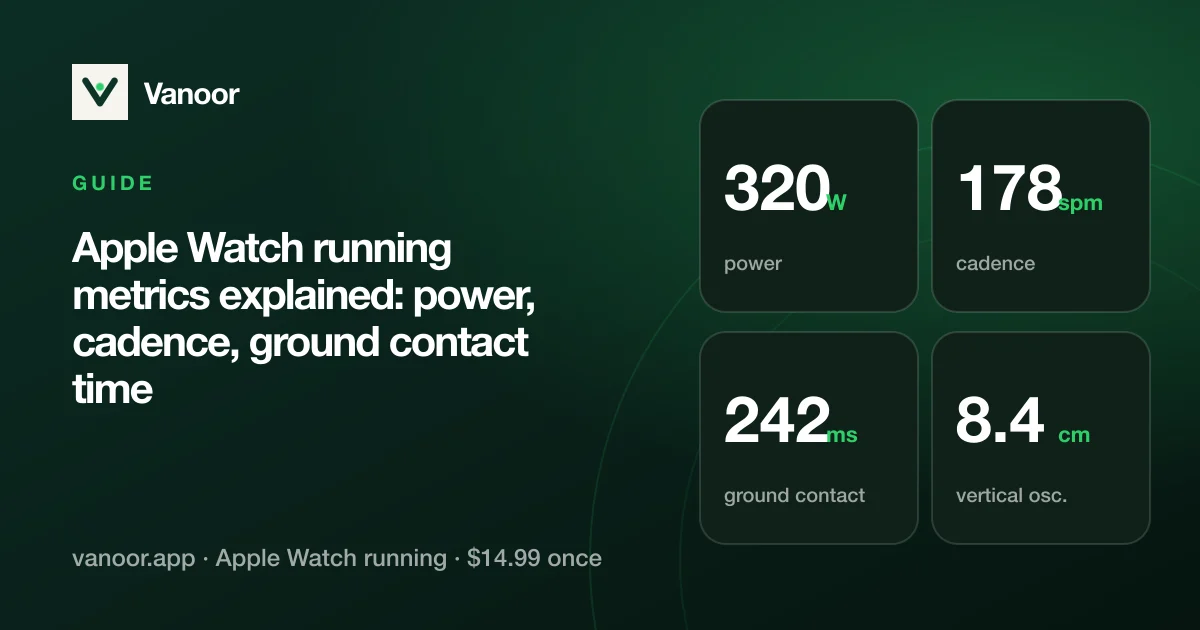
Since watchOS 9 the Apple Watch measures more than pace and heart rate: running power, cadence, stride length, ground contact time and vertical oscillation. Apple's Workout app buries most of them in a summary you read afterwards. Here is what each one means, what a normal number looks like, and which ones deserve a place on your wrist while you run.
The five metrics, in plain words
| Metric | What it is | Typical range (recreational runners) | Why you'd watch it |
|---|---|---|---|
| Cadence | Steps per minute, both feet | 150–185 spm | The cheapest form fix: a few more, shorter steps usually mean less overstriding |
| Stride length | Metres covered per step | 0.9–1.4 m | Pace = cadence × stride length; it shows how you got faster |
| Ground contact time | Milliseconds each foot is on the ground | 200–300 ms | Drops as you get fitter and faster; creeps up when you fatigue |
| Vertical oscillation | How far your torso bounces per step | 6–10 cm | Energy going up instead of forward |
| Running power | Watts: the work you're doing | Roughly 2.5–4.5 W per kg | Effort that reacts instantly to hills and wind, unlike pace or heart rate |
Ranges are broad orientation values, not targets; elites sit outside them in the "better" direction on every row.
Running power on Apple Watch: what it means and how accurate it is
Apple estimates running power from the motion sensors, your weight and the terrain, with no foot pod. It is the one metric that reacts immediately: start a climb and the watts jump before your heart rate has noticed, while your pace is still telling you the wrong story. That makes it the best number for holding an even effort on hilly courses, trails and into headwinds.
There are two caveats. Apple's watts are not on the same scale as Stryd's or Garmin's, because each company uses its own model, so "300 W" on the Watch is not "300 W" on a Stryd pod. Compare your Apple numbers only with your own Apple numbers. Power also needs a few seconds of steady running to settle, so it is noisy in the first strides of an interval. It works very well for a steady-state race; for 200 m repeats, use pace.
Cadence and stride length: the pair that explains your pace
Pace is simply cadence multiplied by stride length. Two runners at 5:00/km can get there very differently: 170 spm with a 1.18 m stride, or 158 spm with a 1.27 m stride. The second runner is probably reaching out in front of the body (overstriding), landing on a straighter leg and spending longer on the ground. The common coaching advice to "aim for 180" is a myth taken from elites; the useful version is "a bit more than you do now, when you feel yourself plodding".
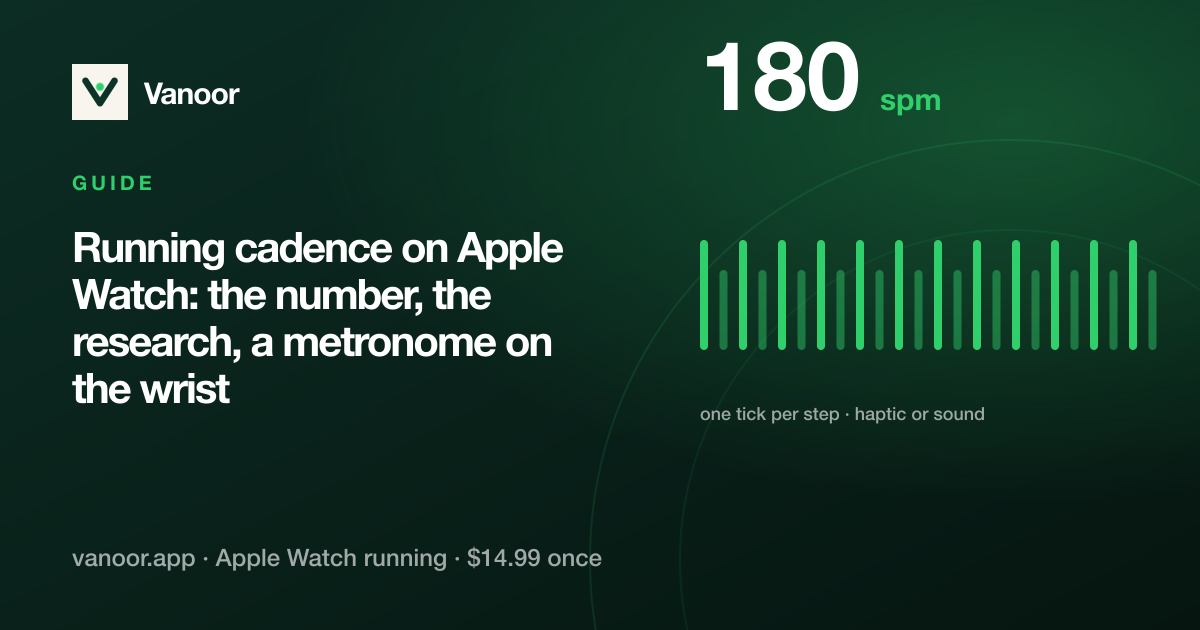
The Watch counts cadence from the wrist accelerometer and it is very reliable; stride length is derived from cadence and distance, so it inherits any GPS error. If you want to change cadence, a metronome works better than staring at a number: Vanoor's cadence screen ticks a haptic or audio beat at the step rate you set (100–210 spm).
Ground contact time and vertical oscillation
These two describe running economy, meaning how much of your energy goes forward. Ground contact time falls as you speed up and as you get fitter; when it rises during a long run at the same pace, you are tiring and your form is breaking down. Vertical oscillation is the bounce; lower is usually more economical, but chasing it directly tends to produce a shuffle. Both are best read as trends across weeks, not as live targets.
Apple derives them from the wrist, which is one step removed from the foot, so treat the absolute values as approximate and the trends as real. Chest-mounted pods measure them more directly; for most runners the trend is what matters and the Watch gives you that for free.
Which metrics deserve a screen?
- Easy runs: heart rate and cadence. Everything else is noise at easy pace.
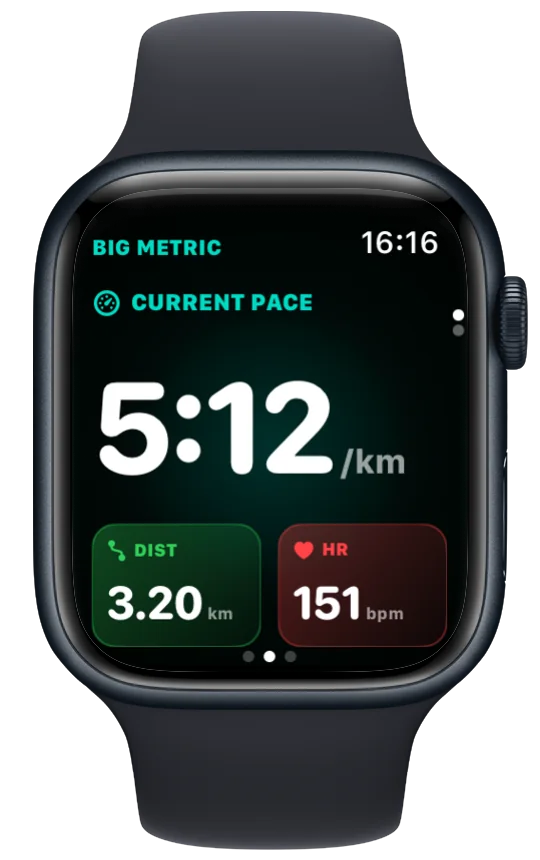
- Tempo and threshold: pace and power side by side, because power keeps you honest on the rises.
- Hills and trails: power big, pace small. Pace is meaningless on a 12% climb.
- Long runs: ground contact time in a corner, so you notice when form starts to fade.
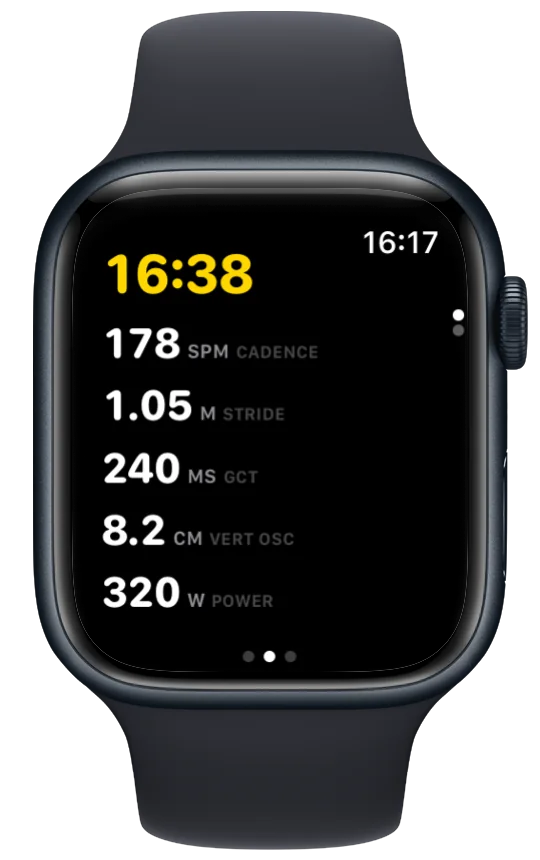
Apple's Workout app lets you customise views, but running dynamics live in the post-run summary. Vanoor lets you build the screens yourself on the iPhone (see which metrics belong where), and every value is saved to Apple Health with the run.
Which Apple Watch models have these metrics?
Running power, stride length, ground contact time and vertical oscillation arrived with watchOS 9 on the Apple Watch Series 6 and later, including the SE (2nd generation) and every Ultra. Cadence works on every model. If your Watch does not produce a metric, Vanoor simply leaves that field blank rather than inventing a value.
Apple Watch running metrics: quick answers
Is Apple Watch running power accurate?
It is consistent, which matters more than "accurate": the same effort gives the same watts, so it works for pacing by effort. It does not match Stryd or Garmin numbers, because each uses a different model.
What is a good running power for my weight?
Think in watts per kilogram: an easy jog is often 2.5–3 W/kg, a hard threshold effort 4 W/kg or more for well-trained runners. Establish your own threshold with a 20–30 minute steady hard run.
What is a good ground contact time?
Under 250 ms at moderate pace is common for trained runners; over 300 ms usually means slow pace or fatigue. Watch the trend across weeks, not one run.
Can I see these metrics live during a run?
Yes. Apple's Workout app shows some live views, and Vanoor lets you place any of them, in any size, on configurable Watch screens. The interval workouts guide shows how pace and heart-rate targets fit alongside them.
Last checked 18 September 2026.
Sources
- Apple. Workout views and running metrics on Apple Watch (watchOS User Guide). support.apple.com
- Heiderscheit BC, Chumanov ES, Michalski MP, Wille CM, Ryan MB. Effects of step rate manipulation on joint mechanics during running. Med Sci Sports Exerc. 2011;43(2):296–302. doi:10.1249/MSS.0b013e3181ebedf4
Read 23 September 2026.
Related guides
Picked by shared topics.
Keep the Watch. Upgrade the run.
Vanoor: offline route navigation, race pacing and structured workouts on the Apple Watch you already own.
Get Vanoor on the App Store 7-day free trial · $14.99 once, no subscription · no account