 Vanoor
Guide
Apple Watch battery for long runs and marathons: what drains it, and how to finish with charge to spare
On this page
- How long does an Apple Watch last on a GPS run?
- What actually drains the battery
- Settings to change before a long run
- Running without the phone: better or worse for battery?
- How Vanoor is built for long days
- Ultra and multi-day: when you need to charge on the move
- Apple Watch battery on runs: quick answers
- Sources
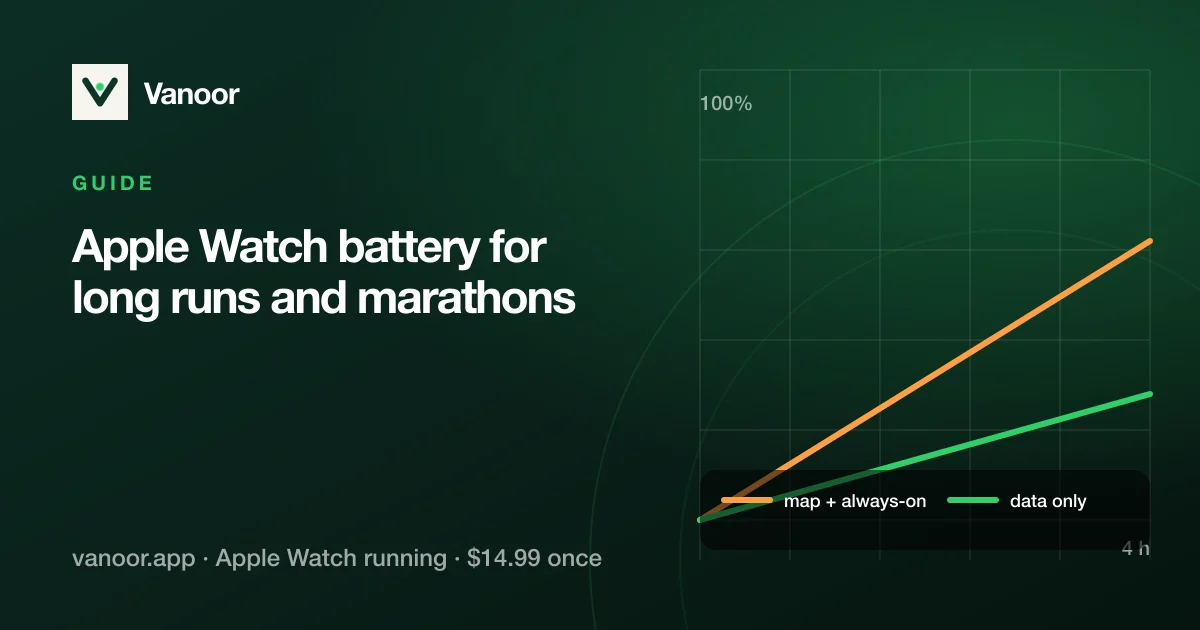
"Will my Apple Watch last the marathon?" is the most common question we get. On any recent model it will, comfortably, if the app you're running is careful with power. The battery on a GPS run is spent on four things: the GPS itself, the screen, the map, and the radios. Below is how each one behaves and what to change before a long day.
How long does an Apple Watch last on a GPS run?
Apple's own figures are a fair guide, and they jumped in September 2026:
| Model | Outdoor workout, GPS | Extended workout mode | Everyday use |
|---|---|---|---|
| Series 12 (2026) | 10 h | 25 h | 24 h |
| Ultra 4 (2026) | 18 h | 45 h (Max Extended) | 50 h |
| Series 9–11, SE | ~6–7 h | — | 18 h |
| Ultra / Ultra 2 / Ultra 3 | ~12 h | — | 36 h |
Apple's published figures, checked 23 September 2026.
In practice, a Series 12 now covers a 4-hour marathon with well over half the charge left, and even a slow first marathon fits inside its 10 hours. An Ultra 4 covers a 100 km day outright. On an older Series watch a long ultra still needs Low Power Mode or a charge on the move.
The figures assume Apple's own Workout app. A third-party app can do much better or much worse depending on how it draws the screen and whether it fetches map data over the air. That is why "Strava kills my Apple Watch battery" is such a common search.
What actually drains the battery
| Drain | How much | What to do |
|---|---|---|
| GPS | Baseline; unavoidable outdoors | Nothing on a marathon. On an ultra: Low Power Mode with fewer readings. |
| Screen always-on | Significant | Keep always-on, but choose an app whose always-on view is simple and dark. |
| Live map redraws | Large, if the map is on screen all the time | Look at the map when you need it; run with a metrics screen the rest of the time. |
| Map tiles over the air (LTE/Wi-Fi) | Very large | Use an app that stores the map offline before the run. |
| Bluetooth to a phone in your pocket | Moderate | Leave the phone home (see below) or keep it; the Watch copes. |
| Music streaming from the wrist | Large | Sync playlists to the Watch; don't stream over LTE. |
| Haptics, audio cues | Small per cue; adds up | Cues at transitions, not every 10 seconds. |
Settings to change before a long run
- Charge to 100% the night before, and top up while you're getting dressed. The Series charges fast, and the last 20% is what gets you to the finish line.
- Workout Low Power Mode (Settings → Workout → Low Power Mode) for anything over 5–6 hours. The "Fewer GPS and heart rate readings" option is for ultras; it makes the track coarser, so leave it off for a road marathon.
- Wrist raise off, always-on on. Counter-intuitive, but a stable dim always-on view uses less than the screen flashing to full brightness at every glance.
- Turn off cellular if you don't need it. LTE searching for signal in a stadium or a forest is a silent drain.
- Close other apps before you start, music and podcast apps in particular.
If it is Strava's own Watch app that empties the battery, Strava and Apple Watch problems covers that case on its own.
Running without the phone: better or worse for battery?
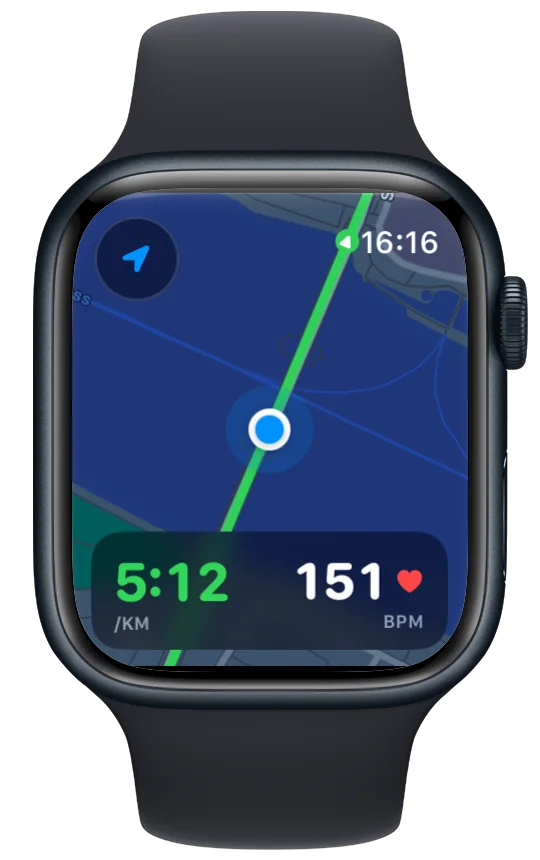
Slightly better. With the iPhone at home, the Watch stops mirroring notifications and stops keeping the Bluetooth link alive; GPS does the same work either way. What matters more is that your app doesn't need the phone for maps. With Map on Watch set to Offline, Vanoor sends the map tiles along the route when it syncs, so the Watch never asks the phone or the network for anything mid-run. More on that in route navigation without your phone.
How Vanoor is built for long days
We don't print a battery-hours number, because it depends on your Watch model, its age and the settings above; we would rather tell you what the app does to stay out of the way:
- No network at run time, if you want it. Set Map on Watch to Offline and the map tiles are rendered on the iPhone and shipped with the route, so the Watch never downloads a tile mid-run. The default live Apple Maps loads the map as you go.
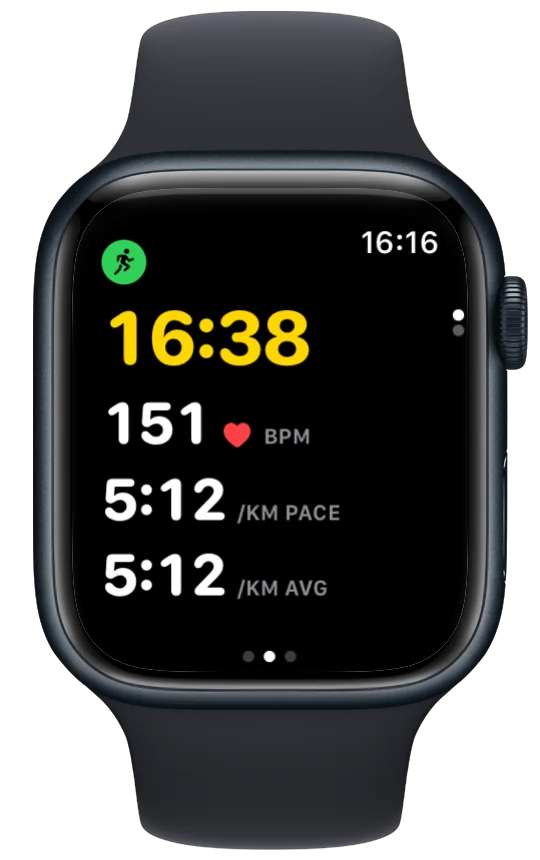
- Metrics screens don't render the map. Only the map page draws it, and only while it's on screen.
- The route line is simplified before it goes to the Watch, so a 50 km trail track is cheap to draw.
- A simplified always-on view, and haptics only at transitions (split change, off-route, fuel cue), never a buzz every few seconds.
- Buzzes first. Cues are haptic unless you switch spoken cues on in Settings → Alerts; with them off, nothing plays through the speaker.
Ultra and multi-day: when you need to charge on the move
Beyond the numbers above (roughly 10 hours on a Series 12, 18 on an Ultra 4, less on older models) you will need to charge mid-run. The Watch keeps recording while charging with the magnetic puck and a small power bank strapped to the forearm; Vanoor's workout continues in the background. Plan the charge at an aid station: 20 minutes on the puck buys a few hours.
Apple Watch battery on runs: quick answers
Will an Apple Watch last a marathon?
Yes, on any model from the last several years, with charge to spare, as long as the app doesn't stream maps or keep the map redrawing.
Does the map drain the Apple Watch battery?
Only while it's on screen, and much more if it's being downloaded. Offline tiles plus a metrics screen as your default page is the fix.
Why does Strava drain my Apple Watch battery?
Live segments, the phone link and a busy screen add up. Any app that fetches data over the air during the run costs more than one that has everything on the Watch beforehand.
Should I use Low Power Mode for a marathon?
Not necessary under about 5 hours; the normal mode gives the most precise track. Use it for ultras and hikes.
Sources
- Apple. Apple Watch Series 12 — Technical Specifications. apple.com/apple-watch-series-12/specs
- Apple. Apple Watch Ultra 4 — Technical Specifications. apple.com/apple-watch-ultra-4/specs
- Apple. Compare Apple Watch models. apple.com/watch/compare
Model figures re-checked 23 September 2026. Battery figures are Apple's published ratings; real-world numbers vary with model, age and settings.
Related guides
Picked by shared topics.


Keep the Watch. Upgrade the run.
Vanoor: offline route navigation, race pacing and structured workouts on the Apple Watch you already own.
Get Vanoor on the App Store 7-day free trial · $14.99 once, no subscription · no account